

Finding the Best Loadshedding Backup for Your Setup
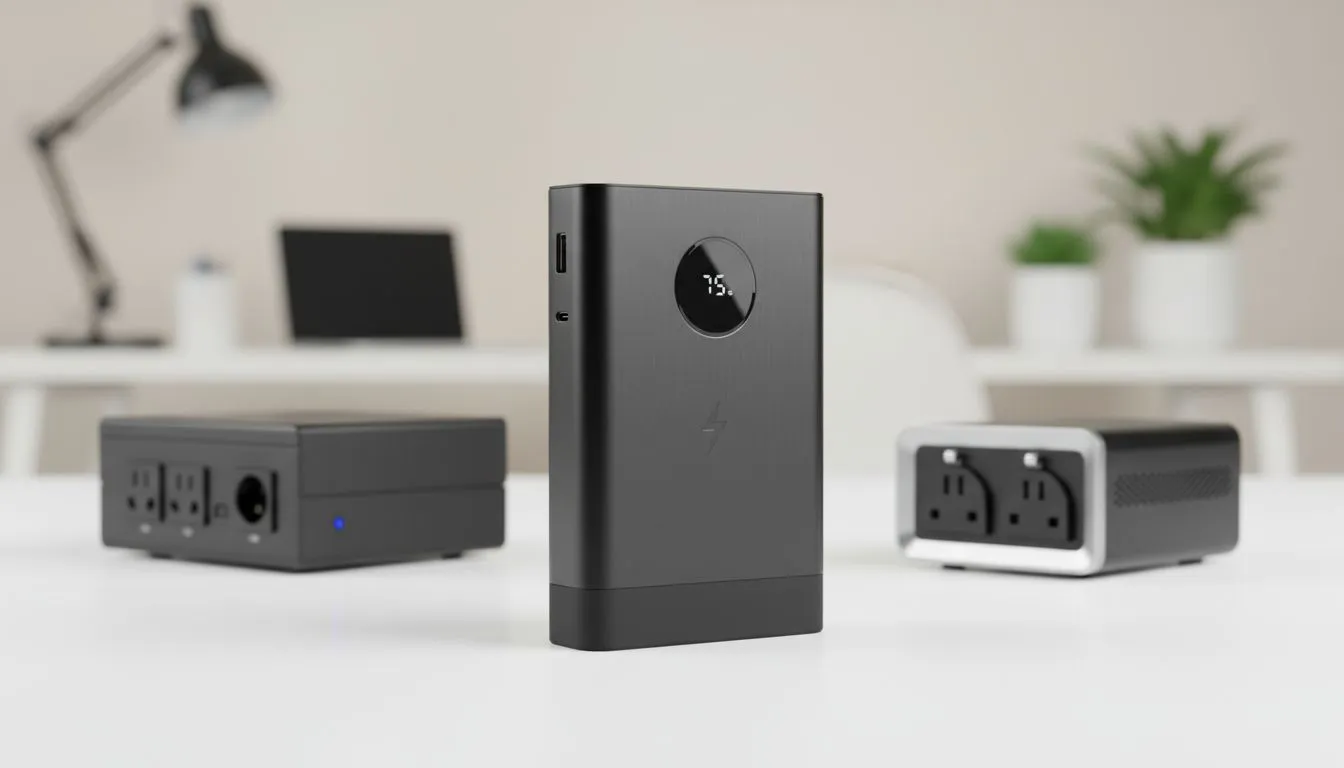
Loadshedding is a national sport we never signed up for. It hits hardest when you are in a high-stakes gaming match or a work meeting. Choosing between a Power Bank vs UPS vs Inverter is essential for any South African home. Let’s break down which backup solution fits your lifestyle and budget. We will help you stay online when the grid goes dark. ⚡
Portable Power for Your Mobile Devices
If your main concern is keeping your phone or tablet alive, a power bank is the easiest choice. These devices are compact and highly portable. You can find several budget-friendly power banks under R500 that offer enough juice for multiple phone charges. They are perfect for scrolling social media while the lights are out.
For those who need a bit more durability, Promate power banks are a fantastic option. They often feature rugged designs and multiple output ports. This allows you to charge your earbuds and phone at the same time. These units are small enough to fit in your laptop bag or pocket.
Battery Care Tip ⚡
To extend the life of your backup batteries, try to avoid letting them drop to zero per cent. Most lithium-ion cells prefer staying between twenty and eighty per cent charge. This simple habit can double the lifespan of your portable power units over time.
UPS Solutions for Constant Connectivity
A UPS (Uninterruptible Power Supply) is a different beast entirely. Its primary job is to protect your hardware from power spikes. It also provides an instant switchover when the power cuts. This prevents your PC from shutting down abruptly. An abrupt shutdown can lead to corrupted files or hardware damage.
If you are looking for more capacity, power banks under R1200 often include Power Delivery (PD) technology. These can sometimes power smaller routers or even charge modern laptops via USB-C. This bridges the gap between a simple charger and a dedicated UPS system. 🔧
Inverters for the Ultimate Home Backup
Inverters are the heavy hitters of the backup world. They take power from large batteries and convert it for home appliances. An inverter can keep your TV, gaming console, and lights running for hours. While they are more expensive, they offer the most comfort during Stage 6 schedules.
Before you invest in a massive system, check out our full range of power banks to see if a smaller solution works. Often, a combination of a small UPS for your router and a high-capacity power bank for your devices is enough. This setup is usually much more affordable for students and remote workers. 🚀
Ready to Beat the Blackouts? Choosing between a Power Bank vs UPS vs Inverter depends on your specific setup and budget. For the best deals on portable power and tech in South Africa, we have you covered. Explore our latest power bank specials and keep your gear running through every stage of loadshedding.











