

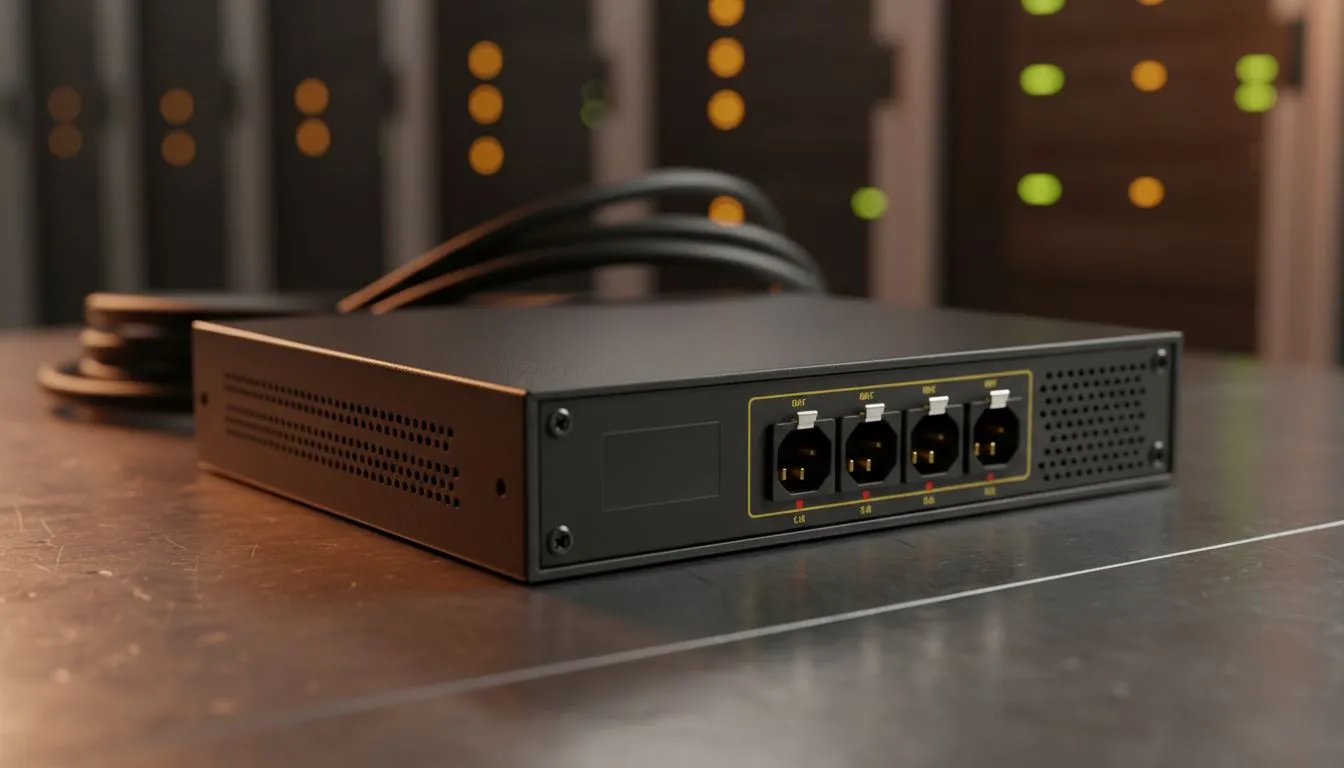
Power Interactive Displays During Loadshedding: Why South African gamers care ⚡
Loadshedding stops the PS5, PC or console party cold. If your monitor dies mid-match, you can lose rank, progress and patience. Power Interactive Displays During Loadshedding matters because the right screen plus the right backup will keep you playing, streaming or working through a blackout. Here’s how to pick and power a display that survives brownouts and keeps your setup calm.
Power Interactive Displays During Loadshedding: how displays stay powered 🔧
Not all monitors need the same backup. Some gamers prefer compact IPS panels that draw less power for short sessions. Check our IPS selection to compare panel types and find displays with great colour and efficiency: IPS monitors. For walkthroughs and general monitor choices, browse the full Evetech monitor range: All monitors.
Power Interactive Displays During Loadshedding: what tech helps most
Adaptive refresh technologies reduce perceived stutter and can make low-power gameplay feel smoother. Compare Adaptive Sync options and decide what fits your GPU: Adaptive Sync. If you’re on AMD, FreeSync is common and affordable: FreeSync monitors. Nvidia users should look at certified options: G-Sync monitors.
Setup Savvy ⚡
a short checklist by your rig: set display brightness to a comfortable low level, switch off RGB lighting, and use your monitor’s eco-mode when you know loadshedding is incoming. These small changes extend backup runtime noticeably.
Power Interactive Displays During Loadshedding: curved vs flat and practical choices
Ultrawide curved panels look immersive but may consume more power than smaller flat screens. If run-time during loadshedding is your priority, evaluate flat options alongside curved choices: Flat monitors and Curved monitors. Think small and bright over huge and blinding when you need longer endurance.
Power Interactive Displays During Loadshedding: practical setup and pro tips 🚀
- Use a reliable UPS or an inverter with a pure sine output for sensitive gear. Avoid cheap inverters with modified sine unless you know your monitor tolerates them.
- Prioritise essential USB or USB-C powered accessories. Many modern monitors support power-efficient connections.
- Test your backup setup before a scheduled outage. A real rehearsal avoids surprises.
Micro-story: I once switched from a 34-inch ultrawide to a 27-inch IPS when loadshedding cut my match time. The smaller panel and an efficient UPS gave me double the runtime. I finished the game... and stayed calm.
Final thoughts on Power Interactive Displays During Loadshedding
Choosing the right display is about balance: panel type, size and sync tech matter, but so does the backup plan. Match your monitor to a decent UPS or inverter, lower power draw settings, and you’ll keep gaming when the lights go out.
Ready to Find Your Perfect Match? The Mac vs Windows debate is complex, but for maximum power, choice, and value in South Africa, Windows is hard to beat. Explore our massive range of laptop specials and find the perfect machine to conquer your world.











