

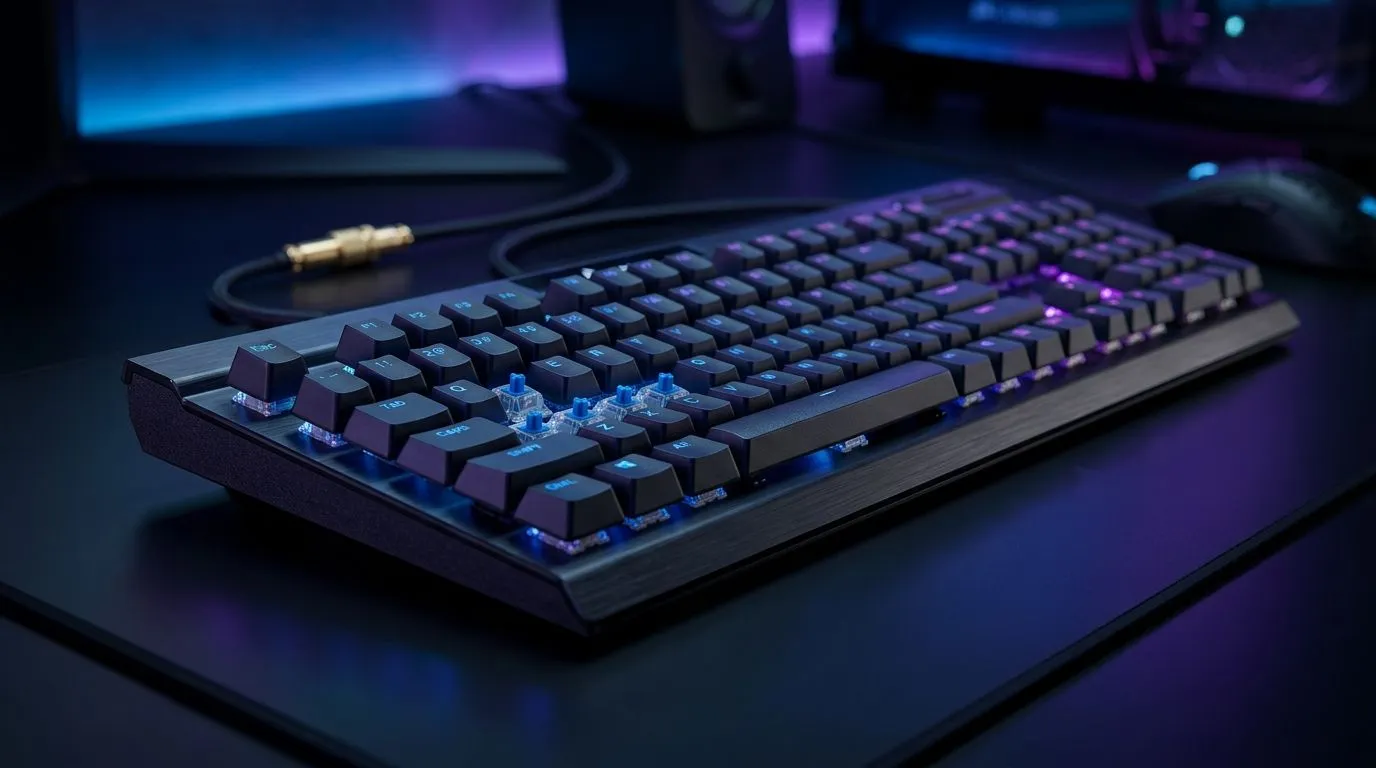
Premium Mechanical Gaming Keyboard in South Africa: What Matters for Real Gamers in SA 🇿🇦🎮
If your keyboard sounds like a tiny drum kit every time you game, you already get it… but what else matters? South African gamers don’t just want “clicky keys”. You want reliability, comfort, and response you can feel in ranked matches and single-player marathons. And with loadshedding, work-from-home, and long update downloads, you also need practicality: wired vs wireless, key switches, and software support. Here’s how to choose a premium mechanical gaming keyboard in South Africa: what actually matters.
Premium Mechanical Gaming Keyboard in South Africa: What Matters Most (Before You Click Buy) 🔧
A “premium” mechanical gaming keyboard usually means quality switches, solid keycaps, and stable performance. But the important bits are the ones you’ll use daily.
Switches: The Feel You’ll Live With ✨
Mechanical keyboards are different because of the switch type. The most common switch categories include:
- Linear: smooth keystrokes, often preferred for fast movement and aim inputs.
- Tactile: a noticeable bump for feedback.
- Clicky: tactile plus an audible click (great for some, too loud for others).
If you’re sensitive to sound (or share a space), tactile can be a good middle ground. If you want speed and fewer interruptions, linear often fits better. This is subjective, so try to test switch types in-store where possible.
Keycaps and Layout: Small Details, Big Comfort
Look for keycap quality and durability. Premium boards typically use better materials and more consistent legends. Also think about layout:
- Full-size: best if you use the numpad.
- Tenkeyless (TKL): a popular compromise for desk space.
- 75% / 60%: compact, but you may lose dedicated keys you rely on.
Polling rate and latency: What you can actually notice ⚡
Higher polling rates can reduce input latency, especially in fast games. While no keyboard can “fix” a weak connection or high ping, a responsive keyboard helps your inputs feel consistent. If you’re competing in shooters or fighting games, prioritise stable performance over gimmicks.
Premium Mechanical Gaming Keyboard in South Africa: Wireless vs Wired Choices That Matter for Loadshed Life 🚀
Wireless is convenient, but it adds battery considerations. Wired is simple and consistent. In South Africa, that means thinking about your environment:
- Wired: best for competitive play where you don’t want battery anxiety.
- Wireless: best for clean desk setups and flexibility for couch/TV gaming.
Evetech has options depending on your preference, including wired and wireless keyboard listings to match different setups and budgets.
For wired browsing, check: Find a wired keyboard option on Evetech
For wireless browsing, check: Explore a wireless keyboard option on Evetech
Premium Mechanical Gaming Keyboard in South Africa: Features That Help You Win (Not Just Look Cool) 🎮
Here’s what separates “nice keyboard” from “I feel better playing”:
Anti-ghosting and N-key rollover
When you press multiple keys at once, you want the keyboard to register everything correctly. Anti-ghosting and N-key rollover are the terms you’ll see most. For shooters, movement plus actions, and for MOBAs with lots of keybinds, this matters.
Programmable keys and software support
Dedicated macro keys can help, but only if the software is stable and easy to use. If you want custom profiles for different games, make sure the keyboard’s software is compatible with your setup.
Ergonomics: height and wrist comfort
A mechanical keyboard doesn’t automatically mean comfortable. If you play for hours, consider:
- wrist position with your desk height
- key travel preference (tactile vs linear)
- using the right angle or wrist rest
Productivity Pro Tip ⚡
On Windows, use the PowerToys FancyZones utility to create custom snap layouts for your windows. It's a lifesaver for managing multiple apps on an ultrawide monitor, letting you organise your timeline, preview window, and asset folders perfectly for video editing.
Premium Mechanical Gaming Keyboard in South Africa: Quick Buying Checklist (So You Don’t Regret It Later) ✅
Before you buy, ask yourself:
- Do I know my switch preference (linear, tactile, clicky)?
- Will I miss a numpad?
- Do I need wireless, or will wired be fine?
- Will I actually use macros and profiles?
If you want a shortcut, browse keyboard deals first and then compare switch type and layout across a shortlist. For deal-focused options, you can start here: See the best gaming keyboard deals on Evetech
If you’re working to a specific budget, use this guide to compare options without getting lost: Buy the cheapest gaming keyboard in South Africa (keyboard pricing guide)
And if you want the fastest “upgrade path” for your whole setup, pairing matters too. A clean combo can mean less cable clutter and more consistent keybind muscle memory: Explore a keyboard and mouse combo on Evetech
Premium Mechanical Gaming Keyboard in South Africa: Next Step to Get Your Setup Right 🎯
You don’t need the most expensive keyboard to feel a difference. You need the right switch feel, the right layout, and the right connectivity for your life in SA. Choose smart today, and your aim sessions will thank you tomorrow.
Ready to Find Your Perfect Match? The Mac vs Windows debate is complex, but for maximum power, choice, and value in South Africa, Windows is hard to beat. Explore our massive range of laptop specials and find the perfect machine to conquer your world.











