

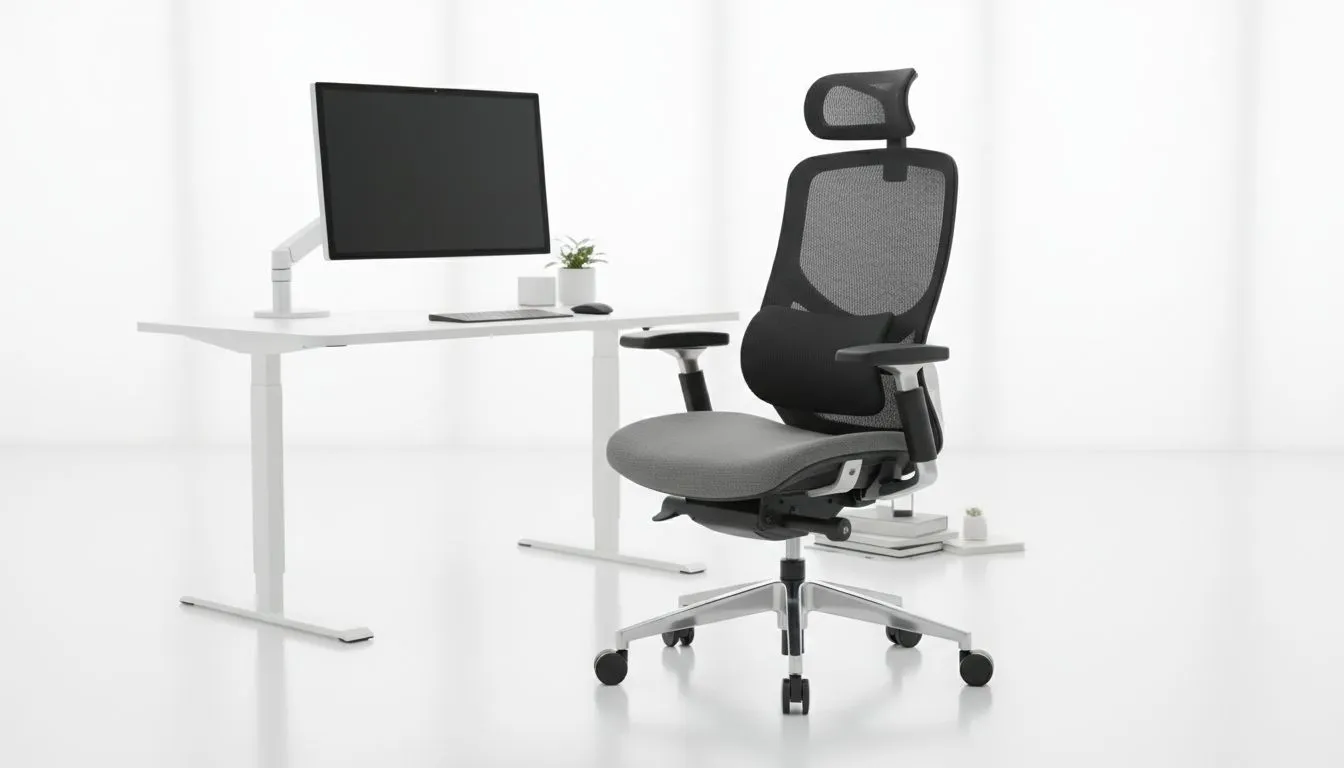
Why Proper Chair Setup Stops Back Pain from Sitting
Long gaming sessions or work marathons can leave your back screaming for relief. Prevent back pain from sitting by adjusting your chair and desk ergonomics right away. Small tweaks to your setup can make a massive difference in comfort and posture, helping South African gamers and tech buyers avoid long-term pain and stiffness. Let’s optimise your space for hours of pain-free focus and fun. ⚡
How Chair Setup Impacts Your Spine Health
Sitting incorrectly puts extra strain on your lower back, leading to discomfort and sometimes chronic pain. Proper chair setup supports your natural spinal curve and reduces pressure points.
- Start by adjusting your chair height so your feet rest flat on the floor or on a footrest. Your knees should be roughly level with your hips.
- Use lumbar support to maintain the inward curve of your lower spine. Many gaming chairs come with adjustable lumbar cushions that provide this essential support.
- Keep your back fully against the chair’s backrest to distribute weight evenly.
For premium options tailored to South Africans, browse Evetech’s selection of gaming chairs South Africa with adjustable ergonomics fit for marathon sessions.
Desk Ergonomics That Complement Your Chair
Your desk height and screen positioning also affect your posture and comfort.
- Set your desk height so your elbows sit at 90 degrees when typing. Avoid hunching your shoulders.
- Position your monitor so the top of the screen is at eye level; this prevents neck strain.
- Use a keyboard and mouse positioned close enough to avoid reaching forward.
Combining these with a good chair builds a setup to prevent back pain from sitting.
Check out specialized options like Vertagear gaming chairs that come with ergonomic features designed specifically for desk ergonomics.
Choosing the Right Chair for Back Pain Prevention
Not all chairs are created equal. Ergonomic chairs with adjustable settings offer the best support for long-term use. Features to look for include adjustable armrests, tilt control, and breathable material to keep you cool.
The choice between brands can be crucial:
- Enova chairs offer solid ergonomic support with sleek designs at various price points.
- For premium quality and style, Noblechairs gaming chairs are well-regarded worldwide.
If budget is tight, browse chairs under R5000 with solid lumbar support in our gaming chairs South Africa under R5000 collection. A well-chosen chair upfront saves on costly pain relief later! 🚀
Quick Setup Fix
Maintain a 90-degree angle between thighs and calves. Adjust chair height and desk set up to match your body — and remember to take short stretch breaks every hour.
Expert Insight: Regular Movement Boosts Your Ergonomics
No chair or desk setup completely solves back pain if you sit all day without breaks. Movement is essential — stand, stretch, and walk frequently. This keeps your muscles active and reduces stiffness, complementing ergonomic chair setup and desk height perfectly.
Try simple stretches or short walks during breaks to improve blood flow and spine health.
Upgrade Your Comfort Today Say goodbye to back pain by upgrading to ergonomic chairs tested for comfort and support. Shop now at Evetech and invest in your health and performance for long-lasting relief.











