

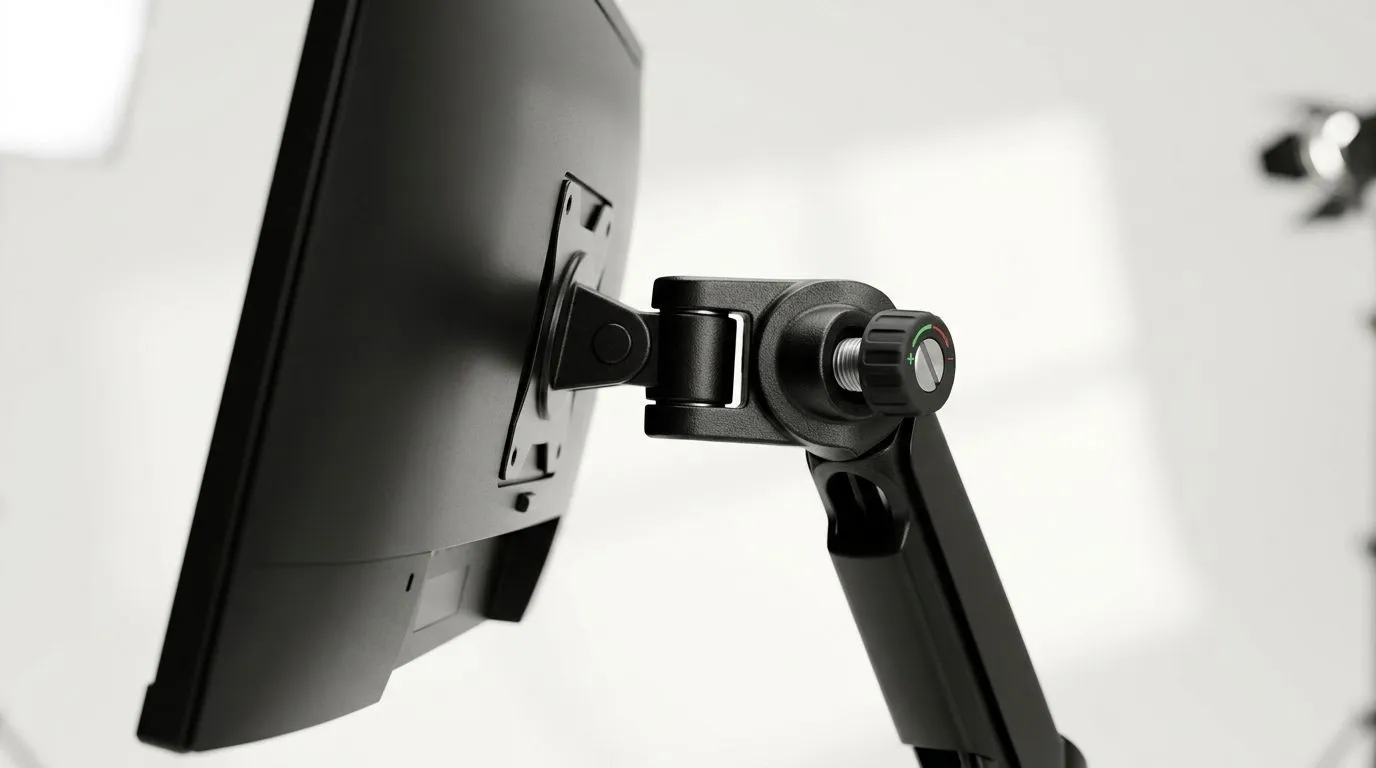
Prevent Monitor Wobble on Sit-Stand Desks with Adjustable Tension
If your monitor shakes every time you tap a key, lean in for a clutch shot, or raise your desk, you’re not imagining it. That wobble is real, and it’s more frustrating when you’ve paid good money for a clean gaming setup. The good news? In most cases, you can reduce it a lot with the right desk, the right stand, and a bit of setup know-how. 🔧
Why monitor wobble happens on sit-stand desks
A standing desk gives you flexibility, but it also introduces movement. When you type, shift posture, or adjust height, tiny vibrations travel through the frame and into the monitor arm or stand. If the desk has a lighter frame, a narrow base, or poor tension settings, the movement becomes easier to notice.
The monitor itself can make the problem worse. Bigger screens, heavier panels, and higher-mounted arms increase leverage. That means even a small desk shake becomes visible on screen.
For South African gamers, this matters more than you might think. A stable setup helps with aim, reduces distraction, and simply feels more premium. Nobody wants a wobbling display during a late-night ranked session.
How adjustable tension helps on sit-stand desks
Adjustable tension lets you fine-tune how firmly the desk holds position as it moves. Too loose, and the desk can feel floaty or unstable. Too tight, and it may be awkward to raise or lower.
The sweet spot is a desk that feels balanced through the full range of motion. That usually means:
1. Even weight distribution
Keep your PC, monitor, and accessories spread sensibly across the surface. Avoid loading one side heavily.
2. Correct height settings
If your desk is always near its upper limit, it may feel less stable. Check whether a lower setting still suits your posture.
3. A strong desk surface
A sturdy tabletop matters. If you’re browsing options for a proper gaming desk, look for something with a solid frame and a surface that won’t flex under load.
The setup choices that reduce wobble most
A monitor wobble fix usually starts with the whole ecosystem, not one product.
If you like a more cohesive battlestation look, Arrozi gaming setups are worth a look because coordinated furniture and accessories often help you plan spacing better. That matters when you’re balancing monitors, speakers, and desk movement.
Also consider the chair. A poor chair makes you fidget more, and that can translate into more desk movement over time. A supportive seat from the range of gaming chairs in South Africa can help you sit more consistently, which indirectly improves desk stability.
And if you want a quick visual upgrade without adding clutter, subtle lighting can help your setup feel intentional rather than busy. Something as simple as NZXT case lighting options can tie the room together without crowding the desk itself. ✨
Practical tips to stop the shaking
Before you blame the desk, try these simple fixes:
Tighten every joint
Check the desk frame, monitor arm, and mounting points. Small looseness adds up fast.
Lower the monitor slightly
The higher the screen sits, the more it amplifies movement.
Move heavy items closer to the centre
A stable centre of gravity helps the desk feel firmer.
Use a monitor arm rated for your screen
A weak arm can create a lot of bounce. Check the manufacturer’s weight guidance before buying.
Keep cable slack under control
Cables that tug when the desk moves can cause extra vibration. Leave enough slack for smooth height changes.
Desk Stability Tip ⚡
A monitor wobble problem is often made worse by the monitor arm, not just the desk. Tighten the VESA mount, check the arm’s weight rating, and keep heavier peripherals centred on the desktop. Small adjustments can make the whole setup feel noticeably more solid.
What to look for when buying
If you’re shopping with a South African budget, think beyond the sticker price. A desk that costs a bit more in ZAR may save you from replacing cheap parts later.
Look for:
- A stable frame
- Adjustable tension or motor settings
- A desktop that resists flex
- Enough weight capacity for your monitor and gear
- A layout that matches your room size
A balanced setup is usually better than an oversized one. More surface area does not automatically mean more stability.
Final thoughts
Monitor wobble is annoying, but it’s usually fixable. Start with tension, then check your load, your mounting hardware, and your desk frame. Once those pieces work together, your sit-stand desk should feel much steadier… and your gaming or work sessions will feel cleaner too. 🚀
Ready to Find Your Perfect Match? The Mac vs Windows debate is complex, but for maximum power, choice, and value in South Africa, Windows is hard to beat. Explore our massive range of laptop specials and find the perfect machine to conquer your world.











