

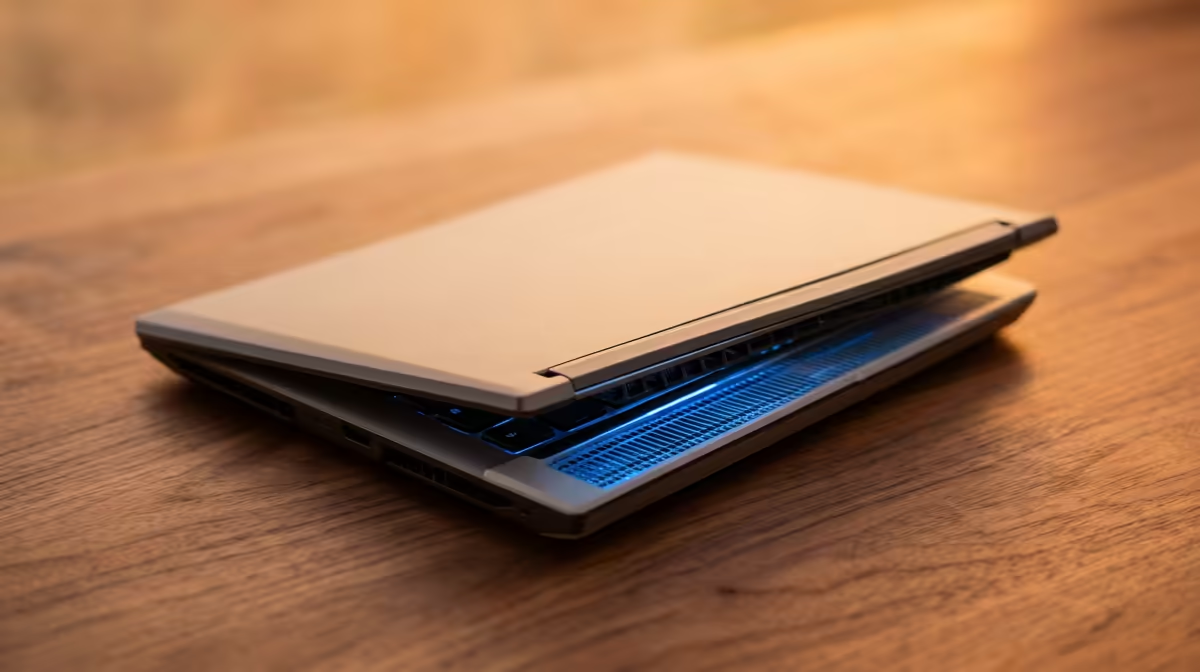
It’s 2 AM in Jozi, your assignment is due tomorrow, and your laptop sounds like it’s about to lift off. The chassis is hot enough to fry an egg, and every keystroke lags. Sound familiar? Laptop overheating is a massive headache for South African students, especially during our warmer months. But don't stress... we've got the solutions to keep your machine cool, quiet, and running at peak performance when you need it most. ✨
Understanding Why Your Student Laptop is Running Hot
Before you can fix the problem, you need to know the cause. For students in South Africa, preventing laptop overheating often comes down to a few key culprits. Dust is a major one; it clogs up internal fans and heatsinks, trapping heat inside. Another is simply asking too much of an older machine. Running modern software, from coding environments to video editors... or even a cheeky round of Apex Legends between classes... pushes components to their thermal limits.
When your laptop gets too hot, it engages in "thermal throttling." This is a safety feature where the processor intentionally slows down to cool off, which is why everything suddenly feels sluggish and unresponsive.
Practical Steps to Prevent Laptop Overheating
Luckily, you can take several easy steps to stop your laptop from overheating and get your performance back. These fixes range from free and simple to small, smart investments.
The No-Cost-Nothings 🔧
First, let's talk about habits. Are you using your laptop on your bed or a couch? The soft fabric blocks the air vents underneath, suffocating your machine. Always use it on a hard, flat surface like a desk or table.
Elevating the back of your laptop by just a few centimetres can also work wonders for airflow. A couple of books will do the trick in a pinch, allowing the intake fans to breathe more easily.
Quick Software Tweak ⚡
Navigate to your Windows Power Options and select the 'Balanced' plan instead of 'High Performance'. This simple change tells your CPU to chill out when it's not under heavy load, instantly reducing heat without you even noticing a performance drop in day-to-day tasks.
Small Upgrades, Big Difference
If basic adjustments aren't enough, a laptop cooling pad is a brilliant, low-cost investment that actively pushes cool air into your machine's vents. You can also buy a can of compressed air to carefully blow the dust out of the cooling fins and fans. Doing this every few months is one of the best ways to maintain optimal thermal performance. If you're looking for a new daily driver with better cooling out of the box, you can always explore our wide range of laptop specials for sale in South Africa.
Is It Time to Upgrade Your Cooling Game? 💻
Sometimes, no amount of cleaning or elevation can help an old laptop that just wasn't designed for today's demanding tasks. If you're constantly fighting with an overheating student laptop, it might be time for an upgrade.
Modern laptops have made huge strides in thermal design. They feature more robust heat pipes, bigger fans, and chassis designed for maximum airflow. Processors have also become far more efficient. The latest generation of AMD laptops on special offer incredible performance-per-watt, meaning they do more work while generating less heat. Similarly, the hybrid architecture in the newest Intel laptops on special uses efficient cores for background tasks, keeping temperatures down during everyday use.
Investing in a newer model isn't just about speed; it's about reliability and ensuring your machine won't let you down when that final project is on the line.
Upgrade Your Cool Factor Stop battling thermal throttling and focus on what matters... your work and your wins. Explore our best gaming laptop deals for performance that leaves lag in the dust.











