

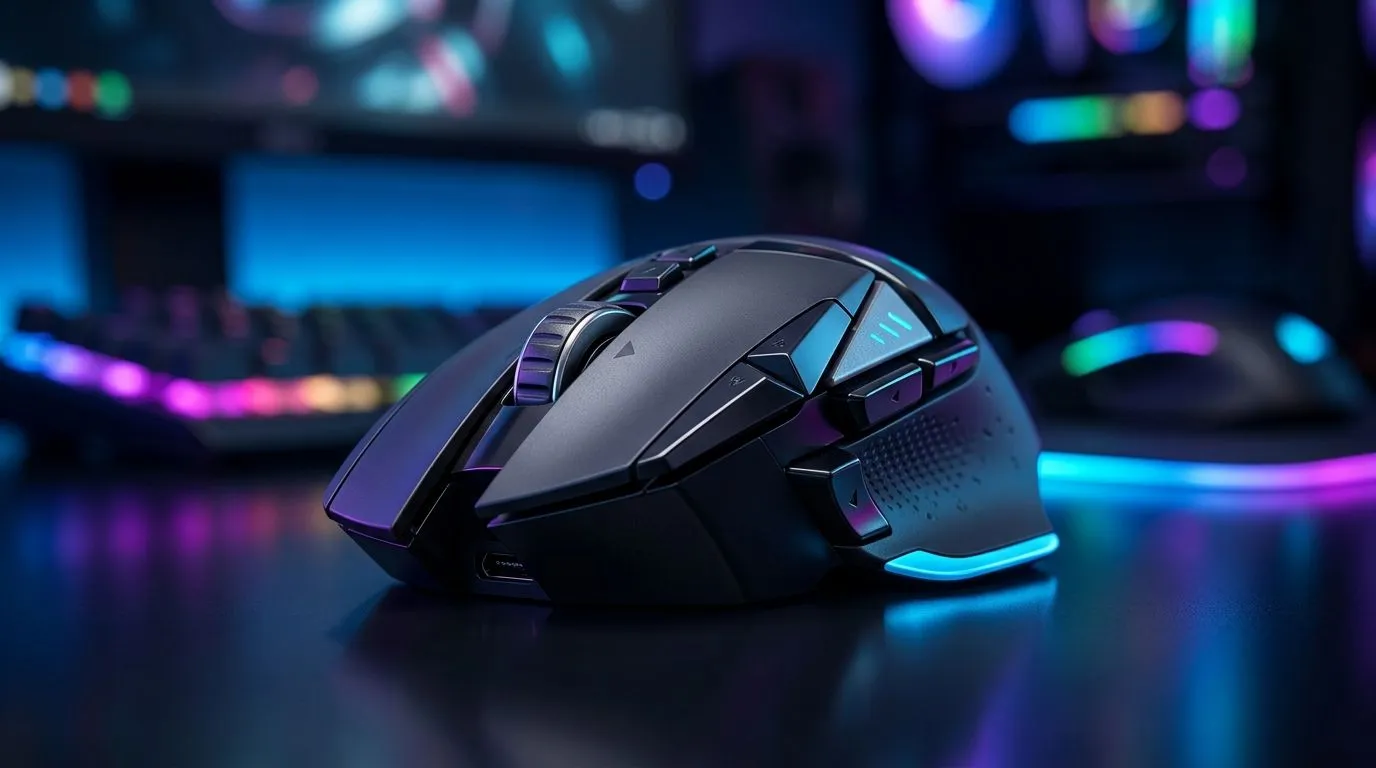
Unlock the Power of Extra Mouse Buttons for FPS and MOBA Games ⚡
South African gamers know that every millisecond counts, especially in FPS and MOBA battles. What if your mouse could do more than just left and right clicks? Programming extra mouse buttons can give you the edge, letting you execute commands faster and more smoothly. Whether you’re fragging in Call of Duty or commanding in League of Legends, mastering your mouse’s buttons can elevate your gameplay to new heights.
Why Program Extra Mouse Buttons for FPS and MOBA Games?
Extra mouse buttons unlock quick access to vital in-game functions. Instead of awkward keyboard combos, you assign abilities, reloads, or weapon switches to your mouse for lightning-fast response. This setup reduces finger travel and helps maintain your focus on the fight.
In FPS games, throwing grenades or swapping weapons without moving your fingers off aim can be the difference between a clutch win or a frustrating loss. MOBA players benefit from faster skill casts, item activations, or map pings with these programmable controls.
How to Set Up Your Mouse’s Extra Buttons for Maximum Impact
Choose the Right Mouse for Programmable Buttons 🔧
Start with a mouse offering the right number of extra buttons. Evetech’s gaming mouse selection includes models tailored to FPS and MOBA players, featuring anywhere from 3 to 12 extra buttons.
Wired mice often boast lower latency and consistent power, essential for competitive gaming — explore some of the best options in Evetech’s wired mouse collection. If cable freedom is crucial, wireless mice with reliable connections and programmable buttons are equally available here.
Map Your Buttons Intuitively
Assign commands that feel natural. For FPS, consider assigning grenade throws, reload, and melee attacks to easy-to-reach thumb buttons. For MOBA, quick access to frequently used spells or items helps improve reaction time.
Test your setup in practice modes, then tweak button placement to avoid accidental presses during intense moments.
Use Vendor Software or Third-Party Tools
Most gaming mice come with custom software allowing you to program buttons and save profiles for different games. Evetech mice usually feature user-friendly apps for mapping. Look for options to set macros or complex actions to single clicks without overwhelming your setup.
Success Stories: How SA Gamers Upgraded Their Play🚀
One Pretoria-based FPS player discovered they cut their reload time by half after assigning reload and weapon switch to thumb buttons. Another Cape Town MOBA enthusiast found using extra buttons for summoner spells shaved seconds in clutch moments, earning them MVP titles and local recognition.
Hearing from local players confirms the real-world benefits of programming your mouse buttons — it’s not just theory, it’s about fast, practical enhancements.
Pro Tip for Button Programming
Feel tempted to use every extra button? Start small with your 2–3 most-used commands. Master those before expanding. It keeps muscle memory sharp without overcomplicating.
Where to Find Affordable Gaming Mouse Deals in SA 💸
Looking to invest in a mouse with extra programmable buttons? Evetech offers a fantastic range with competitive prices in ZAR, plus deals here ensuring you get bang for your buck. From budget-friendly to high-end models, your ideal mouse is just a click away.
For added accessories, check out Evetech’s mouse accessories store to customise your setup further—grips, weights, and skins can also add comfort and style.
Elevate Your Game Setup Today Ready to take full control with extra mouse buttons? Explore durable, high-performance gaming mice and accessories tailored for South African players. Shop now at Evetech for performance that leaves lag in the dust.











