

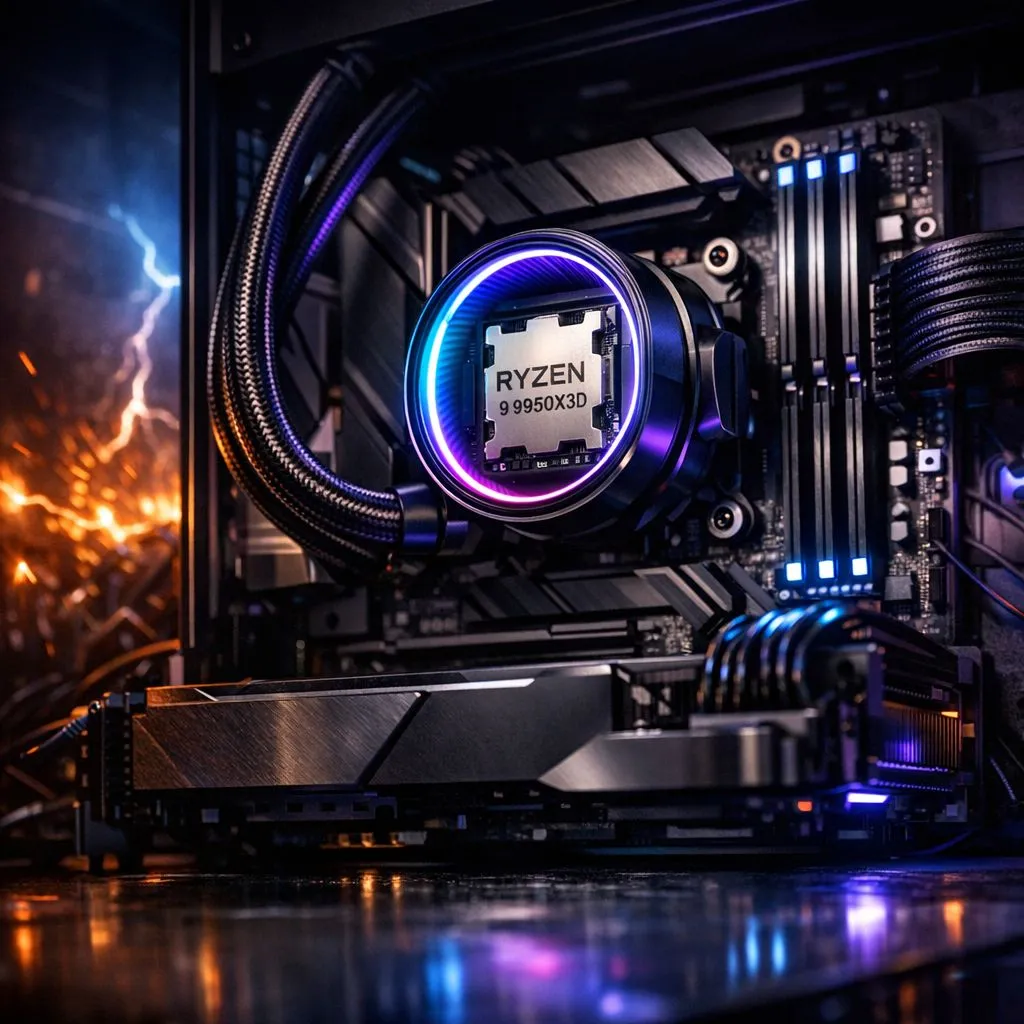
You just dropped serious Rands on the ultimate gaming beast, the Ryzen 9 9950X3D. It is the undisputed king of gaming chips. But in South Africa, Eskom’s unpredictable grid is a constant threat. One nasty surge or a sudden loadshedding cut can destroy your hardware. You must protect Ryzen 9 9950X3D from power surges and loadshedding to ensure your high-end rig survives the local winter. 🔧
Understanding the Risk to Your High-End Silicon
The Ryzen 9 9950X3D uses delicate 3D V-Cache technology. This makes it incredibly sensitive to sudden voltage spikes. While many builders hunt for the best AMD CPU deals, few invest enough in power protection. When the lights go out, the real danger is not the darkness. It is the massive surge that often occurs when the power returns. This spike can bypass cheap multi-plugs and fry your motherboard instantly.
Why Quality Power Delivery Matters
Loadshedding is more than just an inconvenience for South African gamers. It causes "dirty power" which fluctuates wildly before a total blackout. This instability can lead to data corruption or permanent hardware failure. Even if you were considering a slightly more modest Ryzen 7 series processor, the protection requirements remain the same. High-end components need a steady, clean sine wave to function at their peak performance. ⚡
UPS Sizing Tip ⚡
Always choose a UPS with a Wattage rating at least 20% higher than your PC's power supply. For a Ryzen 9 9950X3D paired with an RTX 4090, a 2000VA or 3000VA Line-Interactive UPS is the minimum. This provides enough time to shut down safely and filters out harmful voltage ripples.
Comparing Protection Needs Across Platforms
Some users look at the Intel CPU range when considering system stability. Regardless of your brand loyalty, the South African grid does not discriminate. Whether you run a high-end 14-core Intel chip or the flagship 9950X3D, a surge protector is vital. An Uninterruptible Power Supply (UPS) is your best line of defence. It acts as a buffer between the wall socket and your expensive components. 🚀
Essential Steps to Guard Your Gaming Rig
First, invest in a high-quality Type 2 surge protection plug. Second, ensure your UPS is "Line-Interactive" to regulate voltage during brownouts. These small investments save you from the heartbreak of a dead R15,000 processor. Always shut down your PC manually five minutes before scheduled loadshedding. This prevents OS errors and gives your components time to cool down properly. ✨
Ready to Secure Your Setup? Protecting your high-end hardware from the South African grid is vital for long-term performance. Explore our range of power protection and PC components to keep your Ryzen 9 system running safely through every loadshedding cycle.











