

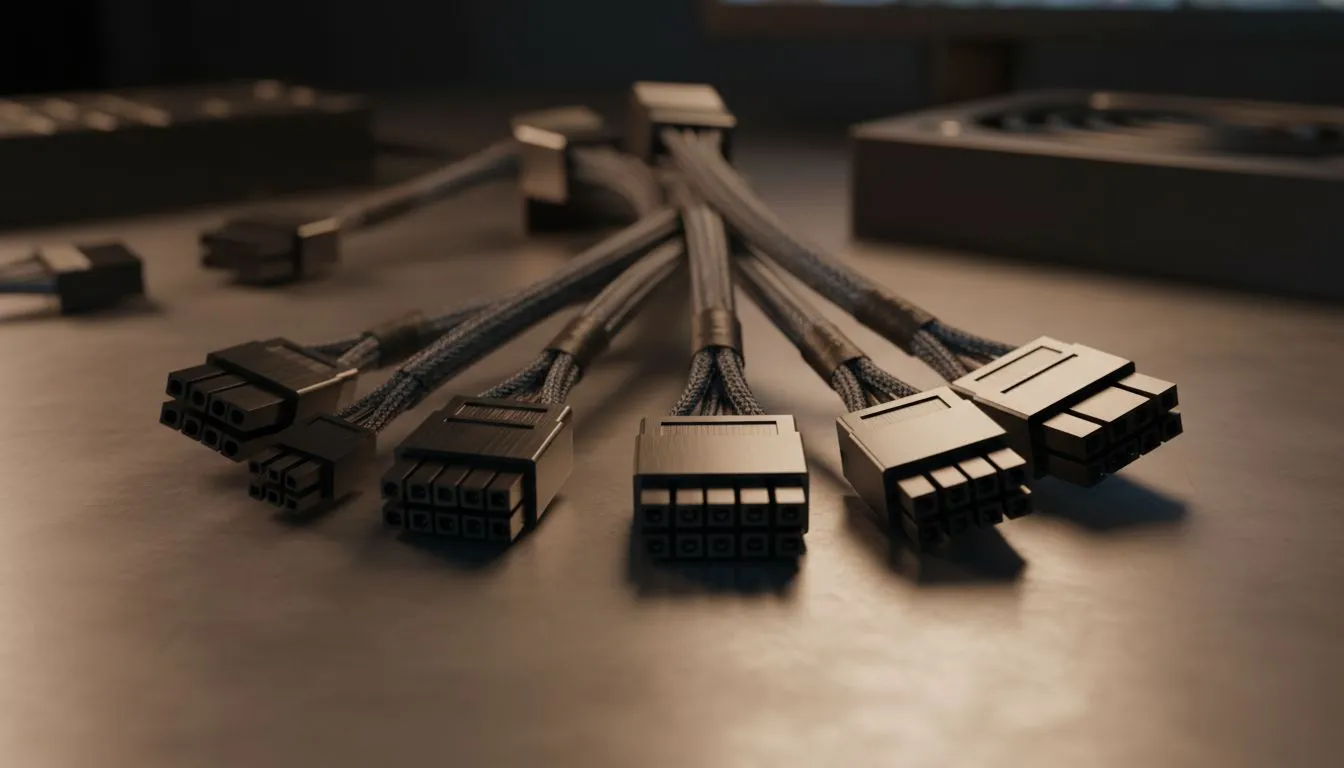
Staring at a "spaghetti mess" of wires while building your dream rig in Jozi or Cape Town? We have all been there. Understanding PSU cables and connectors is the secret to a clean, stable build. Whether you are upgrading for the latest AAA titles or building from scratch, getting your power delivery right is non-negotiable for South African gamers. Let's demystify those connectors once and for all.
The Foundation: Motherboard and CPU Power
Every PC build starts with the heavy hitters. The 24-pin ATX cable is the largest connector in your case... it provides power to your motherboard and various onboard components. Alongside it, you will find the 4+4 pin EPS connector. This dedicated cable feeds your CPU. High-end motherboards often require two of these to handle power-hungry processors.
If you are looking for reliability, Corsair power supply units are known for their high-quality modular cables. Modular designs allow you to plug in only what you need. This reduces clutter and improves airflow... essential for keeping temps down during a hot South African summer. 🔧
Powering Your Graphics Card with PCIe Connectors
Your GPU is likely the most power-hungry part of your build. Most modern cards use 6+2 pin PCIe connectors. The "plus two" design ensures compatibility with both 6-pin and 8-pin sockets on your card. For those rocking the latest NVIDIA 40-series cards, you might encounter the 12VHPWR connector. This single cable can deliver up to 600W.
When selecting a unit like GAMDIAS power supplies, always check the total wattage available on the +12V rail. This ensures your GPU gets stable current during intense gaming sessions. Using two separate cables for high-end cards is often better than using a single "daisy-chain" cable... it spreads the thermal load across more wires. ⚡
Cable Management Pro Tip ⚡
Use Velcro ties instead of plastic zip ties. They are easier to adjust when you inevitably add more storage or fans later. Plus, they do not pinch the delicate insulation on your expensive PSU cables. This keeps your build looking professional and prevents long-term wire fatigue.
Storage, Peripherals, and Efficiency Standards
Even with the rise of M.2 NVMe drives, you might still need SATA power cables for 2.5-inch SSDs or RGB controllers. These flat, L-shaped connectors are simple to plug in but can be fragile. Avoid bending them at sharp angles near the connector head.
Efficiency is also a key factor when choosing your hardware. Investing in 80 PLUS energy-efficient models means less power is wasted as heat. In a country where electricity costs are rising, a Gold or Platinum rated unit can save you a few Rands on your monthly bill. It also means your PSU fan won't have to spin as fast to stay cool. 🚀
Putting It All Together
Building a PC is an investment. Taking the time to route your cables properly does more than just look good. It ensures that every component receives the exact voltage it requires. Always double-check that every connector is "clicked" into place. A loose 24-pin or PCIe cable is a leading cause of random system reboots... and nobody wants that during a ranked match. ✨
Ready to Find Your Perfect Match? Choosing the right PSU cables and connectors ensures your hardware stays safe and runs cool. For the best deals on reliable power in South Africa, we have you covered. Explore our massive range of power supplies and find the perfect machine to conquer your world.











