

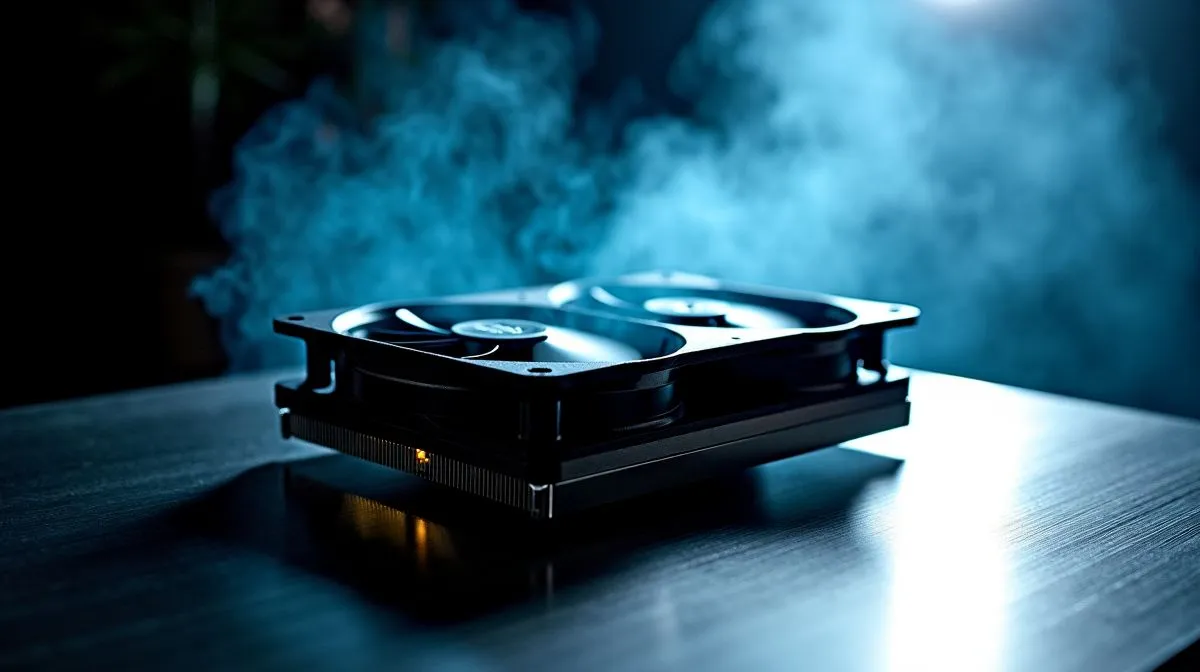
Push-Pull CPU Cooler Fan Curve Settings for Low Noise
If your rig sounds like a Johannesburg taxi rank, small fan-curve changes can make it whisper. Push-Pull CPU cooler fan curve settings for low noise are about balance: steady airflow, gentle RPM ramps and sensible temperature targets. Start by aiming for a fan curve that holds 60–70°C under load, then tune steps so fans ramp smoothly rather than hunting. 🔧
Push-Pull fan curve settings: set RPMs that match airflow
Begin by identifying your fans: intake vs exhaust, A vs B in a push-pull set. Often the front or lower intake pair can run 100–150 RPM lower than exhaust without hurting thermals. Test baseline parts from Evetech to match blades and size; view our CPU coolers catalogue for compatible models. https://www.evetech.co.za/PC-Components/cpu-coolers-84
Push-Pull fan curve settings: BIOS, software and testing workflow
Use motherboard fan control or vendor software to create a 3-point curve: idle, gaming load, full load. Measure with a simple looped benchmark and log temps. For air-specific designs and 120mm options, check Evetech’s air cooler 120mm listings to pick fans that prioritise low SPL values. https://www.evetech.co.za/PC-Components/cpu-coolers-84?attributes-coolertype=Air+Cooler&attributes-coolingsize=120mm+Fans
Fan Curve Micro Tip ⚡
For push-pull setups, start with intake fans 10–15% slower than exhaust. This produces slight positive pressure, reduces dust, and keeps noise down while preserving airflow.
Push-Pull fan curve settings: matching fans and mounts
Matched fans (same model) simplify curves. Brands like Deepcool offer well-balanced air coolers and fan kits that drop into push-pull configs neatly; inspect specs and mounting before buying. A matched pair reduces turbulence and keeps your curve predictable. https://www.evetech.co.za/PC-Components/cpu-coolers-84?brands=Deepcool
Push-Pull fan curve settings: practical tips for South African setups
Local ambient temperatures matter; Cape Town summers are different from Pretoria highs. If you live in hotter areas, raise your target ramp points by 5°C to avoid frequent ramping. For an affordable dual-fan option, browse EINAREX air coolers and compare noise ratings on Evetech. https://www.evetech.co.za/PC-Components/cpu-coolers-84?brands=EINAREX
Push-Pull fan curve settings: final checklist before you seal the case
Before closing the side panel, confirm curves behave under real use: gaming, streaming and idle. Also consider the general air-cooler range if you need a different sized heatsink or extra fan compatibility; Evetech’s air cooler collection helps you compare models and sizes quickly. https://www.evetech.co.za/PC-Components/cpu-coolers-84?attributes-coolertype=Air+Cooler
Keep logs, make incremental changes, and listen for hunting noises. With a disciplined approach, your push-pull CPU cooler fan curve settings for low noise will deliver cool temps and calm PC nights. ✨🚀
If you prefer quieter operation, consider undervolting your CPU modestly and increasing fan curve slope above 70°C; small voltage drops often lower heat output without impacting everyday performance, especially on modern Intel and AMD chips in laptops.
Ready to Find Your Perfect Match? The Mac vs Windows debate is complex, but for maximum power, choice, and value in South Africa, Windows is hard to beat. Explore our massive range of laptop specials and find the perfect machine to conquer your world.











