

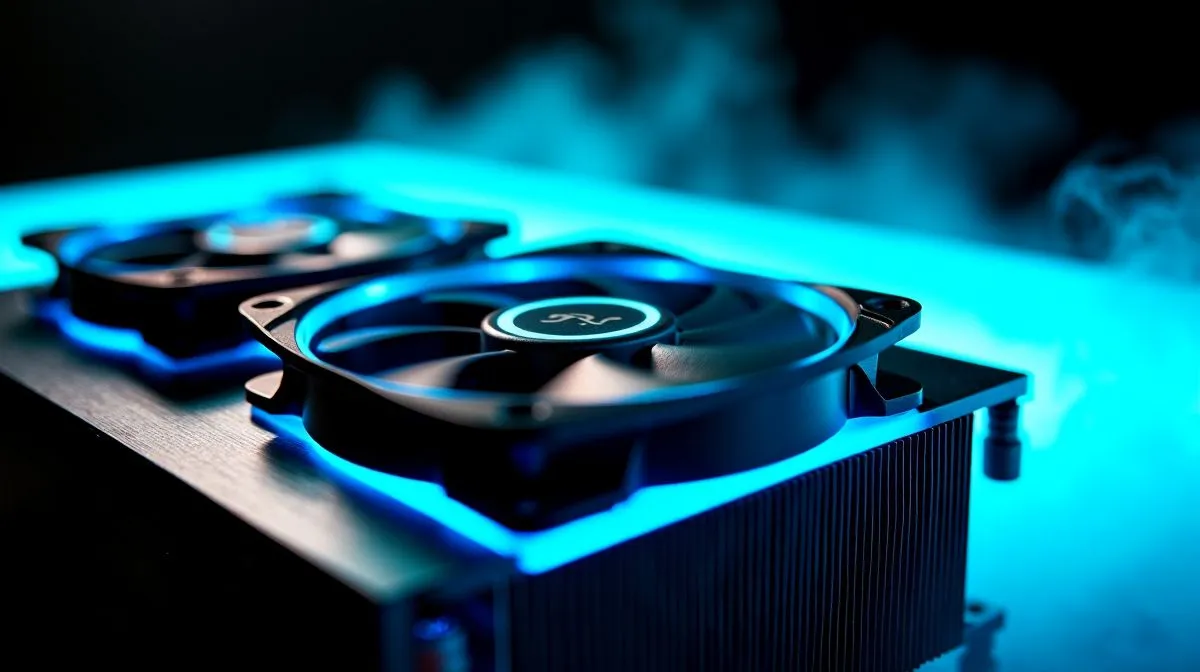
Push-pull fan configuration: quick verdict
Push-Pull Fan Configuration: Does It Improve CPU Cooling? South African builders ask this at Evetech checkout all the time. Short answer: yes, sometimes. If your cooler supports a second fan, adding it can reduce temperatures and stabilise high clocks. But gains depend on cooler design, case airflow, and fan choice. Here’s what to test in real rigs 🔧.
How push-pull improves airflow
A push-pull layout puts one fan pushing air into the heatsink and another pulling it out. This reduces resistance across dense fin stacks and helps heat move away from the CPU faster. On many tower coolers the secondary fan smooths turbulence and improves sustained cooling under heavy loads. See popular air cooler options on Evetech to match fan sizes and mounts. https://www.evetech.co.za/PC-Components/cpu-coolers-84
When the extra fan actually matters
Not every build benefits equally. If your case has excellent front intake and exhaust, a push-pull pair on a compact cooler gives modest improvements. On large dual-tower designs, the additional fan can meaningfully lower peak temps and thermal throttling risk. Choosing 120mm fans often balances noise and airflow; we stock a wide range of 120mm air coolers and fans to test in your setup. https://www.evetech.co.za/PC-Components/cpu-coolers-84?attributes-coolertype=Air+Cooler&attributes-coolingsize=120mm+Fans
Fan selection and placement tips
Pair similar fans for consistent airflow and RPM. Mismatched fans can create odd pressure zones and more noise. Use PWM fans tied to motherboard headers to let curves control speed under load. Deepcool has several compatible models if you want brand-matched performance. https://www.evetech.co.za/PC-Components/cpu-coolers-84?brands=Deepcool
Cooling Pro Tip ✨
For push-pull builds, set your fan curve so the pull fan mirrors the push fan. That keeps airflow linear and reduces resonance. If testing, monitor delta-T under sustained load with a tool like HWInfo to see real gains.
Real-world South African testing notes
I built a mid‑range Ryzen rig with a single tower cooler, then added a second fan. Idle temps barely budged, but gaming and Blender renders saw small but stable drops. Local ambient temperature matters; in hotter Johannesburg or Durban conditions, the extra fan helps maintain sustained boost clocks. Browse Evetech’s air cooler selection if you need a second fan or a compatible cooler. https://www.evetech.co.za/PC-Components/cpu-coolers-84?attributes-coolertype=Air+Cooler
If you prefer matched kit fans, consider fresh options from emerging brands like EINAREX for budget builds. Their 120mm fans offer decent airflow for the price. https://www.evetech.co.za/PC-Components/cpu-coolers-84?attributes-coolertype=Air+Cooler&brands=EINAREX
Final thoughts and quick checklist
Push-pull can improve CPU cooling, but test before you commit. Start with a single fan, measure, then add the pull fan and compare. Match fan sizes, use PWM control, and mind case airflow. Small cost for a big peace of mind if you chase stable overclocks or are in a hot climate 🚀. Want help choosing fans? Contact Evetech support for local advice and pricing.
Ready to Find Your Perfect Match? The Mac vs Windows debate is complex, but for maximum power, choice, and value in South Africa, Windows is hard to beat. Explore our massive range of laptop specials and find the perfect machine to conquer your world.











