

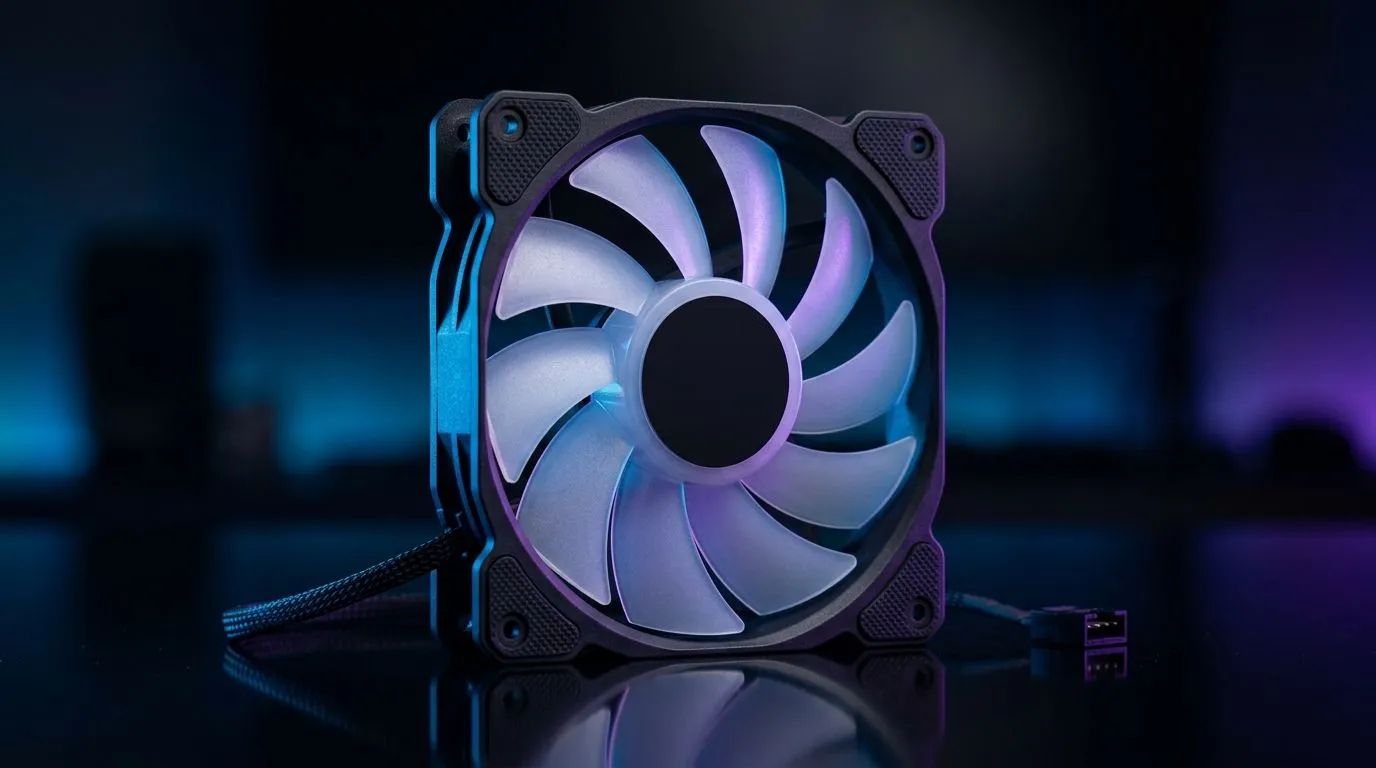
PWM Control PC Fans Explained for Quieter Cooling: Why Your PC Sounds Like a Jet
If your gaming rig sounds like it’s taking off every time you launch Apex or Fortnite, the fix is often simpler than you think. The fan tech is already there... you just need the right control method. PWM control PC fans explained for quieter cooling starts with one idea: your fans should ramp up only when they’re actually needed. That means lower noise during desktop and smoother cooling during long sessions 🔧
PWM Control PC Fans Explained for Quieter Cooling: What PWM Actually Does
PWM stands for Pulse Width Modulation. Instead of continuously blasting power to the fan motor, the motherboard sends rapid on/off signals. The “width” of the signal determines the effective fan speed.
In plain terms:
- High-demand moments (big GPU load) → PWM tells the fan to spin faster.
- Low-demand moments (idle, browsing, menus) → PWM slows fans down.
This is why PWM fans typically feel quieter and more consistent than older “voltage-control” setups.
RPM control beats noise guessing
Most modern motherboards and fan headers can read and manage fan speed using PWM. If you run fans at full speed all the time, you waste power and create noise where you don’t need it.
For South African gamers chasing both performance and peace, PWM is a practical win. ✨
PWM Control PC Fans Explained for Quieter Cooling: How to Set It Up (BIOS and Software)
The goal is a curve: gentle at low temps, aggressive when temps rise. You can do this in your motherboard BIOS fan settings, then fine-tune in software if your board supports it.
Use these common starting points:
- 30–45°C (idle/light use): keep fans at a low baseline (enough to maintain airflow, not enough to scream)
- 60–70°C (gaming load): ramp smoothly
- 80°C+: let fans reach higher speeds to protect components
Watch the temperature trend for a few matches. If noise jumps too early, lower your first ramp point. If temps climb too high before the fans react, move the ramp earlier.
Productivity Pro Tip ⚡
On Windows, use MSI Afterburner’s fan controls (if your GPU supports it) to reduce peak noise during non-CPU-heavy games. Lowering aggressive fan profiles can smooth out spikes while you still keep thermal safety margins for sustained sessions.
Choosing PWM Fans in South Africa: Size, RGB, and Airflow
When you buy case fans, don’t only look at RPM marketing numbers. Consider:
- Fan size (120mm vs 140mm): larger fans can move more air at lower noise
- Blade design and airflow path: impacts how effectively they feed your case
- Lighting (optional): RGB is nice, but airflow comes first
If you’re shopping, compare options here:
- Browse case fans with PWM-friendly choices in the Evetech range: Case fans for your setup
- Want a brand-led shortlist? Start with: CORSAIR case fans
- Prefer Deepcool models? Check: Deepcool case fans
For RGB setups:
- If your build needs lighting effects, browse: RGB lighting case fans
- If you want clean stealth vibes, choose: Non-RGB / no lighting case fans
And for radiator or case compatibility:
- 120mm fans: 120mm case fans
- 140mm fans: 140mm case fans
A quick micro-story from the Evetech counter
We’ve lost count of how many times a customer says, “It’s fine… until I game.” Usually, their fans are set too high at idle or they’re using the wrong header mode. Once they switch to PWM control and apply a sensible curve, the PC becomes noticeably calmer without sacrificing cooling.
That’s the difference between “runs cold” and “runs quietly.” 🚀
PWM Control PC Fans Explained for Quieter Cooling: The Checklist Before You Buy
Before checkout, confirm:
- Your motherboard header supports PWM (most do, but check your board manual)
- Fan size matches your case mounts and radiator needs
- You have a balanced intake/exhaust layout (more isn’t always better)
Then tune your curve after installation. Give it one or two gaming sessions, and adjust based on real temps. That’s how you get quieter cooling that lasts.
Ready to Find Your Perfect Match? The Mac vs Windows debate is complex, but for maximum power, choice, and value in South Africa, Windows is hard to beat. Explore our massive range of laptop specials and find the perfect machine to conquer your world.











