

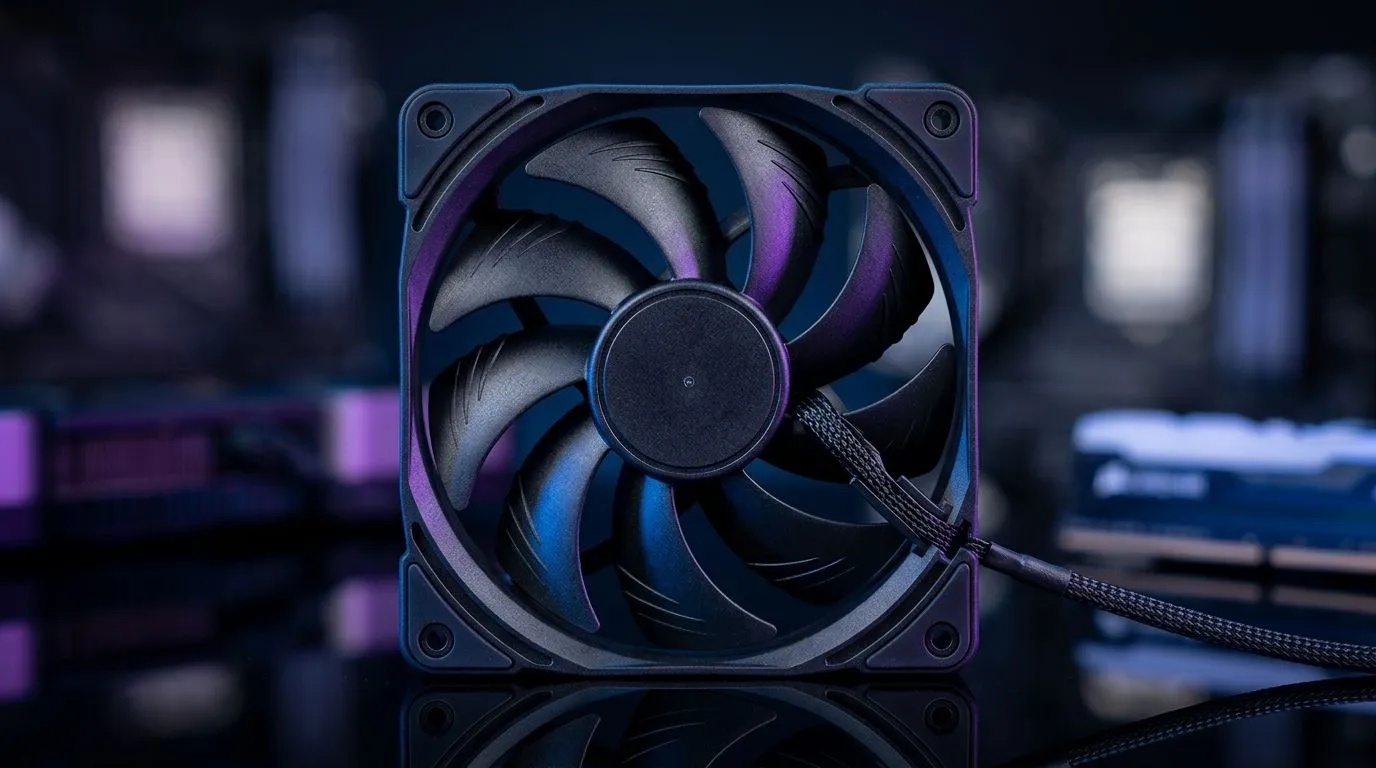
PWM Fan Control for a Quieter PC: Less Noise, More Comfort
If your PC sounds like it’s warming up a stadium every time you launch Warzone… you’re not alone. Many South African gamers want higher FPS, but they also want peace. The good news? PWM Fan Control for a Quieter PC: Less Noise, More Comfort is one of the simplest upgrades you can make for a cooler, calmer setup. 🔧
This guide breaks down what PWM actually does, how to tune it safely, and what to look for when shopping in South Africa.
Why PWM helps you hear less and game more
Most fans spin based on a basic voltage input… and that means they can stay noisier than you’d like. PWM (Pulse Width Modulation) controls fan speed by sending timed pulses. The fan motor then adjusts how fast it runs, often in smaller steps.
In practice, PWM usually means:
- Lower fan speeds during light use (browsing, Discord, menu screens)
- Faster ramp-up when temperatures rise (game sessions)
- Smoother control than older non-PWM curves
So you get “more comfort” in the room, not just in the case. ✨
Evetech stocks a variety of case fans to match different builds and preferences, including options with different sizes and lighting features. If you’re shopping for quieter airflow, start by checking what size fits your chassis.
Choose the right fan size before you chase noise targets
Fan size matters because airflow at the same noise level depends on blade area and motor design. Common sizes include 120mm and 140mm, which you can compare from Evetech’s case fan range:
- 120mm case fans can be a good fit for tighter layouts.
- 140mm fans often move more air with lower RPM potential.
For a quick browse, see: 120mm case fans and 140mm case fans.
Dial in your curves (the “quiet win” method)
A quiet PC isn’t about one setting. It’s about a sensible fan curve plus proper airflow. Here’s a safe approach:
- Set a low baseline for idle temps (you want near-silent).
- Let fans ramp gradually once you cross your “warm” threshold.
- Avoid harsh spikes by not forcing full speed too early.
If your motherboard supports it, tune fans to your CPU temperature sensor. Use load tests for your actual games, not benchmarks alone.
Quiet Build Pro Tip 🔧
On the first tuning pass, set a conservative starting curve (lower RPM at idle), then increase only one step at a time after a 10–15 minute gaming session. This prevents you from overcorrecting and ending up with fans that spin up too aggressively when you’re just loading a match.
Build for airflow: don’t fight physics
Even perfect PWM control struggles if your case airflow is blocked. Check:
- Filter cleanliness (dust traps raise temps fast)
- Cable routing near the front intake
- Fan direction (front/bottom intake, rear/top exhaust is common)
Pick PWM fans that match your aesthetic and cooling goals
Want RGB or a cleaner look? That’s personal, but it can affect how you manage profiles. Evetech lists options including RGB and non-lighting variants, so you can keep focus on acoustics:
If you have a brand preference, you can also explore specific ranges like:
And if you want to compare everything at once, start here: Evetech’s case fans collection.
Final checklist before you click “buy”
Before you order, confirm:
- Your fan size fits your case mounts (120mm vs 140mm)
- You’re using PWM-compatible headers (most modern boards do)
- Your fan curve matches your real idle and gaming temps
- You’ve improved airflow first (filters, direction, cables)
Once you nail this, you’ll notice it immediately… especially during those quiet menu moments.
Ready to Find Your Perfect Match? The Mac vs Windows debate is complex, but for maximum power, choice, and value in South Africa, Windows is hard to beat. Explore our massive range of laptop specials and find the perfect machine to conquer your world.











