

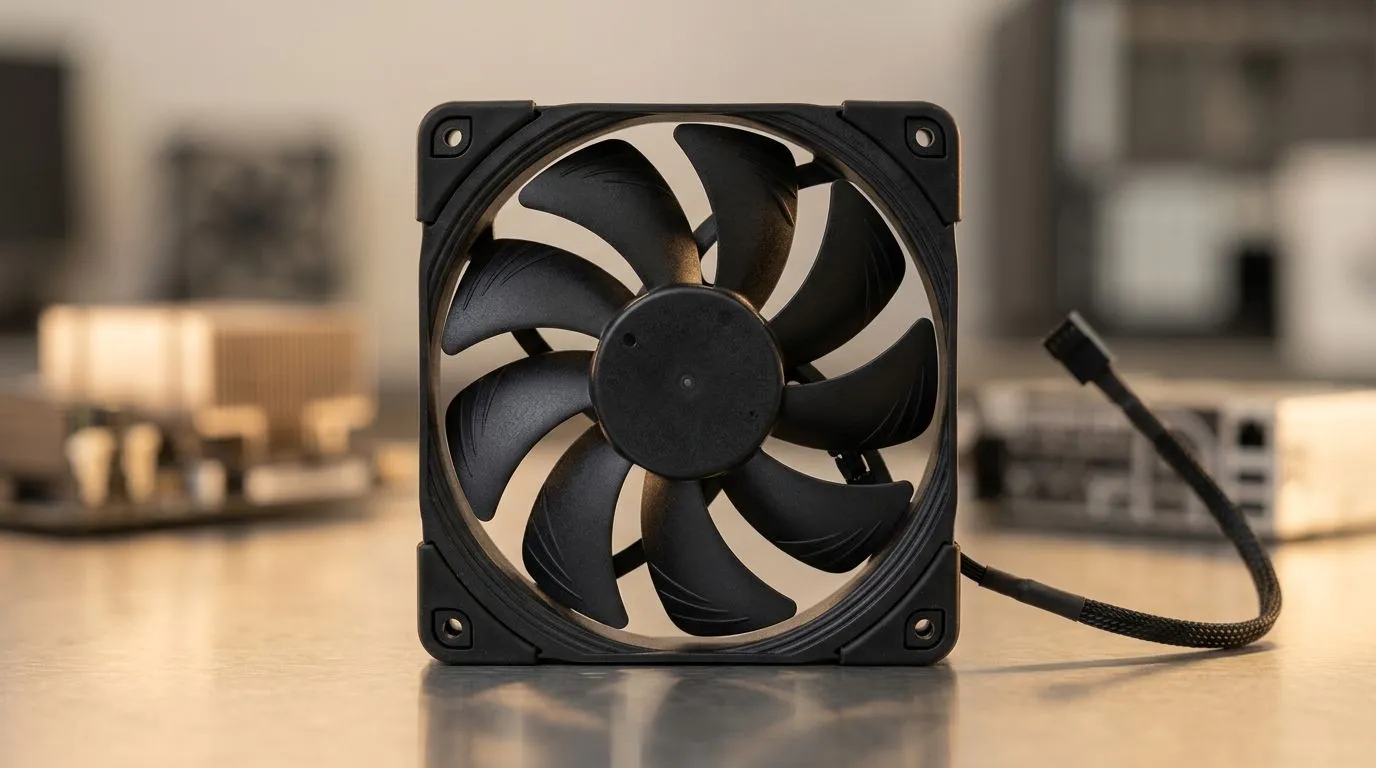
PWM Fan Automatically Adjusts Speed by Temperature: Why Your PC Stays Cooler (and Quieter) 🔧
South African gamers know the sound… that rising whirr when you boot into a raid or hit a ranked grind. Heat builds fast in summer, and fans can sound like jet engines if they’re running full blast all the time. That’s where PWM fan control matters. If you’ve ever wondered why some CPU coolers feel “effortless” under load, it’s often because the fan automatically adjusts speed by temperature.
In this Deep Dives guide, we’ll break down what PWM actually does, what to look for when choosing a cooler, and how to avoid the two most common mistakes when building a gaming rig in SA.
What “PWM Fan Automatically Adjusts Speed by Temperature” Really Means ⚡
A PWM (Pulse Width Modulation) fan is controlled by the motherboard. Instead of spinning at one fixed RPM, the fan speed changes based on CPU temperature.
Here’s the practical effect:
- Low load: the fan runs slower to reduce noise.
- Higher load: the fan ramps up to move more air and protect boost clocks.
- Spikes: it responds quickly, then settles when temperatures drop.
This is especially useful for mixed gaming and desktop use. You may be browsing, streaming Discord, and then launching a new match. PWM helps keep your system stable without constant loud fan behaviour.
Cooling Clarity Pro Tip ✨
Pick a cooler with the fan size and airflow style that matches your case. Before buying, check your case’s max cooler height and fan clearance. A great PWM fan can still perform poorly if it cannot draw enough cool intake air.
Choosing a CPU Cooler with PWM Support (and the Right Fan Setup) 🚀
Not every “silent” cooler is silent in all conditions. Look for:
- A PWM-capable fan header on your motherboard (most modern boards have them).
- A cooler designed for efficient heat transfer (heatpipes and proper fin geometry).
- Fan size that fits your case airflow plan.
Evetech lists a range of CPU coolers that let you build a balanced setup. Start with their CPU cooler collection here:
If you want a straightforward air-cooling build, filter by air coolers:
And if you prefer a larger, calmer airflow approach, 120mm fan setups are a popular sweet spot for many gaming cases:
Brand preferences are also common in SA builds. If you’re considering Deepcool models, check:
Or compare with EINAREX options:
Quick Checklist Before You Buy (So You Don’t Regret It Later) ✅
When you’re in a rush to upgrade, slow down for these three checks:
- Case clearance: Measure cooler height and verify it fits the motherboard area.
- Fan placement: Aim for good front-to-back airflow. Don’t block intake with cables.
- Fan curve sanity: Even with PWM, you want a sensible BIOS curve so the fan ramps before temps get scary.
A quick micro-story from the workshop… A friend upgraded his CPU and used whatever cooler “looked fine.” Under load, it sounded harsh because the fan curve had no headroom. The fix was not magic. It was correct PWM behaviour and good airflow clearance.
Ready to tune your build for silence and stability? 🎮
If you’re chasing cooler temps during long gaming sessions and fewer “fan ramp” moments, PWM-controlled cooling is one of the most practical upgrades you can make.
Ready to Find Your Perfect Match? The Mac vs Windows debate is complex, but for maximum power, choice, and value in South Africa, Windows is hard to beat. Explore our massive range of laptop specials and find the perfect machine to conquer your world.











