

Article (MDX)
Is your gaming PC louder than a hadeda at sunrise? Or does it start to lag just as you're about to clutch a win in Warzone? The culprit might not be your CPU, but how you're cooling it. That's where PWM fans come in. They offer precision airflow control for PC builders, transforming a noisy hotbox into a cool, quiet powerhouse. Let's dive into how these clever 4-pin wonders give you the ultimate control over your rig's performance. ⚡
Understanding the Difference: PWM vs. DC Fans
At first glance, most PC fans look the same. But the magic is in the connector. Traditional fans use a 3-pin DC (Direct Current) connector. Their speed is controlled by varying the voltage sent to them—think of it like a simple dimmer switch. It works, but it's not very precise and can't slow the fan down below a certain level.
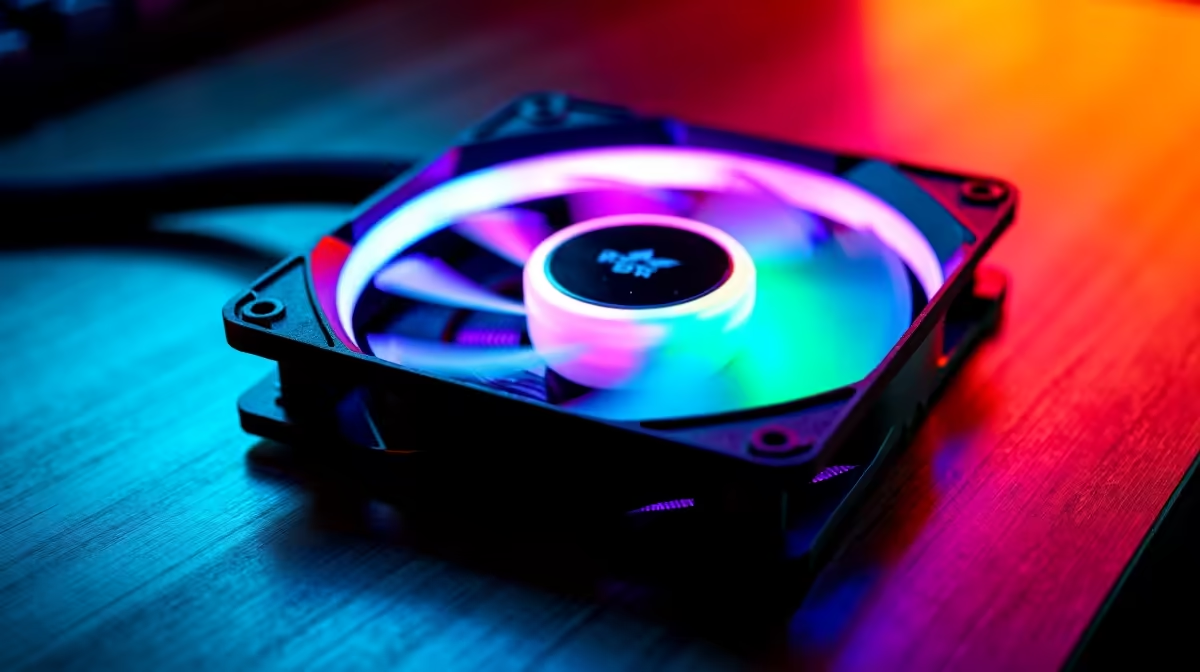
PWM (Pulse Width Modulation) fans, on the other hand, use a 4-pin connector. That extra pin carries a special signal from your motherboard that tells the fan exactly how fast to spin, from near-silent to full blast. This method offers far more granular precision airflow control, allowing for a much wider and more accurate range of speeds. This level of detail is crucial, whether you're building one of our top-tier best gaming PC deals or optimising a current rig.
The Real-World Benefits of Precision Airflow Control
So, why does that extra pin matter so much? The benefits go way beyond just being a tech novelty. Properly managed airflow is the secret to a stable, high-performance machine.
Quieter Operation 🤫
The most immediate benefit of PWM fans is noise reduction. Because their speed is directly tied to component temperatures, they only spin as fast as absolutely necessary. Browsing the web or doing some work? They'll whisper along. Firing up a demanding game? They'll intelligently ramp up to meet the cooling demand. This dynamic response is essential in modern systems, from powerful Intel PC deals to efficient AMD Ryzen PC setups that need to balance performance and acoustics.
Better, More Stable Performance
Heat is the enemy of performance. When your CPU or GPU gets too hot, it "thermal throttles"—intentionally slowing itself down to prevent damage. This is what causes frustrating frame drops and stuttering mid-game. With the precision airflow control from PWM fans, you can keep your components well within their optimal temperature range. This ensures your powerful NVIDIA GeForce gaming PC delivers every single frame you paid for, without compromise.
Pro Tip: Custom Fan Curves
Don't just use the 'Silent' or 'Performance' presets in your BIOS. Create a custom fan curve! Set fans to ramp up more aggressively only after your CPU or GPU hits 60-70°C. This keeps your PC whisper-quiet during everyday tasks and powerful when you're deep in a match.
Increased Component Lifespan
Consistently running components at high temperatures doesn't just hurt performance; it shortens their lifespan. By efficiently whisking heat away, PWM fans reduce thermal stress on everything from your processor to your motherboard. This is a smart investment for any build, ensuring your high-performance AMD Radeon gaming PC stays healthy for years of gaming. The same cooling principles apply to demanding creative workflows on our dedicated workstation PCs.
Are PWM Fans Worth the Extra Rands?
Let's be honest, PC building in South Africa often means watching every rand. While PWM fans can cost slightly more than their DC counterparts, the difference is usually minor. When you consider the acoustic, performance, and longevity benefits, the value proposition is clear.
Whether you're piecing together one of our awesome budget gaming PCs or going all-out on a machine with the latest tech, like our DDR5 gaming PCs, opting for PWM fans is one of the smartest, most cost-effective upgrades you can make. It's a small price for a massive improvement in your daily computing experience, applicable to both PCs under R20k and high-end rigs above R20k.
Ready for a Cooler, Quieter Rig? Stop letting heat dictate your performance. Whether you're building from scratch or upgrading, the right cooling foundation makes all the difference. Explore our range of expertly configured pre-built PC deals at Evetech for performance that leaves lag in the dust.











