

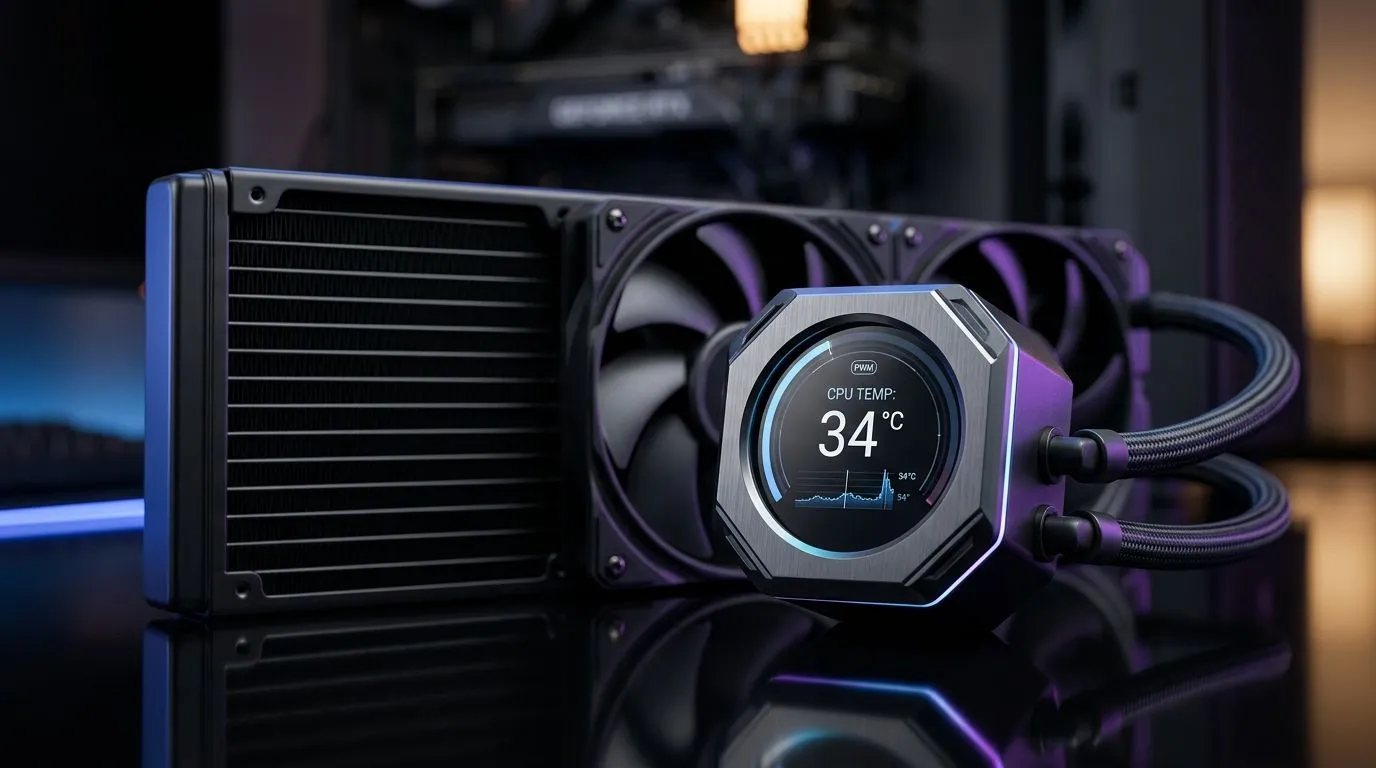
PWM Fans and Real-Time Temperature Displays for CPU Coolers: Why South African PC Builders Care 🔧
If you’ve ever wondered why one CPU run feels smooth and another throttles under the same game… it usually comes down to cooling control. In South Africa’s warm-room seasons, a cooler’s fan behaviour matters. PWM fans help keep noise down while still reacting when your CPU heats up. And real-time temperature displays can make tuning feel less like guessing and more like data.
Let’s break down what “PWM” really changes, where temperature monitoring pays off, and how to choose a CPU cooler that fits your setup and your budget.
PWM Fans for CPU Coolers: What the “PWM” Actually Does ⚡
PWM stands for Pulse Width Modulation. In a simple sense, it lets your fan speed be controlled in steps (or finely, depending on design) rather than just running “fast all the time”. The result is smarter airflow: higher RPM when CPU temps rise, quieter operation when load is light.
On typical gaming workloads, that means your rig can stay more comfortable while browsing, then ramp up during heavier scenes like raids, shader-heavy maps, or live-stream overlays. You get control without turning your PC into a jet engine.
Evetech stocks a wide range of CPU coolers, including options with different fan sizes and cooler types. Start your comparison here:
If you want to narrow it down to air coolers (common for value in SA), use this view:
For builds leaning into higher airflow with less noise, 120mm fan configurations are often a sweet spot:
And if your goal is consistent performance with a brand-specific ecosystem, you can browse directly by manufacturer:
- https://www.evetech.co.za/PC-Components/cpu-coolers-84?attributes-coolertype=Air+Cooler&brands=Deepcool
- https://www.evetech.co.za/PC-Components/cpu-coolers-84?attributes-coolertype=Air+Cooler&brands=EINAREX
Real-Time Temperature Displays: More Than a “Nice-to-Have” ✨
Real-time temperature displays can act like an early warning system. Instead of waiting for stutters or surprise thermal throttling, you can watch trends while you play or benchmark.
A practical workflow:
- Boot into a game you know is CPU-heavy.
- Note idle temperature vs load temperature.
- Watch how quickly temps climb when you enter a busy area.
- Adjust fan curve settings (in BIOS or your monitoring tool) if your system runs hotter than expected.
This is especially helpful when you upgrade parts. New CPUs, new thermal paste, or even a case airflow change can all shift the “normal” temperature range.
Productivity Pro Tip 🔧
On your first gaming session after a cooler install, run a 10–15 minute CPU-heavy game match while monitoring temps. If temperatures spike too fast, check fan direction, reseat the cooler, and confirm the fan is plugged into the CPU_FAN header so PWM control actually works.
Choosing the Right Cooler: Fit, Airflow, and Fan Control 🚀
Before you buy, check three things:
- Cooler compatibility: confirm it supports your CPU socket. A “great” cooler that doesn’t fit is a wasted budget.
- Case airflow: even the best fan can’t beat blocked intakes. Keep front intakes clear and don’t jam cables against the intake path.
- Fan control quality: PWM support is the difference between reactive cooling and constant noise.
In South Africa, budgets matter, so prioritise value where it counts. Air coolers are often excellent for mid-range builds, while premium options can be worth it for sustained heavy workloads. If your current cooler feels loud under load, a PWM-focused choice can be a calmer, smarter upgrade.
Quick Checklist Before You Click “Add to Cart” ✅
- You’re selecting from a range of CPU coolers that match your cooler type and fan size (use the filters on Evetech).
- Your fan header wiring supports PWM control (CPU_FAN is the usual target).
- You’ll actually monitor temps during gameplay so the upgrade proves itself.
Ready to Find Your Perfect Match? The Mac vs Windows debate is complex, but for maximum power, choice, and value in South Africa, Windows is hard to beat. Explore our massive range of laptop specials and find the perfect machine to conquer your world.











