

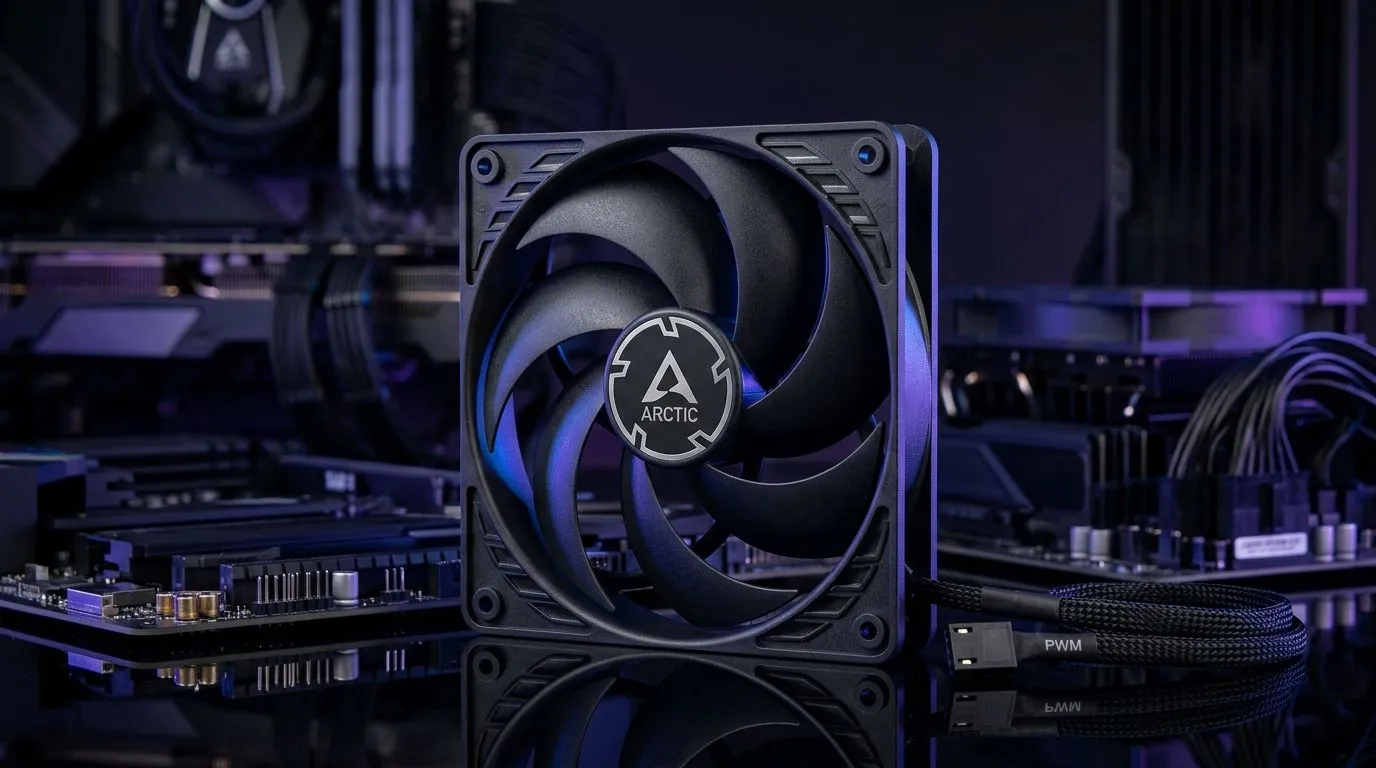
PWM Speed Control for Gaming PCs: Is It Worth It? (Quick Take for SA Builders)
If you’ve ever sat with a fan curve spreadsheet at 1am… you’re not alone. In South Africa, where loadshedding and hot summers can push PCs hard, fan control matters. But does PWM speed control actually help your gaming PC, or is it just marketing?
Let’s break it down in plain terms. We’ll talk noise, temps, fan life, and what you should look for before spending your budget on “smart” cooling.
What PWM Speed Control Actually Does (and Why Gamers Notice) 🔧
PWM (Pulse Width Modulation) is how your motherboard tells a PWM-compatible fan what speed to run at. Instead of constantly changing voltage, the board sends rapid on-off pulses. The fan interprets those pulses and sets its RPM accordingly.
In practice, that means:
- Lower fan RPM at idle for quieter everyday use.
- Higher RPM under load when games get heavy.
- Smoother ramping because the system can react based on temperature sensors.
This is why many gamers hear a difference. When you join a match, your GPU ramps up… and fans follow. When you’re browsing or downloading a patch, the PC can breathe quietly.
PWM vs DC Control: The Part That’s Easy to Miss
Most modern gaming motherboards support PWM fan headers. Some budget boards use DC control (voltage changes). PWM typically gives more consistent speed control across fan models. If your fans are not PWM-compatible, you can’t expect the same level of control.
If you’re upgrading a tower, double-check fan specs before assuming “4-pin means PWM”. You want actual PWM support on the fan or the kit you’re buying.
The Real-World Value: Temps, Noise, and Fan Longevity ⚡
PWM speed control is “worth it” when you care about at least one of these:
- Noise discipline: Quiet nights are a legit performance feature.
- Temperature stability: Fans that respond to heat help avoid spikes during intense gameplay.
- Reduced wear: Running high RPM only when needed can reduce unnecessary stress.
Will PWM magically make your CPU cooler? No. But it helps your cooling system do the job efficiently.
A South African Micro-Scenario
Picture this: you’re gaming in summer. Your room is already warm, and after a short burst you notice your PC gets louder. With PWM, your motherboard can keep fan curves smarter, so your fans don’t behave like a jet engine every time a menu animation triggers a temperature bump.
Productivity Pro Tip ⚡
On Windows, use the BIOS fan control tools or fan curve utilities only after you confirm your motherboard supports PWM headers. Then stress-test with a consistent workload (like a 10-15 minute game loop) to validate that your fan curve ramps smoothly without unnecessary oscillation.
What to Buy: Fan Size, RGB, and Matching Your Build ✨
Before you chase PWM, make sure your fans actually fit your case airflow plans.
If you’re choosing 120mm fans, you’ll typically get a good balance between airflow and mounting flexibility. For cases that support larger intakes, 140mm fans can move more air at lower RPM, which can translate into lower noise.
If you’re also considering aesthetics, RGB fans can look great, but prioritise cooling compatibility first, then style. Lighting is fun… stability is essential.
Here are a few Evetech fan options you can browse while planning your airflow layout:
- Start with quality case fan options here: case fans at Evetech
- If you want to compare PWM-capable mainstream brands like CORSAIR: CORSAIR case fans
- For DeepCool models and cooling-focused designs: Deepcool case fans
- Want RGB effects? Filter here: RGB case fans
- Prefer a cleaner look with no lighting: non-RGB case fans
- Planning a front intake with 120mm support? Browse: 120mm case fans
- Planning 140mm intake/exhaust? Browse: 140mm case fans
So… Is PWM Speed Control Worth It? ✅
Yes, in most gaming PC builds, PWM speed control is worth it because it improves how your fans respond to real load. It’s not about chasing maximum RPM. It’s about running the right speed at the right time.
If your current build is noisy at idle, or you see temperature spikes during play sessions, PWM fans and a sensible fan curve can fix the “why is my PC loud for no reason?” problem.
Before you buy, check:
- Your motherboard fan header support (PWM)
- Your fan compatibility (PWM-ready fans)
- Your case airflow plan (intake vs exhaust, and fan sizes)
Ready to Find Your Perfect Match? The Mac vs Windows debate is complex, but for maximum power, choice, and value in South Africa, Windows is hard to beat. Explore our massive range of laptop specials and find the perfect machine to conquer your world.











