

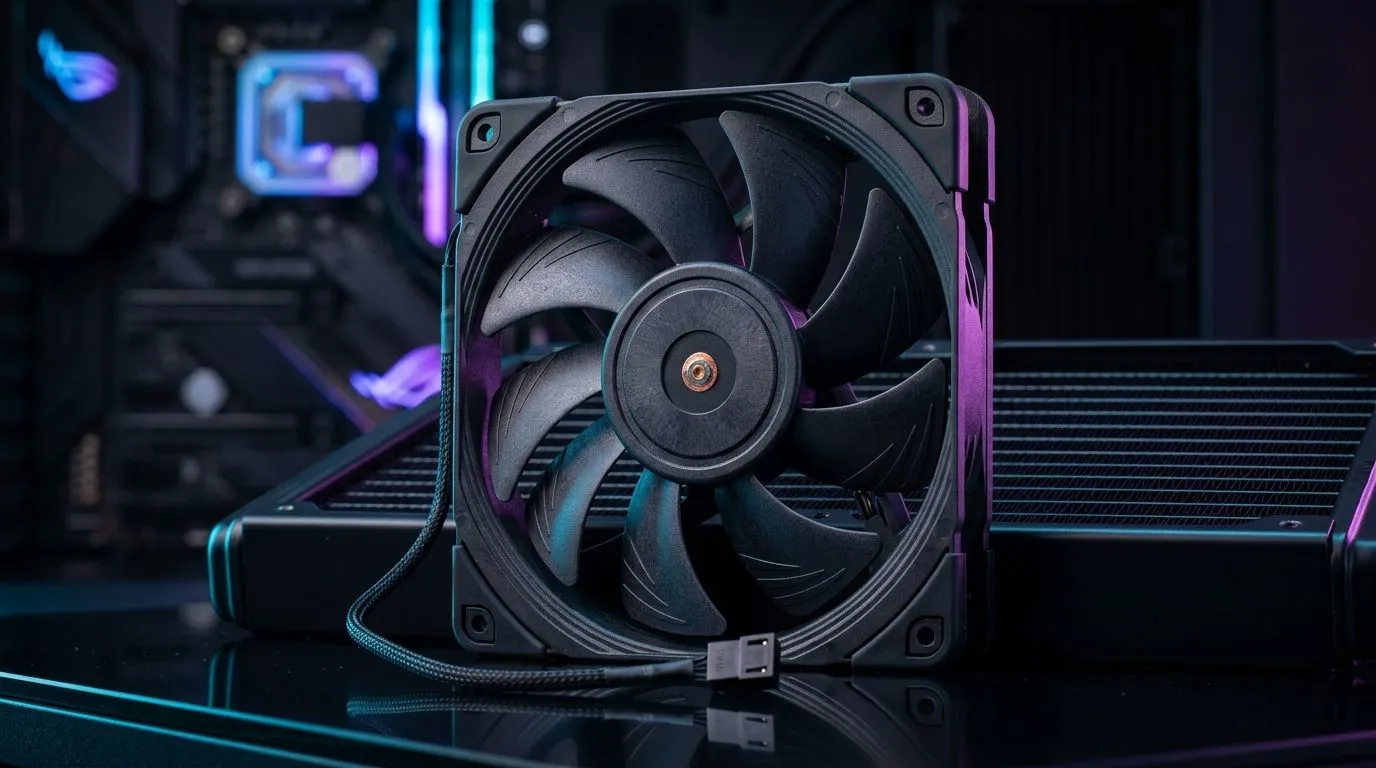
PWM Speed Control for Optimised PC Cooling Performance: the gamer’s quieter advantage 🔧
If your PC is loud under load, it’s usually not “broken”… it’s just cooling that isn’t as intelligent as it could be. South African gamers are pushing higher frame rates on hot benches, tight desks, and cramped cases. The result? Thermal throttling or fans ramping to max too often.
One tech detail fixes a lot of that: PWM speed control. Done right, it delivers smoother airflow, better temperatures, and a calmer rig while you grind ranked matches.
What PWM Speed Control for Optimised PC Cooling Performance actually does ✨
PWM stands for Pulse Width Modulation. Instead of feeding a fan with a fixed power level, your motherboard sends a control signal that tells the fan what speed to run at, in steps, many times per second.
Key benefit: PWM fans can idle lower and ramp up only when sensors detect heat. That means:
- Less noise when you’re browsing, downloading, or loading into games
- Faster response when your CPU or GPU spikes
- More stable thermals during long sessions
For South African builds where power fluctuations and dust are real, smoother fan behaviour also helps you maintain consistent cooling over time.
How to set up PWM fans for Optimised PC Cooling Performance (no guesswork) 🚀
Start with airflow direction and then fine-tune fan curves in BIOS or software (depending on your motherboard).
- Item
- Item
- Item
- Item
Productivity Pro Tip ⚡
Use your motherboard’s fan curve presets as a starting point, then tune using real gameplay temps (not idle). Run one match, note CPU and GPU peak temps, and adjust the curve so your fans only ramp hard when those peaks happen.
Choosing the right case fans for Optimised PC Cooling Performance (sizes, RGB, and airflow) 🎮
Not all fans are equal. Size and features matter, but performance matters more than flashy lights.
- 120mm vs 140mm: 140mm fans often move more air at lower noise, but fitment depends on your case.
- RGB: Lighting is optional, but it’s nice when you want your build to look as good as it performs.
- Motherboard control: PWM support and proper headers matter for smooth control.
Explore options from Evetech so you can match your build’s needs:
- For a broad selection, browse their case fan range: case fans for smart airflow
- If you’re shopping by brand, check out CORSAIR models here: CORSAIR case fans
- Looking at Deepcool options? This page makes it easy: Deepcool case fans
- Want the aesthetics? See the RGB selection: RGB case fans
- Prefer a clean look with no lighting effects? Filter for None: non-RGB case fans
- Building with tight spacing? Filter by 120mm: 120mm case fans
- Have room for larger airflow? Filter by 140mm: 140mm case fans
Quick checklist before you commit to a setup ✅
Before buying (or after installing), verify:
- PWM control is supported on your motherboard headers
- Fan direction matches your airflow plan
- Your case supports the chosen fan size
- You’re targeting quiet under gaming loads, not just cool idle temps
A small tuning session now can save you from that “why is it so loud?” moment mid-raid… and keep your performance steady. That’s the real win.
Ready to Find Your Perfect Match? The Mac vs Windows debate is complex, but for maximum power, choice, and value in South Africa, Windows is hard to beat. Explore our massive range of laptop specials and find the perfect machine to conquer your world.











