

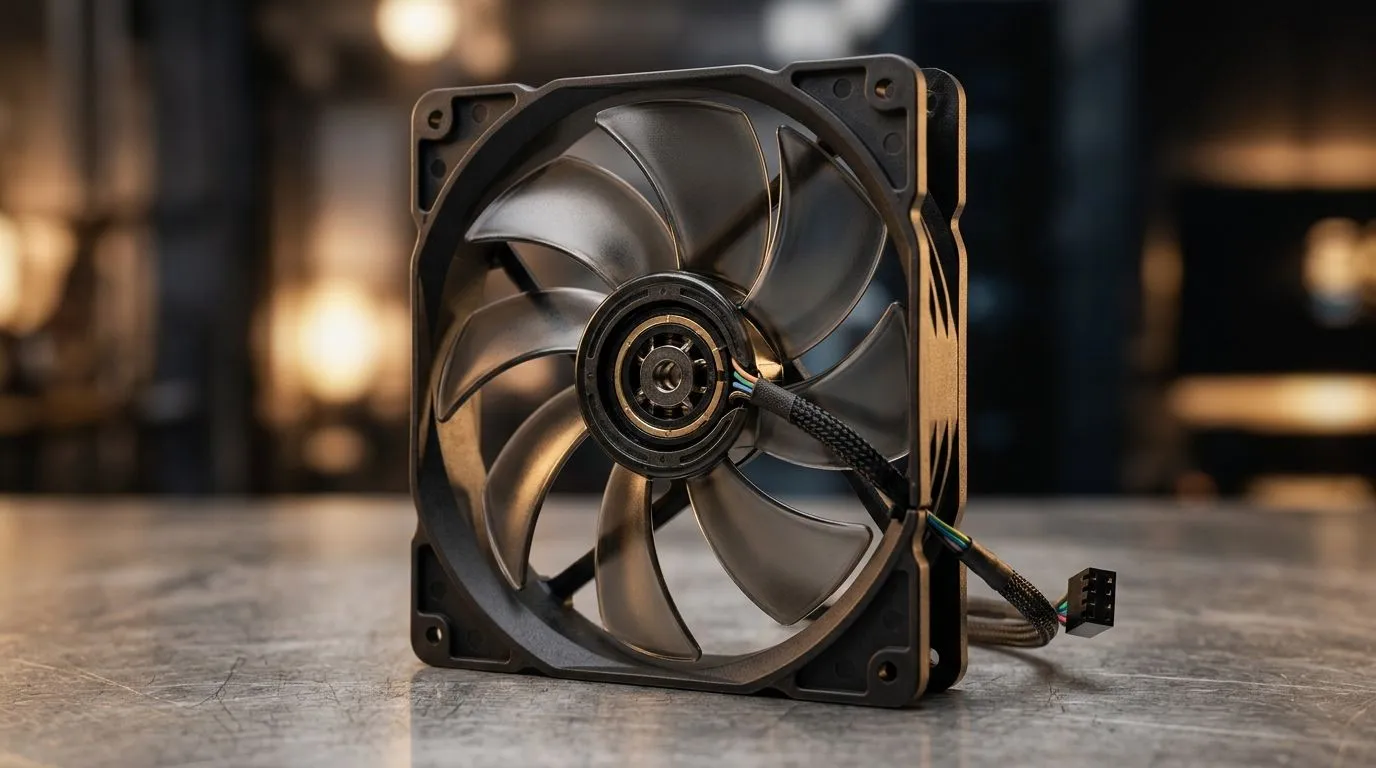
PWM Temperature Control in Case Fans: Why Your PC Doesn’t Sound Like a Jet 🔧
If your gaming PC ramps up the moment a match starts, you’re not alone. South African gamers want smooth FPS… and quieter nights when your rig is decoding updates, running Discord, and sitting in a lobby. One reason modern case fans behave better is PWM temperature control in case fans: how it works. It’s a simple idea, but it directly affects airflow, noise, and whether your GPU stays in its “happy” range.
PWM Temperature Control in Case Fans: What PWM Actually Means ✨
PWM stands for Pulse Width Modulation. Instead of feeding a fan a steady voltage, the motherboard tells it to “pulse” power on and off very quickly. The fan averages that power into a stable speed.
Here’s the practical part for gamers:
- The fan driver starts by spinning at a level that’s suitable for current system temps.
- As temperatures rise, the motherboard increases the PWM duty cycle.
- The result is higher fan RPM only when you need it… and lower RPM when you don’t.
Most PWM fans also report their RPM (speed) back to the controller. That feedback is what helps keep behaviour consistent across different loads.
PWM Temperature Control in Case Fans: How Temperature Sensing Changes Fan Speed ⚡
PWM temperature control isn’t just “more speed = more cooling”. It’s about timing. Your PC’s temperatures are measured by sensors (CPU, sometimes GPU via the system, and often motherboard zones). Then the motherboard uses a fan curve to decide how aggressively to react.
In plain terms:
- Temps are measured continuously.
- A fan curve compares temps to target points.
- PWM duty cycle adjusts so fan RPM matches the curve.
- Noise stays lower during light gaming and browsing.
If you’ve ever wondered why some rigs feel “calm” in desktop, it’s usually because the PWM curve is tuned for silence until temps cross a threshold.
Productivity Pro Tip ⚡
If your case fans are louder than expected, check your BIOS fan curve. Lower the “ramp start” temperature slightly, and reduce the slope so RPM doesn’t jump too early. Quiet gaming sessions are usually a settings tweak away.
Choosing the Right Fans for PWM Temperature Control in Case Fans (Size + Lighting) 🚀
Not all fans are equal. For PWM control to feel seamless, the fans need to match your case layout and purpose.
Size matters (120mm vs 140mm)
Larger fans often move more air at lower RPM. That can help noise levels while still keeping temps under control. If you’re planning airflow for gaming, browse options like:
- 120mm PWM-friendly fan picks: 120mm case fans at Evetech
- 140mm case fan options: 140mm case fans at Evetech
Brand and tuning differences
Some brands lean into more refined curves and smoother RPM control. If you want to compare, you can start with:
- CORSAIR case fans
- Deepcool case fans And if you just want to browse everything first:
- Case fans category at Evetech
RGB is optional (but your temps still matter)
RGB doesn’t replace cooling. But if you want your setup to look good while PWM keeps it efficient, you can filter by lighting:
Quick Setup Checklist for PWM Temperature Control in Case Fans ✅
Before you blame the fans, do these checks:
- Confirm you plugged fans into PWM headers (usually marked clearly on the motherboard).
- Make sure cables aren’t loose. RPM reporting can look “weird” with a bad connection.
- Use a fan curve that’s realistic for your climate. In warmer rooms, you may need slightly earlier ramping.
- After changes, monitor CPU/GPU temperatures during a game session, not just in the first 60 seconds.
Once it’s dialled in, you’ll notice it. Less whine under load… and less “whoosh” during menu screens. That’s the point of PWM temperature control in case fans: how it works.
Ready to Find Your Perfect Match? If you want quieter cooling and smoother RPM behaviour, choosing the right PWM case fans is the easiest win. Explore our massive range of case fans and pick the size, brand, and lighting you want for your setup: Shop Evetech case fans and get ready for cooler gaming sessions.











