

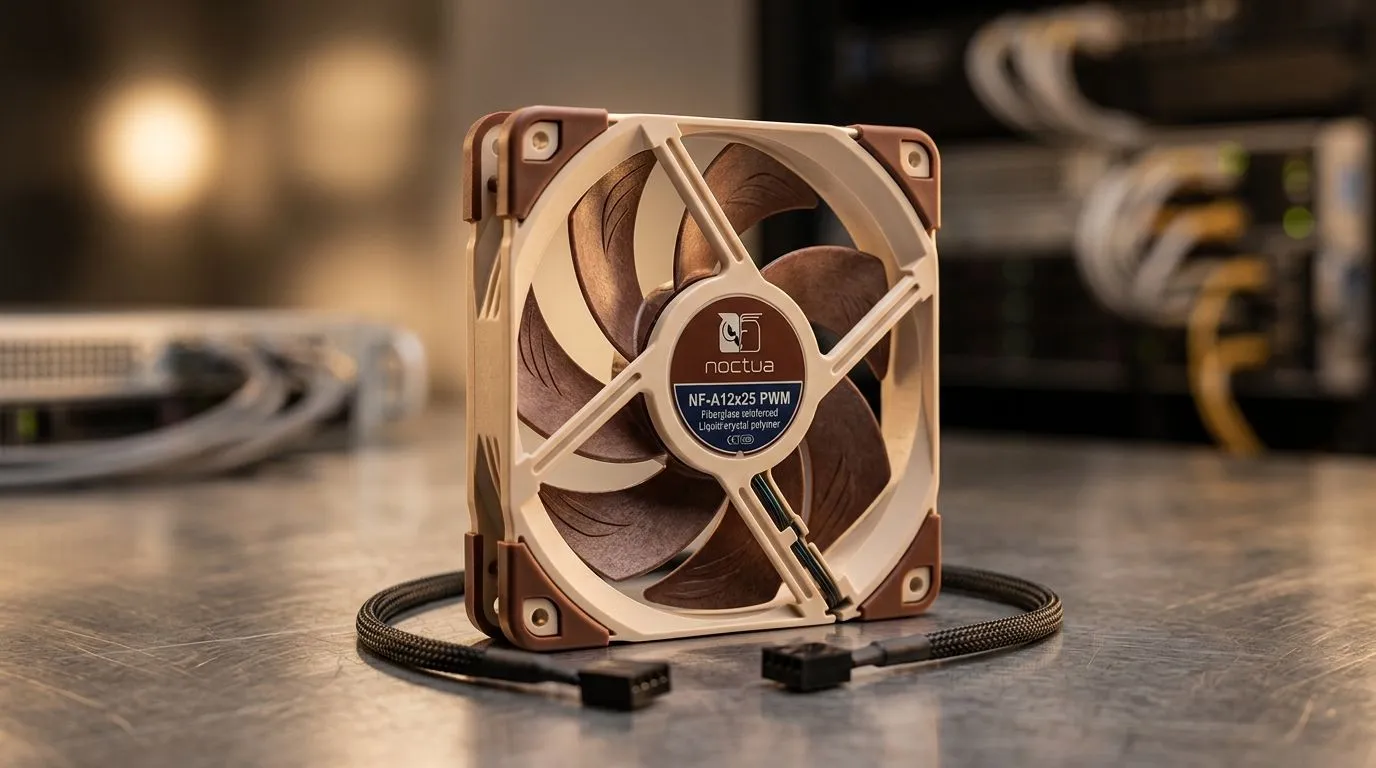
PWM vs DC Case Fans: How RPM Control Changes Noise
If your PC sounds like it’s auditioning for a drum kit… you’re not alone. South African gamers and tech buyers obsess over FPS, but case airflow quietly decides whether your rig stays cool or gets loud. The key difference often comes down to fan control: PWM versus DC. And once you understand how RPM control affects noise, you can buy smarter, not louder.
In this Deep Dive, we’ll break down what PWM vs DC really means for your temperatures, acoustics, and upgrade choices 🔧
PWM vs DC Case Fans: The Control Difference That Matters
What PWM actually does (and why it’s smoother) ⚡
PWM (Pulse Width Modulation) controls fan speed by switching power on and off very quickly. The motherboard sends a control signal, and the fan adjusts RPM in finer steps. In practice, that often means calmer transitions when load changes. Your GPU ramps up… then the fans ramp up “with it”, instead of overshooting.
What DC control changes (and why it can sound more “chattery”)
DC (often voltage control) changes fan speed by lowering or raising voltage. That can work well, but voltage-based control may feel less granular. Some DC fans can respond with more noticeable changes in speed, depending on the controller and the fan’s curve. Result? More audible fluctuation when your system is idle, browsing, or in light gaming.
Noise is not just RPM…
RPM (rotations per minute) matters, but noise also depends on:
- Blade design and bearing quality
- Fan size and static pressure needs
- Whether the fan can run lower without wobbling or clicking
So two fans with the same headline RPM can still sound different.
PWM vs DC Case Fans: Buying Tips for Lower Noise (Without Sacrificing Cooling)
Match the fan to your airflow job
- For front intake and general airflow, focus on airflow performance.
- For radiator or dust-filter setups, static pressure matters more.
If you’re unsure, start with tried-and-tested sizes that are common in SA builds. You can browse options like case fans on Evetech and filter from there.
Sizing: 120mm vs 140mm affects both pitch and perceived loudness ✨
140mm fans can often move the same air at lower RPM, which typically reduces high-pitched noise. That said, 120mm fans are more common in tighter cases. If you’re planning a quiet build, check availability in your target size:
Quiet Build Pro Tip 🔧
On your next upgrade, check whether the fans you buy are meant to be DC-controlled or PWM-controlled, then make sure your motherboard headers match. If you plug a PWM fan into a non-PWM header, you might get weird speed behaviour and more noise than expected.
Lighting is fun, but thermals still lead
RGB can look awesome through your tempered glass… but don’t pick fans based on LEDs alone. If noise is your goal, prioritise control method, bearing type, and the fan curve behaviour. If lighting matters, you can filter through:
Brand can hint at tuning quality
Some brands build better fan curves and controllers into their ecosystems. For example, if you’re considering Corsair options, have a look at:
PWM vs DC Case Fans: Quick Decision Guide for South African Gamers
Here’s a practical way to choose without overthinking:
- Want quieter, smoother ramping and less speed “fluctuation”? Go PWM.
- Want a simpler setup, good value, and your motherboard supports DC control confidently? DC can be fine.
- If your goal is “idle silence”, PWM often wins due to more consistent speed control steps.
And remember, the “best” fan is the one that keeps your CPU and GPU within target temps during gaming… while staying comfortable at idle. That’s the sweet spot we’re all chasing on local LAN days and late-night sessions 🚀
Ready to Find Your Perfect Match? The Mac vs Windows debate is complex, but for maximum power, choice, and value in South Africa, Windows is hard to beat. Explore our massive range of laptop specials and find the perfect machine to conquer your world.











