

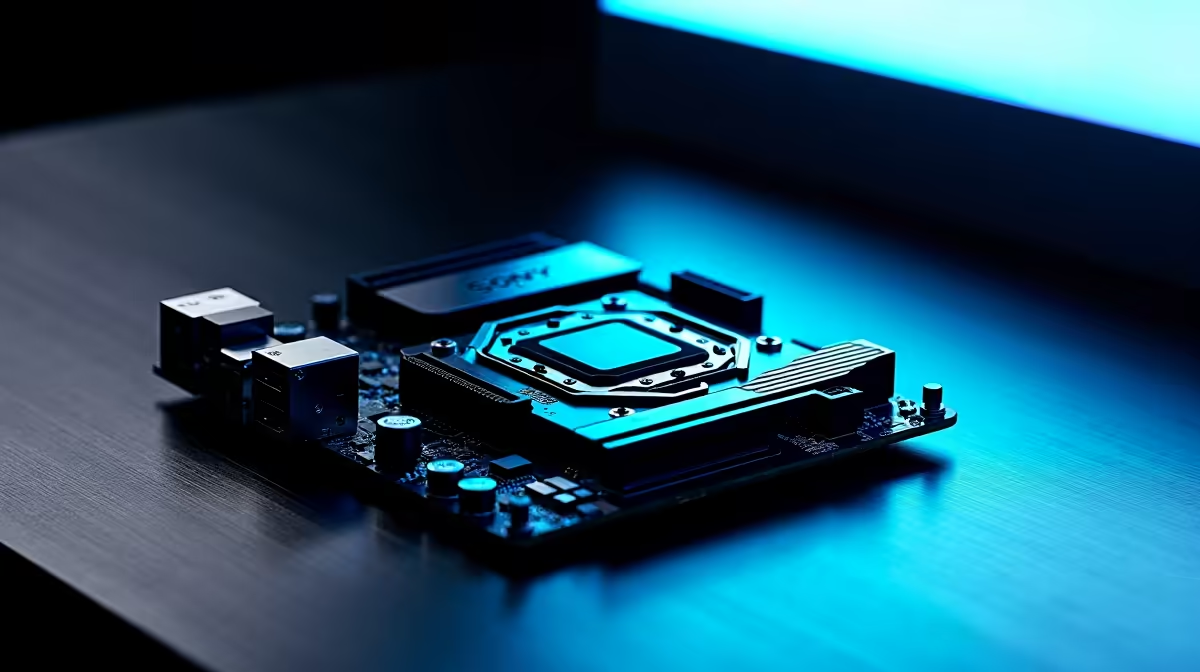
We have all been there. You just dropped a massive stack of ZAR on a shiny new graphics card. You open your rig... but the old GPU is wedged so tightly you cannot reach the PCIe release latch. You grab a plastic ruler, pray your hand does not slip, and push. It is terrifying. Thankfully, modern hardware is evolving to save our knuckles.
Let us get Q-Release Slim explained and look at other motherboard features that make GPU upgrades easier.
Q-Release Slim Explained: No More Stuck Graphics Cards 🔧
For years, removing a bulky graphics card meant fighting a tiny plastic tab hidden behind a massive heatsink. ASUS recognised this nightmare and introduced the PCIe Slot Q-Release button a few years ago. Now, they have taken it a step further with Q-Release Slim.
So, how does it work? Q-Release Slim removes the button entirely. Instead, the PCIe slot features a clever locking mechanism built directly into the slot itself. When your GPU is seated normally, it locks securely in place. When you want to remove it, you simply tilt the card slightly toward the front of the case and pull it out. The latch opens automatically.
If you are currently looking to buy motherboards for a new build, this is exactly the kind of quality-of-life feature you want. Whether you prefer the latest ASUS Intel motherboards or you are leaning toward top-tier ASUS AMD motherboards, Q-Release Slim takes the stress out of hardware maintenance.
Other Motherboard Features That Make Upgrades Easier ⚡
While Q-Release Slim is fantastic, it is not the only innovation making PC building more accessible for South African gamers. Manufacturers are finally realising that upgrading your system should be a joy... not a chore.
Tool-Free M.2 Storage Installation
Remember dropping that microscopic M.2 screw onto your carpet? Never again. Features like the M.2 Q-Latch use a simple plastic rotating clip to hold your NVMe SSD securely in place. No screwdriver required.
One-Click Memory Troubleshooting
Upgrading your system with new RAM memory kits can sometimes lead to boot issues if timings are mismatched. Modern boards often include features like Q-LED indicators or Safe Boot buttons. These instantly show you which component is causing the problem.
Hardware Handling Pro Tip ✨
Always ensure your PC is completely unplugged and you are grounded before touching internal components. If a GPU feels stuck, do not force it. Double-check that the PCIe latch is fully disengaged and the bracket screws are removed before pulling.
Pre-Mounted I/O Shields
Gone are the days of slicing your fingers on sharp metal edges. Pre-mounted I/O shields not only look cleaner but also save you from realising you forgot to install the shield after screwing down the entire board.
Even if you started your journey with one of our pre-built best gaming PC deals, having a DIY-friendly foundation means your future upgrades will be completely painless. 🚀
Ready to Build Your Dream Rig? Upgrading your setup is easier than ever with modern, DIY-friendly hardware. Explore our massive range of motherboards at Evetech and find the perfect foundation to conquer your favourite games today.











