


Complete Guide: Setting Up Monitor Light
Setting Up Monitor Light. Tested & verified settings for best FPS and visual quality on SA hardware budgets.
Read more- QHD vs 4K gaming: clarity, fps, cost - GPU and monitor picks by use case - Upgrade advice for esports or immersive play QHD vs 4K gaming explained—compare visuals, performance needs, and value to pick the right resolution for your PC 🎮
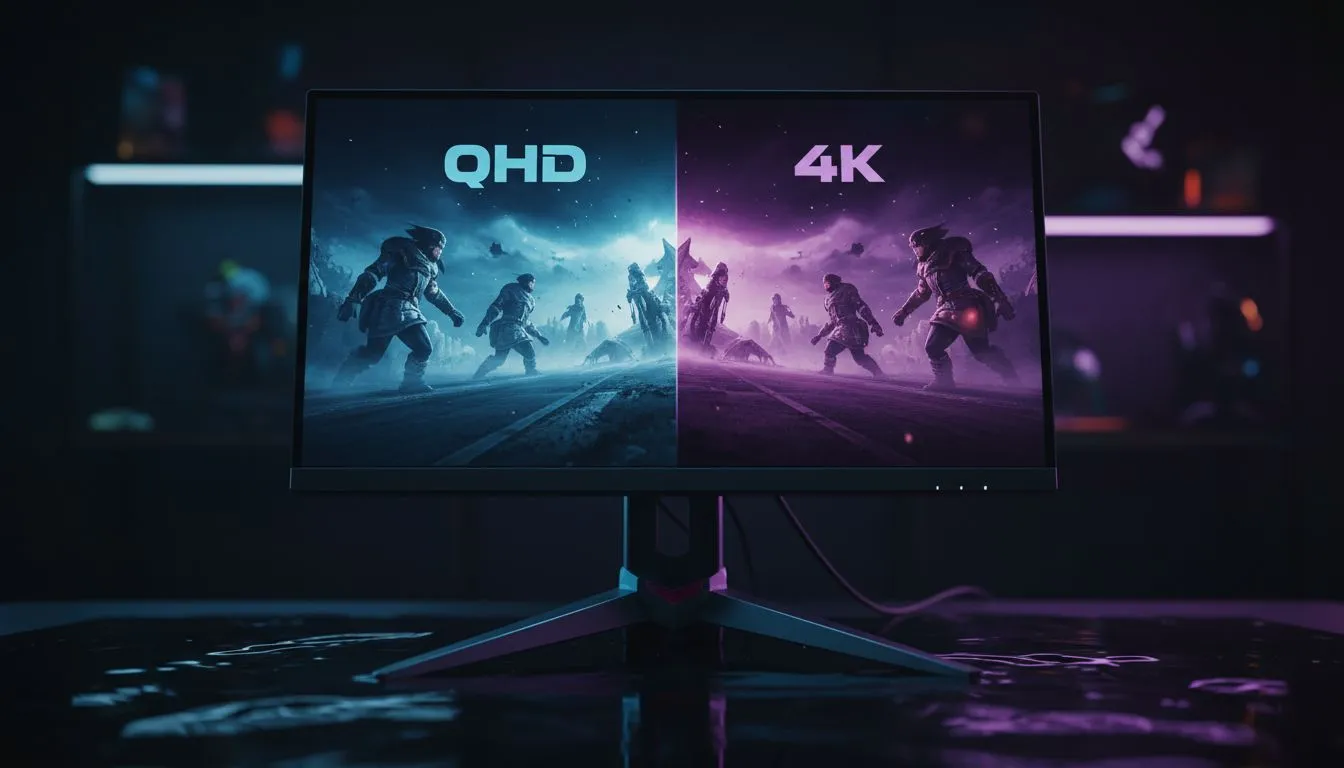
South African gamers—don’t buy a monitor because it looks pretty. Ask: do you chase high frame rates, sharper images, or the best balance for your GPU and desk? This short read helps you pair your rig, budget and play style with the right resolution. Expect practical tips, Evetech links for real stock, and clear trade-offs so you leave knowing what to buy. 🔧✨
QHD (commonly 2560×1440) gives a big visual upgrade over 1080p without the raw GPU load of 4K (3840×2160). For many competitive players, QHD hits the sweet spot between clarity and performance. If you want to scan current monitor options or compare panel types, visit Evetech’s PC monitor range for models and specs. https://www.evetech.co.za/PC-Components/pc-monitors-89.aspx
More pixels mean more detail but also more work for your graphics card. If you’re aiming for 144Hz at high settings, QHD is easier to drive than 4K. For cinematic single‑player experiences, 4K delivers the richest visuals—but only if your GPU can sustain acceptable framerates. For a curated set of gaming-specific screens, browse Evetech’s gaming monitors collection. https://www.evetech.co.za/all-gaming-monitors/x/1587.aspx
Match resolution to GPU. Mid-range cards handle QHD well; top‑tier cards are needed for 4K at high FPS. Want local pricing or deals? Check Evetech’s best monitor deals to see current ZAR pricing and stock before you commit. https://www.evetech.co.za/best-pc-monitor-deals/x/047.aspx
IPS panels give colour accuracy and viewing angles; VA panels deliver deeper blacks; TN panels prioritise lowest latency. Your desk depth and viewing distance also matter—bigger screens are friendlier to 4K. If curved screens appeal for immersion, Evetech lists curved monitors to help you compare sizes and curvature options. https://www.evetech.co.za/buy-curved-monitors/x/1588.aspx
On Windows, use the PowerToys FancyZones utility to create custom snap layouts for your windows. It's a lifesaver for managing multiple apps on an ultrawide monitor, letting you organise your timeline, preview window, and asset folders perfectly for video editing.
If you need a secondary display for chat, reference or console passthrough, portable monitors are a handy option for LANs and dual‑screen desks—Evetech’s portable monitors page has compact choices. https://www.evetech.co.za/buy-portable-monitors/x/1590.aspx
Don’t forget cables, stands, and calibration tools. HDR and high refresh rates sometimes need DisplayPort 1.4 or HDMI 2.1; check compatibility before buying. Evetech’s monitor accessories section has mounts, DisplayPort cables and calibration tools to ensure your purchase works as intended. https://www.evetech.co.za/PC-Components/buy-monitor-accessories-368.aspx
If you’re leaning 4K for fidelity, also consider 5K/4K professional displays for editing and productivity. Evetech’s 4K and 5K monitor category helps you compare those higher-res options. https://www.evetech.co.za/buy-5k-4k-monitors/x/1591.aspx 🚀
Ready to Find Your Perfect Match? The Mac vs Windows debate is complex, but for maximum power, choice, and value in South Africa, Windows is hard to beat. Explore our massive range of laptop specials and find the perfect machine to conquer your world.
It depends: QHD (1440p) typically gives higher FPS for the same GPU and suits competitive play; 4K offers sharper visuals but needs a much stronger GPU.
4K is worth it for immersive single-player games if you have a high-end GPU; for esports, QHD often delivers better performance and responsiveness.
Expect to need an upper-mid to high-end GPU (eg. RTX 3080/4070 Ti or better) for consistent 60+ FPS at 4K on modern titles.
Yes. QHD monitors often offer 144Hz+ refresh rates; 4K monitors prioritize resolution and may have lower refresh or cost more for high Hz panels.
4K has ~2x the pixel count of 1440p, delivering crisper textures and sharper text, especially on larger monitors. Distance and screen size affect perceived gain.
Smart upscaling (DLSS, FSR) can bridge performance gaps, letting many GPUs approach 4K visuals while rendering internally at lower resolutions.
4K gives the best capture quality for creators with capable hardware; QHD is a great balance for streamers who need higher FPS while gaming.
Setting Up Monitor Light. Tested & verified settings for best FPS and visual quality on SA hardware budgets.
Read more
Assassins Creed Shadows Ultrawide Support: 21:9. Clear setup instructions with SA-specific considerations, troubleshooting tips & recommended components.
Read more
Complete Gaming Setup Guide for the Collector. Clear setup instructions with SA-specific considerations, troubleshooting tips & recommended components.
Read more
Will the Steam Deck 2 Have an OLED Screen? Leaked. Plain-English explanation of what it means, why it matters & how it affects your buying decisions in SA.
Read more
Setting Up Ultrawide 144Hz. Tested & verified settings for best FPS and visual quality on SA hardware budgets.
Read more
Kingdom Come: Deliverance 2 Ultrawide Support. Clear setup instructions with SA-specific considerations, troubleshooting tips & recommended components.
Read more
When Will the RTX 6090 Launch in South Africa Detailed answer with SA data, expert analysis & practical recommendations for local buyers.

Top Valorant Settings for RTX 5070: FPS Optimisation picks evaluated on performance, value & SA availability with current Rand pricing from Evetech.

RDNA 3.5 Graphics in Ryzen AI 400? Can You Game. Plain-English explanation of what it means, why it matters & how it affects your buying decisions in SA.

GPU Price Index : December Report. Current stock data & price tracking for SA buyers. See what is available and where prices are heading.

Can the RX 7700 XT Handle 1440p 144Hz Gaming. Performance testing verdict with real data & practical recommendations for SA buyers.

Top Laptop with Core i7 + RX 7700S: Picks picks evaluated on performance, value & SA availability with current Rand pricing from Evetech.

RX 7700 XT Black Myth Wukong 2 FPS: Performance. Real-world benchmark data, FPS numbers & performance analysis. What SA gamers can actually expect.

RTX 6080 Gran Turismo 7 PC Performance: FPS Test. Real-world benchmark data, FPS numbers & performance analysis. What SA gamers can actually expect.
Setting Up Monitor Light. Tested & verified settings for best FPS and visual quality on SA hardware budgets.
Assassins Creed Shadows Ultrawide Support: 21:9. Clear setup instructions with SA-specific considerations, troubleshooting tips & recommended components.
Complete Gaming Setup Guide for the Collector. Clear setup instructions with SA-specific considerations, troubleshooting tips & recommended components.
Will the Steam Deck 2 Have an OLED Screen? Leaked. Plain-English explanation of what it means, why it matters & how it affects your buying decisions in SA.