

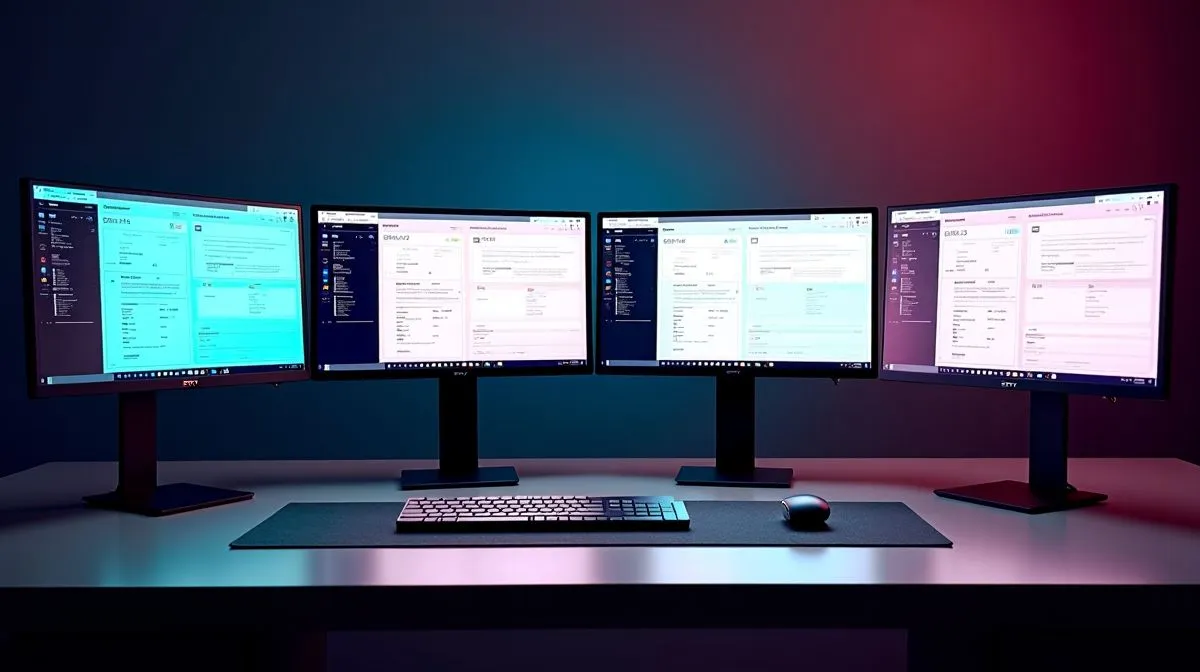
Quad mDP 1.4a multi-monitor workstation setup for maximum productivity
South African creators, traders, and coders know the pain... one screen is never quite enough. If your day jumps between spreadsheets, timelines, dashboards, and chats, a Quad mDP 1.4a multi-monitor workstation setup for maximum productivity can make the desk feel calmer fast. The right graphics card setup helps you keep more on screen, reduce tab chaos, and work with fewer clicks. That means less friction, more focus, and a cleaner workflow ⚡
Why a quad-monitor setup helps busy professionals
A four-screen layout is not just for flashy battlestations. It suits anyone who needs constant context. Imagine one display for email, one for your main app, one for references, and one for monitoring system tools. That small shift can save minutes all day. Over a full week, those minutes add up.
For workstation buyers in South Africa, the key is not only port count. It is also stability, driver support, and the right mix of outputs for your monitors. If you are comparing options, browse Evetech’s selection of graphics cards from leading brands first, then narrow by your workflow. If you prefer MSI models, you can also check MSI graphics card options for a tighter shortlist.
What to check before buying
Look at four practical points:
- Display outputs... make sure the card supports the number of screens you need.
- Resolution support... 1080p is easier to drive than multiple high-resolution panels.
- Workload type... creative apps, coding, and trading tools all stress hardware differently.
- Case fit and power... some workstation cards need more space and power headroom.
If your work mixes 3D, design, and large timelines, workstation-focused hardware may make more sense than a gaming-first card. Evetech’s workstation graphics card range is worth a look for that reason. For buyers chasing newer platform support and value, the Intel Arc graphics card range may also be relevant, depending on the apps you use.
Productivity Pro Tip ⚡
On Windows, use PowerToys FancyZones to build custom window layouts for each monitor. It helps you lock email, chat, browser tabs, and project tools into place, so your quad-monitor setup stays organised instead of becoming visual clutter.
Matching the GPU to your monitors
A quad setup only feels productive when the card and screens work together. If you are pairing mixed displays, start by confirming the refresh rate and connection type on each panel. Then match those needs to the card’s output layout. That prevents awkward adapter chains and surprise limitations.
Some users only need office smoothness. Others want colour-accurate design work or light content creation. In those cases, AMD Radeon cards can be a strong fit. You can compare current options in Evetech’s AMD Radeon graphics card selection. The goal is simple... buy enough card for your screens, but not far more than you need.
Smart setup tips for better daily comfort
A strong multi-monitor setup is not just about raw hardware. Placement matters too. Keep your main screen directly in front of you. Put secondary monitors slightly angled. Use matching brightness where possible. That reduces eye strain during long South African workdays.
Cable management also matters. Four displays can turn tidy desks into messy ones quickly. Label cables, use Velcro ties, and keep power strips accessible. Small habits make maintenance easier later 🔧
If you are building this around a new workstation, think about the whole system. CPU, RAM, storage, and PSU all play a part. A balanced build keeps the machine responsive when all four screens are busy at once.
Final thoughts on a quad mDP 1.4a workstation
A Quad mDP 1.4a multi-monitor workstation setup for maximum productivity is ideal for professionals who value space, speed, and fewer interruptions. Start with the monitors you already own. Then choose a graphics card that supports the layout cleanly and leaves room for growth. That is how you build a desk that actually works with you, not against you 🚀
Ready to Find Your Perfect Match? The Mac vs Windows debate is complex, but for maximum power, choice, and value in South Africa, Windows is hard to beat. Explore our massive range of laptop specials and find the perfect machine to conquer your world.











