

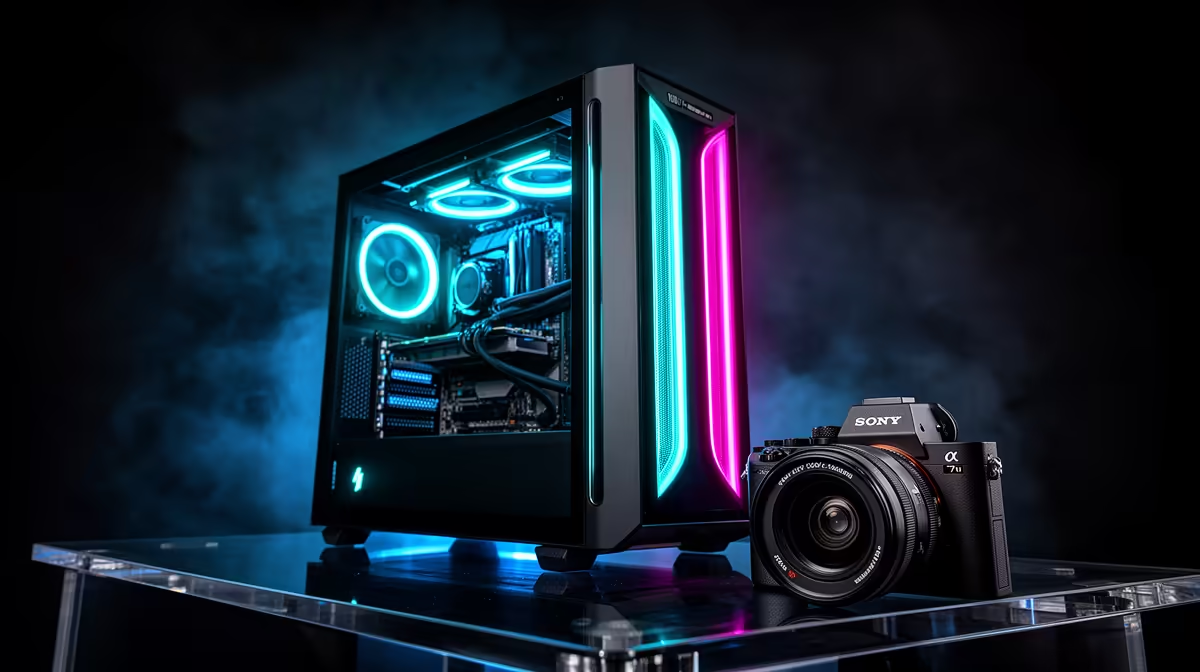
Is your gaming rig starting to sound like a jet engine during load shedding? You’re trying to clutch a 1v3 in Valorant, but the only thing you can hear is the whine of your case fans. It’s a vibe killer. What if you could get all the high-end performance you need for those sweet, sweet frame rates, but with none of the noise? A truly quiet gaming PC isn’t a myth… it’s a smart choice. 🚀
Why a Quiet Gaming PC is the Ultimate Upgrade
Let's be clear: a quiet gaming PC doesn't mean a slow gaming PC. Thanks to massive leaps in cooling technology, you no longer have to choose between performance and peace. The real benefit is immersion. When your PC is whisper-quiet, you can hear every footstep, every reload, every crucial audio cue your game provides. It’s the difference between playing the game and being in the game.
Beyond the battlefield, a silent rig is just more pleasant to live with. It won’t disturb your family during a late-night session or distract you when you’re using your powerful machine for work or studies. It’s about creating a better, more focused environment for everything you do.
The Key Components for a Zero-Noise Build
Achieving that blissful silence comes down to choosing the right parts. It's a balancing act where smart component selection does all the heavy lifting, letting you enjoy a near-silent experience without sacrificing a single frame. 🔧
Cooling is King
- CPU Coolers: Large air coolers with big, slow-spinning fans (like those from Noctua or be quiet!) are often quieter than stock coolers. All-in-One (AIO) liquid coolers can also be incredibly silent, as they move the heat away from the CPU to a radiator.
- Case & Fans: A well-ventilated case with noise-dampening materials is your first line of defence. Pair it with high-quality PWM (Pulse Width Modulation) fans that can adjust their speed based on temperature, ensuring they only spin as fast as they need to.
- Graphics Cards: Many modern GPUs from NVIDIA and AMD come with a "zero RPM" or "fan stop" mode. This means the fans don't spin at all under light loads, like when you're just browsing the web or watching a video.
Pro Tip: Master Your Fan Curves
Dive into your motherboard's BIOS or use software like MSI Afterburner to set a custom fan curve. You can tell your fans to stay at a lower, quieter RPM until your components hit a specific temperature. This simple tweak gives you total control over your PC's noise levels.
The Rise of Compact, Silent Powerhouses
You don't need a massive tower to get a high-performance, quiet gaming PC anymore. The market for powerful mini PCs has exploded, offering incredible performance in a tiny, desk-friendly footprint. These machines are engineered for thermal efficiency, often using clever cooling solutions to stay both cool and quiet under load. 🎧
Brands have perfected the art of silent performance in a small package. By focusing on efficient power usage and optimised airflow, they deliver a premium gaming experience that you'll see and feel, but barely hear. For anyone looking to declutter their setup without compromising on power, exploring options from specialist brands like Minisforum is an absolute must. They prove that a zero-noise gaming rig can fit in the palm of your hand.
Ready for Silent Dominance? Stop letting fan noise ruin your immersion. Explore our curated selection of ultra-quiet, high-performance mini PCs at Evetech and experience the future of gaming.











