

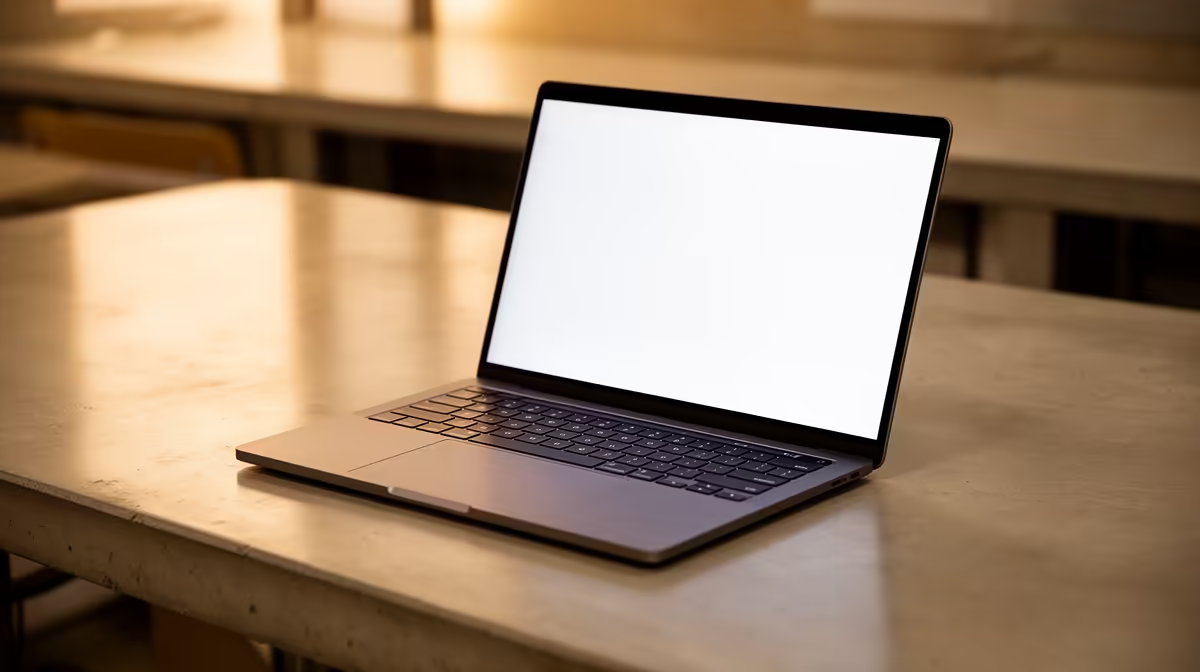
Studying in South Africa is tough enough without a slow, frustrating laptop holding you back. You need a reliable machine for assignments, research, and a bit of Netflix... but your budget is tight. Finding the best R6500 student laptops for essential use can feel impossible. Don't stress. We're breaking down exactly what you need to look for to get a workhorse that will see you through to graduation without emptying your wallet. 🎓
What to Expect from a R6500 Student Laptop
First, let's manage expectations. A laptop in this price range is built for efficiency and reliability, not for high-end gaming or 4K video editing. "Essential use" for a student means mastering tasks like writing essays in Word, crunching numbers in Excel, juggling a dozen browser tabs for research, and streaming lectures (or the latest Showmax series) without buffering.
The goal is to find a device that boots up quickly, handles multitasking smoothly, and has a battery that can survive a couple of lectures away from a plug point. These are the core pillars of a great, affordable student laptop in South Africa.
Core Specs: Your Non-Negotiable Checklist
When you're hunting for the best R6500 student laptops for essential use, the specs sheet can look like a different language. Let's translate it into what actually matters for your daily grind.
### The Brains: CPU (Processor)
At this price point, you're typically choosing between two camps. You'll find solid entry-level options from both Intel laptops on special, like their Celeron, Pentium, or sometimes even a Core i3 processor, and their counterparts in our range of AMD laptops on special, such as the Athlon or Ryzen 3 series. For essential tasks, any of these will get the job done efficiently.
### Multitasking Muscle: RAM (Memory)
Here’s a golden rule for 2024: 8GB of RAM is the new minimum. While some budget laptops still ship with 4GB, it will struggle with modern web browsers and multiple applications open. An 8GB machine ensures a smoother, lag-free experience when you're switching between your assignment, your research, and your music.
Future-Proof Your Purchase 🔧
Always check if the laptop has an extra, empty RAM slot. For a small cost down the line, you could double your memory to 16GB, massively extending the life and performance of your student laptop. It's the smartest upgrade you can make!
### Speed is Key: Storage (SSD vs. HDD)
If you see a laptop with a traditional Hard Disk Drive (HDD), walk away. A Solid State Drive (SSD) is non-negotiable. It makes your laptop boot up in seconds, open apps instantly, and feel incredibly responsive. For around R6500, aim for at least a 256GB SSD. It's more than enough space for your operating system, software, and years of assignments. ✨
Finding the Sweet Spot: Price vs. Performance
Getting the most bang for your buck means understanding trade-offs. A laptop might have a brilliant processor but a smaller screen, or a large SSD but slightly less RAM. The key is to prioritise what matters most for your needs. Our comprehensive laptop specials for sale in South Africa make it easy to compare models and find the perfect balance.
And while these budget-friendly machines aren't designed for intense gaming, if your coursework involves graphic design or you want to unwind with some light gaming, it might be worth seeing if your budget can stretch. Sometimes, the best gaming laptop deals feature entry-level models with dedicated graphics cards that offer incredible value and power for a little extra cash.
Ultimately, the best R6500 student laptop is one that reliably handles all your essential tasks without fuss, letting you focus on what's important: getting that degree. 💻
Ready to Find Your Perfect Study Buddy? Stop searching and start studying. Explore our curated selection of student-friendly laptops and find a machine that works as hard as you do. Shop our latest laptop specials at Evetech and get the performance you need at a price you can afford.











