

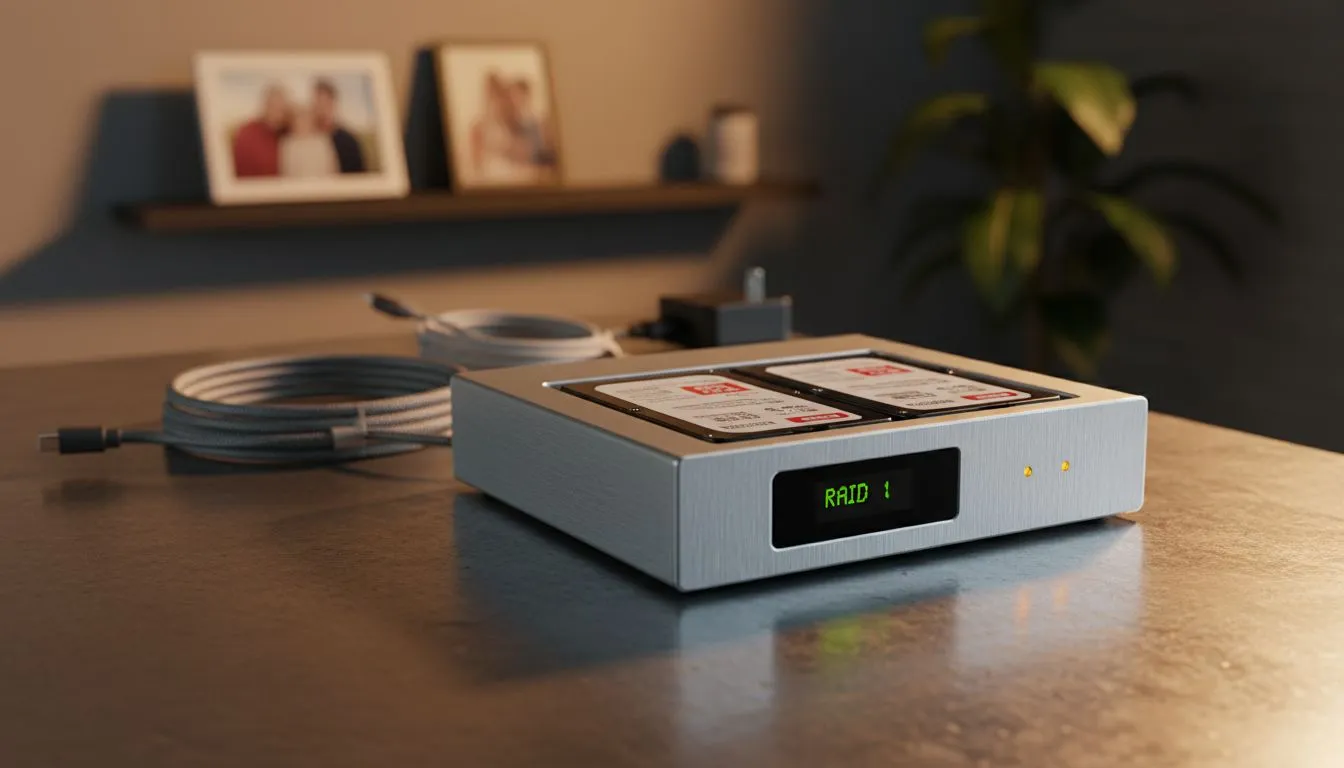
Imagine losing every photo from your last Garden Route road trip or your daughter’s graduation because a single hard drive decided to quit. In South Africa, where loadshedding-induced power surges are a constant threat to our electronics, relying on one disk is a massive risk. RAID 1: How Mirroring Protects Your Family Photos is the simplest way to ensure your digital legacy remains intact.
Understanding How Mirroring Secures Your Memories 🛡️
At its core, RAID 1 works by taking two identical hard drives and writing the exact same data to both at the same time. If you save a high-resolution photo of your Sunday braai to the first drive, the system automatically creates a "mirror" copy on the second drive. If Drive A fails due to age or a sudden voltage spike, Drive B carries on as if nothing happened. You do not lose a single pixel.
Investing in high-quality diskless NAS storage is the first step toward this peace of mind. By separating your storage from your main PC, you create a dedicated vault for your family's history that is accessible across your entire home network... ensuring your mobile backups and desktop archives are all in one safe place.
Choosing the Right Hardware for Your Home ⚡
You do not need a massive server room to get started. For most South African households, a simple two-bay enclosure is perfect. Brands like Orico offer affordable, robust external solutions that make setting up a RAID 1 array as easy as plugging in a USB cable. These units handle the heavy lifting of data management... ensuring your data is mirrored without slowing down your computer.
Hardware Pro Tip ⚡
When setting up RAID 1, always try to use two hard drives of the same capacity and speed. If you mix a 4TB drive with an 8TB drive, your system will only be able to use 4TB on both. Matching your drives ensures you get the best performance and avoid wasting expensive storage space.
For those who want a more integrated approach, compact computing solutions from Minis Forum provide the processing power to manage your backups while doubling as a media centre for the lounge.
Keeping Your Data Safe from Local Challenges 🚀
While RAID 1 protects you from hardware failure, it is not a substitute for a good surge protector or UPS. However, having that second copy of your data means that even if a drive is corrupted during a blackout, you have a clean version ready to go. Replacing a faulty 2TB drive might cost a few hundred ZAR... but the sentimental value of ten years of family photos is impossible to calculate. By choosing to optimise your storage today, you are protecting the memories of tomorrow.
Ready to Protect Your Memories? Don't wait for a drive failure to realise the importance of a backup. From robust enclosures to high-capacity drives, we have everything you need to secure your digital life. Explore our range of NAS and storage solutions and start mirroring your most precious moments today.











