

Understanding the Basics of Data Redundancy
South African gamers and content creators are hitting storage limits faster than ever. When you are sitting on a massive 144TB library, a single drive failure can be devastating. Managing that much data requires more than just a prayer to the load-shedding gods. It requires RAID. Understanding how RAID configurations explained: manage 144TB safely by choosing the right level for your specific needs is essential for any high-end setup.
RAID stands for Redundant Array of Independent Disks. It combines multiple physical drives into a single logical unit. This helps with speed... or safety... or both. For those handling massive 4K video projects or massive Steam libraries, it is a necessity. 🔧
Choosing the Right RAID Level for High Capacity
RAID 0 is built for pure speed. It strips data across drives but offers zero protection. If one drive dies... everything is gone. For a 144TB array, this is a massive risk that we do not recommend. RAID 1 mirrors your data... but it is expensive because you lose half your capacity.
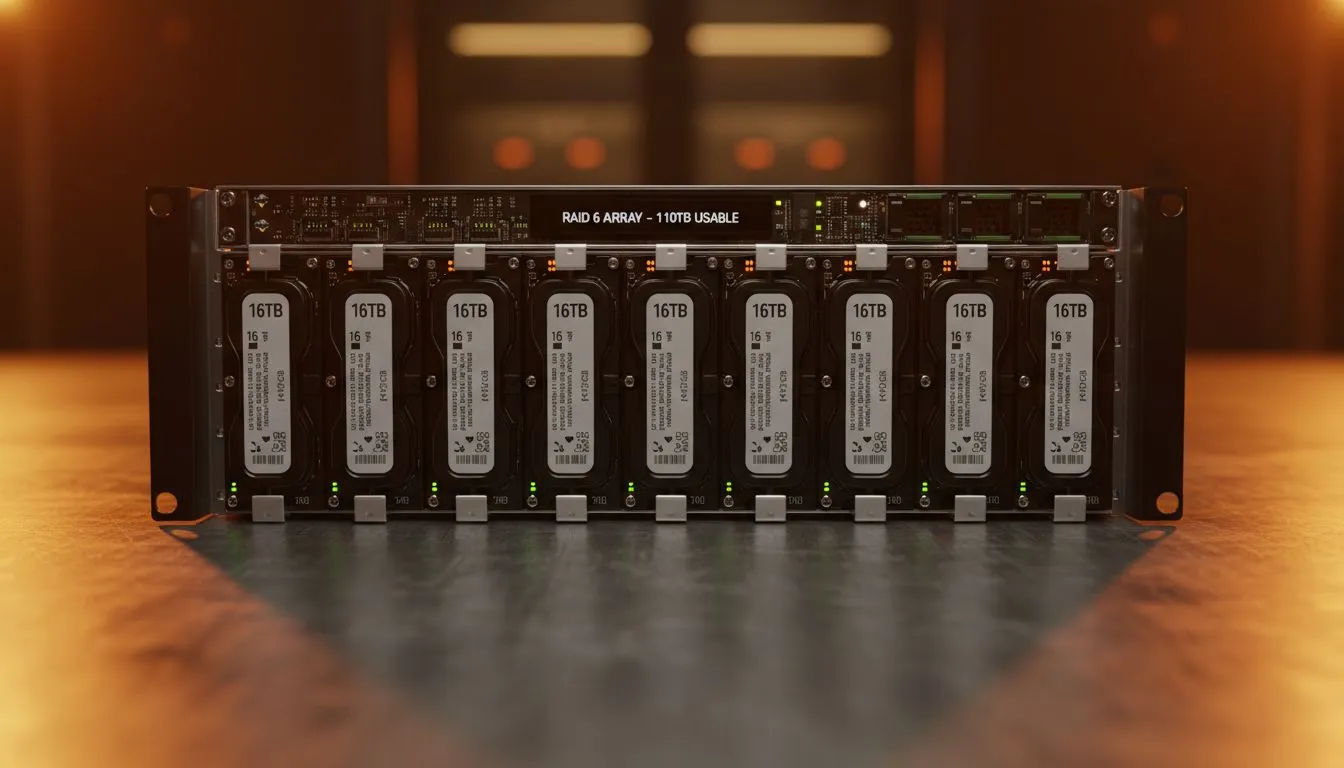
RAID 5 and RAID 6 are the sweet spots for local users. They provide a balance of performance and fault tolerance. RAID 5 can survive one drive failure. RAID 6 can survive two. When you are dealing with 144TB, that extra layer of safety is worth the investment. It ensures your digital life stays intact even during hardware hiccups. ✨
Hardware Solutions for Your Storage Array
You need a reliable enclosure to manage these drives effectively. A high-quality diskless NAS storage unit is the foundation of your setup. These devices handle the heavy lifting of data distribution and parity calculations.
For external setups, Orico provides excellent multi-bay enclosures. These are perfect for expanding your storage without opening your PC. They often feature tool-free designs that make swapping drives easy. If you prefer a more integrated approach for a home server, Minis Forum offers compact solutions that can act as dedicated media managers. These units are surprisingly powerful for their size... often starting under R10,000 for base configurations. 🚀
The 3-2-1 Rule ⚡
Always keep three copies of your data. Two should be on different media types. One should be off-site. RAID is a great tool for hardware failure protection, but it is not a replacement for a proper backup strategy. Always optimise your workflow by syncing your most critical files to a cloud service or a separate physical drive.
Why Safety Matters in the 144TB Era
Losing a few gigabytes is annoying. Losing 144TB is a catastrophe for any professional or enthusiast. RAID 6 allows for two simultaneous drive failures without data loss. This gives you plenty of time to replace a faulty unit... even if a second one fails during the long rebuild process.
In South Africa, power fluctuations can stress hardware. Using a RAID configuration alongside a decent UPS is the best way to protect your investment. It ensures that your data remains accessible and your drives remain healthy for years to come.
Ready to Secure Your Data? Managing 144TB safely requires the right hardware and a smart RAID strategy. Explore our range of NAS storage solutions and build a fortress for your digital life today.











