

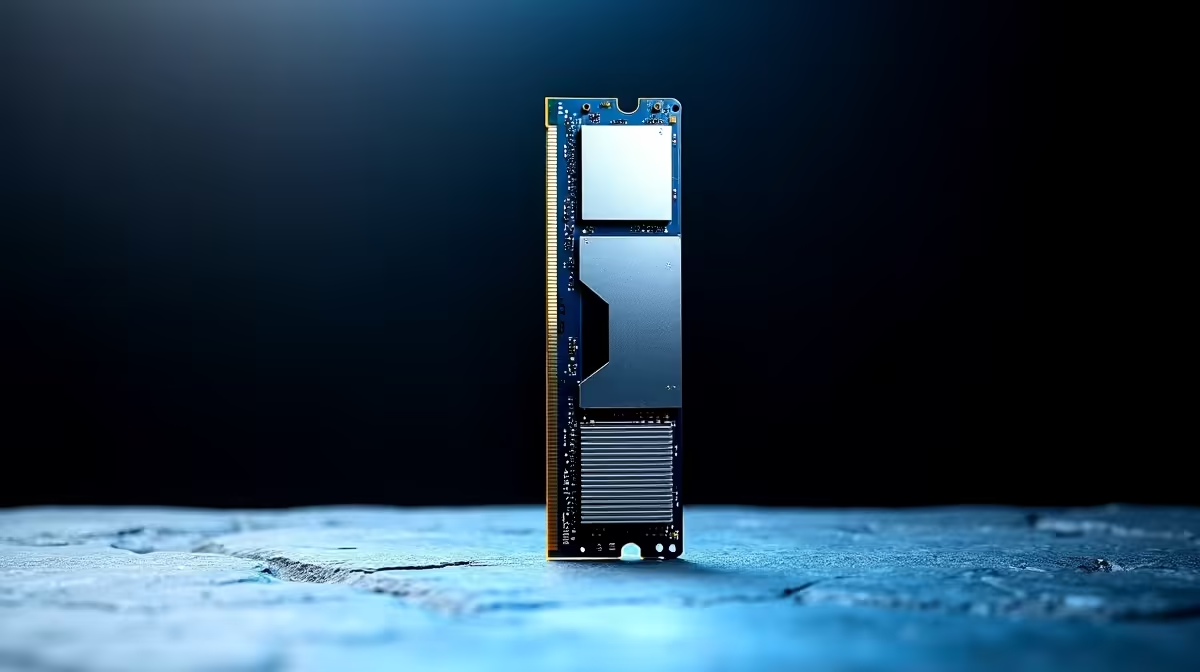
Understanding RAM Common Problems and Solutions
If your PC or laptop is stuttering or crashing, the culprit is often the RAM. South African gamers and tech buyers face these memory hiccups regularly, but pinpointing the problem and fixing it doesn't have to be a headache. From random freezes to unexpected restarts, RAM issues can halt your gameplay or work. Let’s explore frequent RAM problems and actionable solutions to keep your system running smoothly ⚡.
Why Does RAM Cause Issues?
RAM (Random Access Memory) works behind the scenes for speedy access to information. When RAM falters, your system's performance tanks—games lag, apps freeze, or you might get Blue Screens of Death. Knowing the symptoms helps diagnose the root cause faster.
These are typical signs of faulty or insufficient RAM:
- Frequent system crashes or BSOD errors
- Erratic app behaviour or slow loading times
- Memory-related error messages
- Failure to boot or random reboots
If these sound familiar, your machine might need a RAM upgrade or troubleshooting.
Troubleshooting RAM Problems Step-by-Step 🔧
Step 1: Run Memory Diagnostics
Windows has a built-in Memory Diagnostic Tool. Restart your PC and run it—if errors pop up, your RAM sticks might be faulty or incompatible. You can also use third-party tools like MemTest86 for a thorough check.
Step 2: Reseat or Swap RAM Modules
Dust, loose slots, or faulty contacts can cause RAM errors. Switch off your PC, ground yourself, and carefully remove the RAM sticks. Wipe connectors gently and reseat firmly. If you have multiple modules, test them individually to locate a bad stick.
Step 3: Check for Incompatibility and BIOS Settings
Not all RAM modules play well together. Mixing different speeds or brands can cause instability. Ensure your BIOS is updated and memory timings are set correctly. Refer to your motherboard’s manual or online ASUS/MSI FAQs for guidance.
Upgrading RAM for Better Gaming and Work Performance
Adding more RAM is one of the easiest ways to boost your system's responsiveness. Most modern games benefit from at least 16GB, but even 8GB might suffice for casual users. If you’re hunting for memory deals in South Africa, check out Evetech’s buy memory options for quality sticks at competitive prices.
Not sure if your gaming rig needs a rebuild? Evetech offers great gaming PC deals designed for serious performance. Some of these come with optimised RAM configurations that meet today's demanding titles head-on.
Pro Tip: RAM Placement Matters
Placing RAM modules in the correct motherboard slots enables dual-channel mode — doubling effective memory bandwidth for smoother multitasking and gaming.
Pre-Built and Laptop Options with Reliable RAM
For South African buyers who prefer pre-assembled systems, Evetech’s pre-built PC deals offer balanced specs and high-quality RAM configurations. These rigs remove guesswork and often include warranties for peace of mind.
Got a laptop and want more memory? Browse Evetech’s top-rated notebooks for sale that come with RAM suited for productivity and gaming on the go.
RAM Troubleshooting and Upgrades: Keep an Eye on Specials
Price plays a big role in South Africa’s tech choices. RAM prices fluctuate, but Evetech’s specials page regularly features attractive deals on memory kits and PC components. Timing your purchase during a sale can boost value significantly.
Keep your rig’s RAM healthy and upgrade smartly—your system’s stability and speed depend on it 🚀.
Upgrade Your Memory Today Don’t let faulty or insufficient RAM slow your South African gaming or work rig. Shop now at Evetech for performance that leaves lag in the dust.











