

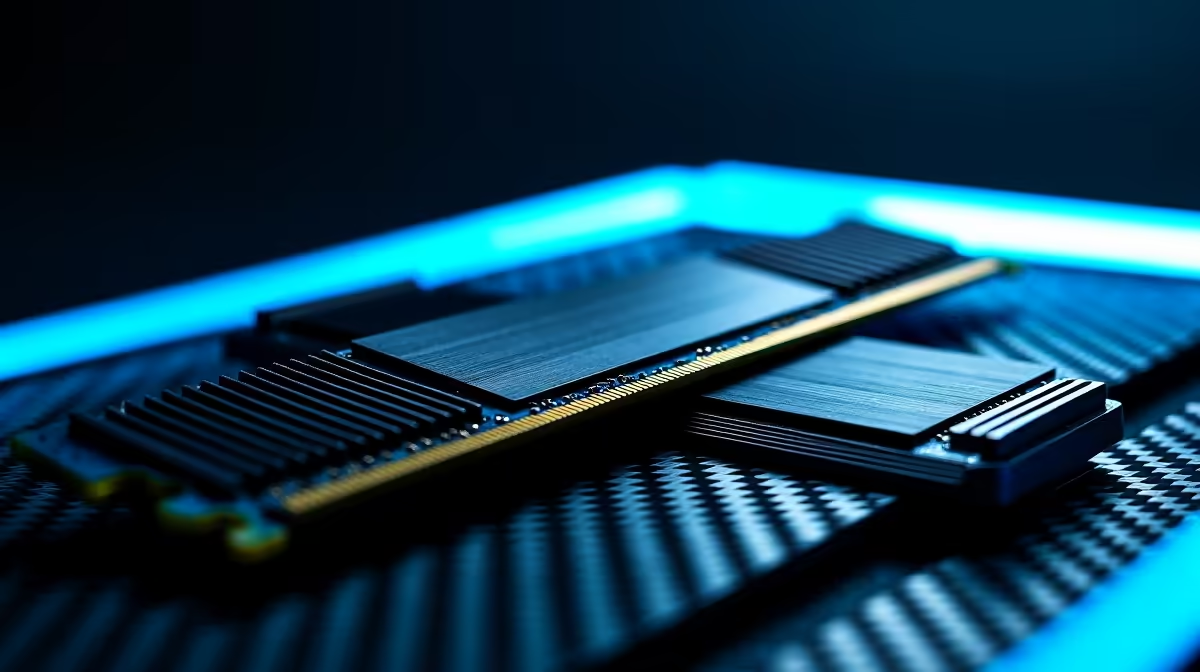
Understanding RAM Specs for Beginners 🚀
If you’re diving into the PC world or upgrading your gaming setup, RAM specs can feel like a maze. But don’t stress — understanding what those numbers mean helps you choose the right memory for smooth gameplay and speedy multitasking. Whether you're building a rig or shopping for a laptop, getting familiar with RAM specs lets you optimise your system without overspending. Ready to decode your memory’s potential? Let’s unpack it.
The Basics: What Does RAM Do? 🔧
RAM, or random access memory, is your computer’s short-term workspace. It stores data your CPU needs right now, so programs run without lag. The more RAM you have, the more tasks you can handle at once without slowdown. But it’s not just about size — speed, type, and latency also matter.
Important RAM Specs Explained
- Capacity (GB): This is how much memory you have. Common sizes range from 8GB for basic use up to 32GB+ for heavy gaming or video editing.
- Speed (MHz): RAM speed affects how fast data moves. Higher MHz means snappier performance during gaming and multitasking.
- CAS Latency (CL): This number shows delay before RAM responds. Lower latency can improve responsiveness, but isn’t the only speed factor.
- Type: DDR4 is the current standard for most builds, while DDR5 starts showing up in newer setups offering better efficiency.
How RAM Specs Impact Gaming in South Africa
For gamers here, RAM isn’t just about raw numbers. Budget constraints and availability mean you want the best value. For example, a 16GB DDR4 kit at around R2000 offers solid performance on games like Call of Duty or Fortnite. Pairing this with an SSD storage and a quality GPU from deals such as Evetech’s best gaming PC deals can really boost your experience with reduced load times and higher FPS.
Upgrading Your RAM: Practical Tips ⚡
Before you buy, check your current RAM type and maximum capacity. Many laptops, especially models featured on Evetech’s notebooks for sale in South Africa, have soldered RAM or limited upgrade paths.
Maximise Your RAM Upgrade
Confirm your motherboard’s supported RAM type and max capacity first. Also, matching your new sticks’ speed and latency with existing RAM avoids stability issues.
If building or upgrading a desktop, explore Evetech’s PC memory options to find compatible RAM modules and kits neatly categorised by speed and capacity. Don’t forget to balance cost vs performance — more RAM isn’t always better if your setup bottlenecks elsewhere.
How Pre-Built PCs Handle RAM
Not sure about DIY? Pre-built systems like those on Evetech’s pre-built PC deals come tested with optimised RAM configurations. These rigs often include balanced RAM speeds and capacities tuned to the CPU and GPU combination, simplifying your performance choices.
Take Advantage of Local Specials and Pricing
South African tech buyers benefit from local stock and special offers. Check Evetech’s specials frequently — you can score excellent RAM upgrades and entire systems at competitive ZAR prices, perfect for upgrading your gaming gear without breaking the bank.
Upgrade Your Gaming Rig Today Ready to boost your PC’s speed and responsiveness? Shop now at Evetech for a wide selection of RAM that fits your needs and budget. Don’t wait— optimise your system and leave lag behind.











