

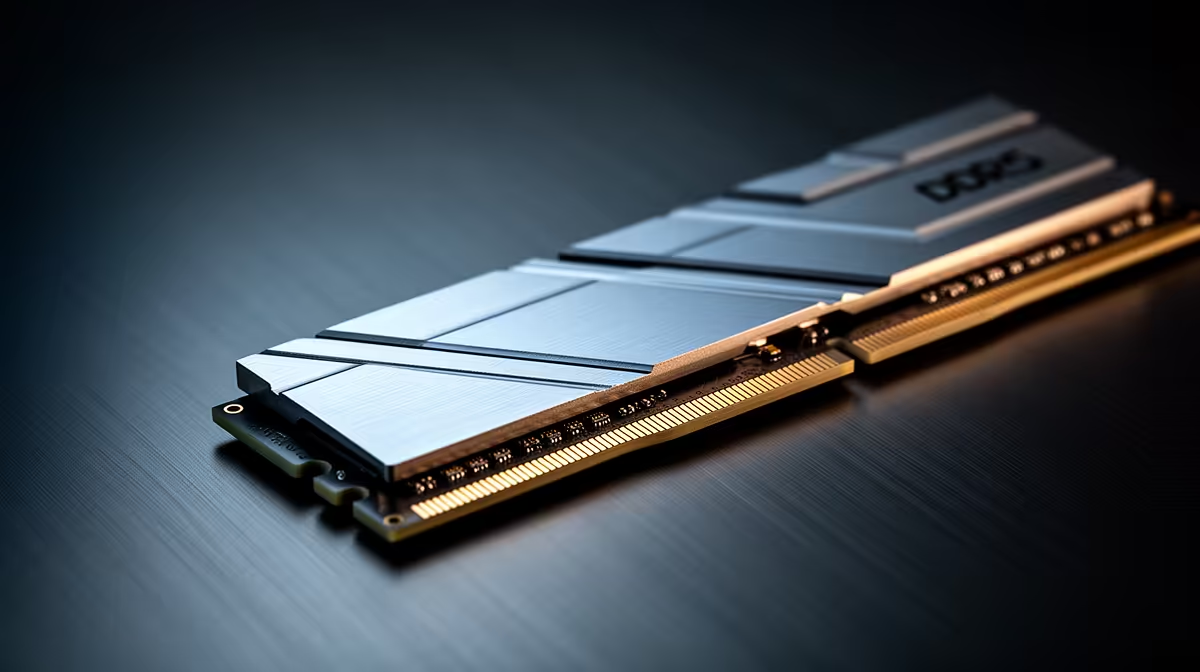
That spinning wheel during a late-night study session... we've all been there. Your student laptop, once a trusty companion, now groans under the weight of a few browser tabs and a Word doc. Before you start pricing new machines, what if the fix was simpler and cheaper? A RAM upgrade for your student laptop could be the secret weapon to revitalise your rig, making multitasking smooth again and saving you some serious cash for weekend takeaways. 🚀
Is a RAM Upgrade the Key to a Faster Student Laptop?
Think of RAM (Random Access Memory) as your laptop's workbench. The more space you have, the more projects you can have open and actively work on at once. When you run out of space, your laptop has to shuffle things around to a slower storage area (your SSD or hard drive), causing frustrating slowdowns.
For students, this is a daily battle. Juggling online research across 15 tabs, writing an essay, streaming a lecture, and keeping Discord open… it all consumes RAM. An affordable laptop memory expansion is often the single most effective way to solve this bottleneck, giving your processor the breathing room it needs to perform at its best. Even some of the most capable great AMD laptops on special can feel brand new with this simple boost.
The Real-World Perks of an Affordable Laptop Memory Expansion
So, what does that extra memory actually get you? It’s not just about numbers; it's about a smoother, less frustrating experience.
- Effortless Multitasking: Switch between your browser, Word, and Spotify without that dreaded stutter.
- Faster Application Loading: Programs that rely on large files, like Photoshop or coding environments, will feel noticeably snappier.
- Improved Light Gaming: While it won't magically turn your laptop into a beast, more RAM can reduce in-game stutters and improve performance, especially in titles that are memory-hungry.
- Future-Proofing: As software becomes more demanding, having that extra headroom ensures your laptop stays useful for longer. This is a smart investment that complements the power found in many modern Intel laptops on special.
How to Choose the Perfect RAM Upgrade for Your Laptop
Choosing the right RAM is crucial, but it's easier than you think. Here’s what to focus on. 🔧
Check Compatibility First
Before you buy anything, you need to know what your laptop can handle. The two most important factors are:
- Type: Most modern laptops use DDR4 or DDR5 SODIMM modules (the smaller form factor for laptops). Older models might use DDR3. They are not interchangeable!
- Capacity & Speed: Check your laptop manufacturer's website for the maximum amount of RAM and the speed (measured in MHz) it supports.
Check Before You Buy!
Unsure what RAM your laptop needs? Download a free tool like CPU-Z. The 'Memory' and 'SPD' tabs will show you the type (DDR4, etc.) and speed of your current RAM. This ensures you buy a compatible module first time!
How Much RAM is Enough? ✨
For students in South Africa, here’s a quick guide:
- 8GB: The absolute minimum for 2024. It’ll handle basic browsing and document editing, but will struggle with heavy multitasking.
- 16GB: The sweet spot. This is the ideal capacity for most students, providing a smooth experience across research, assignments, and even some gaming. Many of the top-tier gaming laptop deals come standard with 16GB for this reason.
- 32GB: Generally overkill for most, but a worthy consideration for engineering, computer science, or video editing students who use incredibly demanding software.
A RAM upgrade for a student laptop from 8GB to 16GB often delivers the most noticeable performance jump for your money, making it a truly cost-effective investment.
Ready to Supercharge Your Studies? A simple memory upgrade can transform your workflow, but if it's time for a completely new machine, we've got you covered too. Check out our current laptop specials at Evetech for performance that leaves lag in the dust.











