

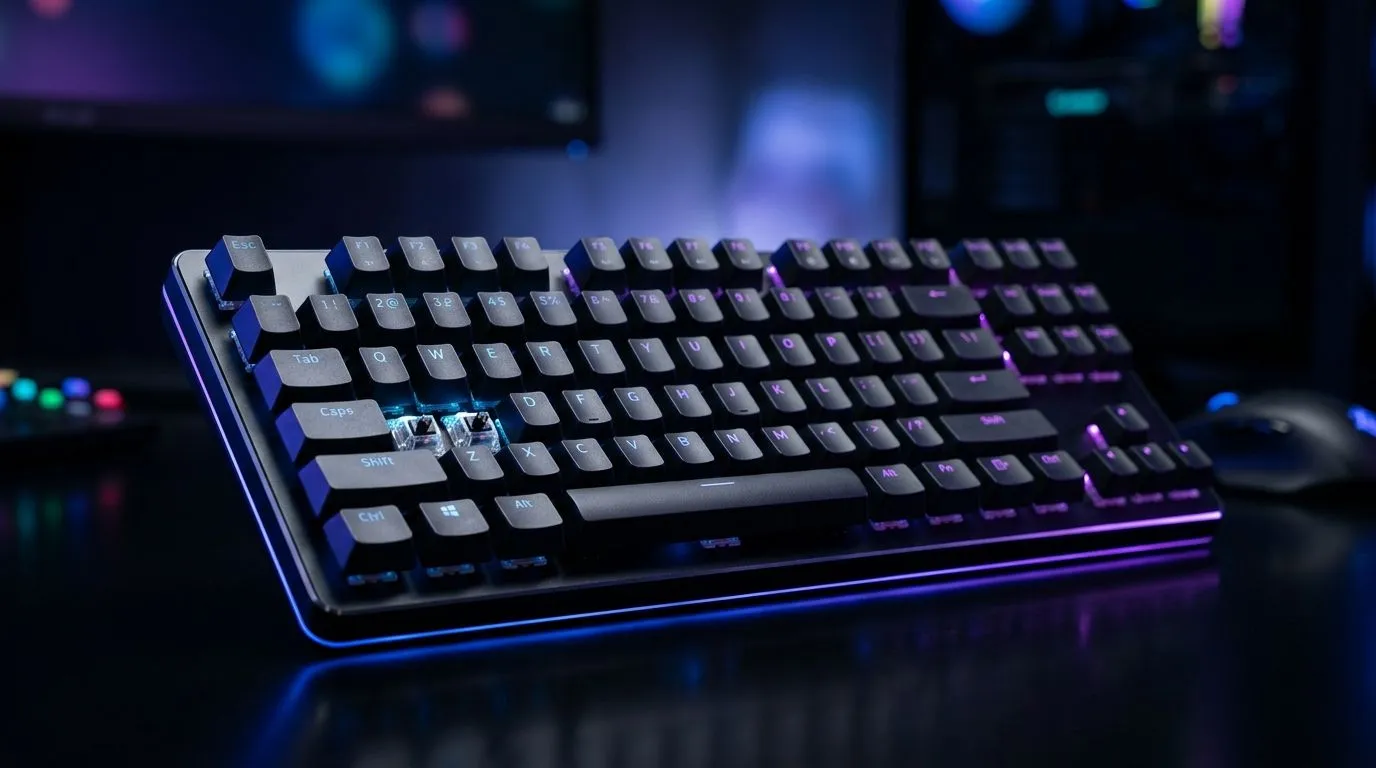
Rapid Trigger Guide: Adjustable Actuation for Faster Gaming (Why It Matters)
If you’ve ever died half a second too late, you’re not alone… and it’s rarely “just bad aim”. In competitive FPS and rhythm-style shooters, that tiny delay between pressing a key and the game registering it can feel brutal. The good news? With the right setup, you can tune response timing. 🔧 This rapid trigger guide breaks down adjustable actuation so you can make your keyboard feel quicker, not messier.
Rapid Trigger Guide: Adjustable Actuation for Faster Gaming (What “Actuation” Actually Means)
Adjustable actuation is the distance (or trigger point) where a switch registers your press. With faster actuation, you can engage at shorter travel, which can help with repeated inputs like strafing, burst-firing, and movement tech. ⚡
Most modern “rapid trigger” implementations reduce the time between input and recognition by allowing the switch to register earlier. Some boards also support configurable repeat behaviour, so holding a key can trigger multiple actions sooner.
A practical way to think about it:
- Lower actuation = key registers sooner
- Higher actuation = key registers later
- Too low = accidental presses become more likely, especially when you’re sweaty and moving fast
Rapid Trigger Guide: Adjustable Actuation for Faster Gaming (Tuning Without Overcorrecting)
Start by testing in a low-stakes mode. Then adjust in small steps. Try this approach:
- Begin mid-range actuation (balanced feel)
- Play for 10-15 minutes and focus on movement and reload timing
- If inputs feel late, reduce actuation slightly
- If you get random actions, raise actuation a notch
In South African tournament nights, where you might switch between casual matches and ranked, stability matters as much as speed. After all, fast… but unreliable is just chaos in a new outfit.
Rapid Trigger Guide: Adjustable Actuation for Faster Gaming (A Quick Risk Checklist)
Before you chase “instant”, watch for:
- Triggering when you didn’t press (resting fingers, contact with desk)
- Inconsistent performance during long sessions
- More mistakes when you rotate weapons or use abilities
This is why “one setting forever” rarely works. Your hand position changes. Your desk surface changes. Even your mouse grip changes your keyboard pressure.
Productivity Pro Tip ⚡
On Windows, use the PowerToys FancyZones utility to create custom snap layouts for your game, Discord, and patch-notes windows. It keeps your focus tight while you test new actuation settings, so you change one variable at a time.
Rapid Trigger Guide: Adjustable Actuation for Faster Gaming (Picking the Right Keyboard for SA Setups)
Not all rapid trigger implementations are identical. When you’re buying, check whether the board supports:
- Adjustable actuation or per-switch tuning (not just marketing terms)
- A reliable key stabilisation design
- Wired vs wireless performance you can trust for low-latency play
If you want to prioritise responsive, predictable behaviour, start with a wired option. For budget-friendly picks, you can browse Evetech’s gaming keyboard deals here: best gaming keyboard deals. If you prefer wireless freedom, compare options carefully rather than assuming “wireless is fine for anything”. For cheap, competitive board options in South Africa, start with: buy the cheapest gaming keyboard in South Africa.
For wired actuation tuning, check this category page: gaming keyboard options (wired connectivity). And if you’re set on a wireless setup, use this to compare: gaming keyboard options (wireless connectivity).
Want a smoother overall upgrade path? Pairing can reduce desk clutter and help you standardise your feel across devices. Here’s a solid place to look: keyboard + mouse combos in South Africa.
Rapid Trigger Guide: Adjustable Actuation for Faster Gaming (Your Next 30 Minutes of Testing)
Here’s a simple test plan you can do today:
- Pick one game and one loadout
- Turn on rapid trigger (or set your actuation to a safe lower-middle value)
- Run the same drills for 10 minutes each: movement, burst fire, and ability combos
- Change only actuation, not your whole sensitivity stack
- Save your favourite profile for ranked
You’ll feel the difference quickly… and you’ll know whether the trade-off is worth it. 🚀
Ready to Find Your Perfect Match? The Mac vs Windows debate is complex, but for maximum power, choice, and value in South Africa, Windows is hard to beat. Explore our massive range of laptop specials and find the perfect machine to conquer your world.











