

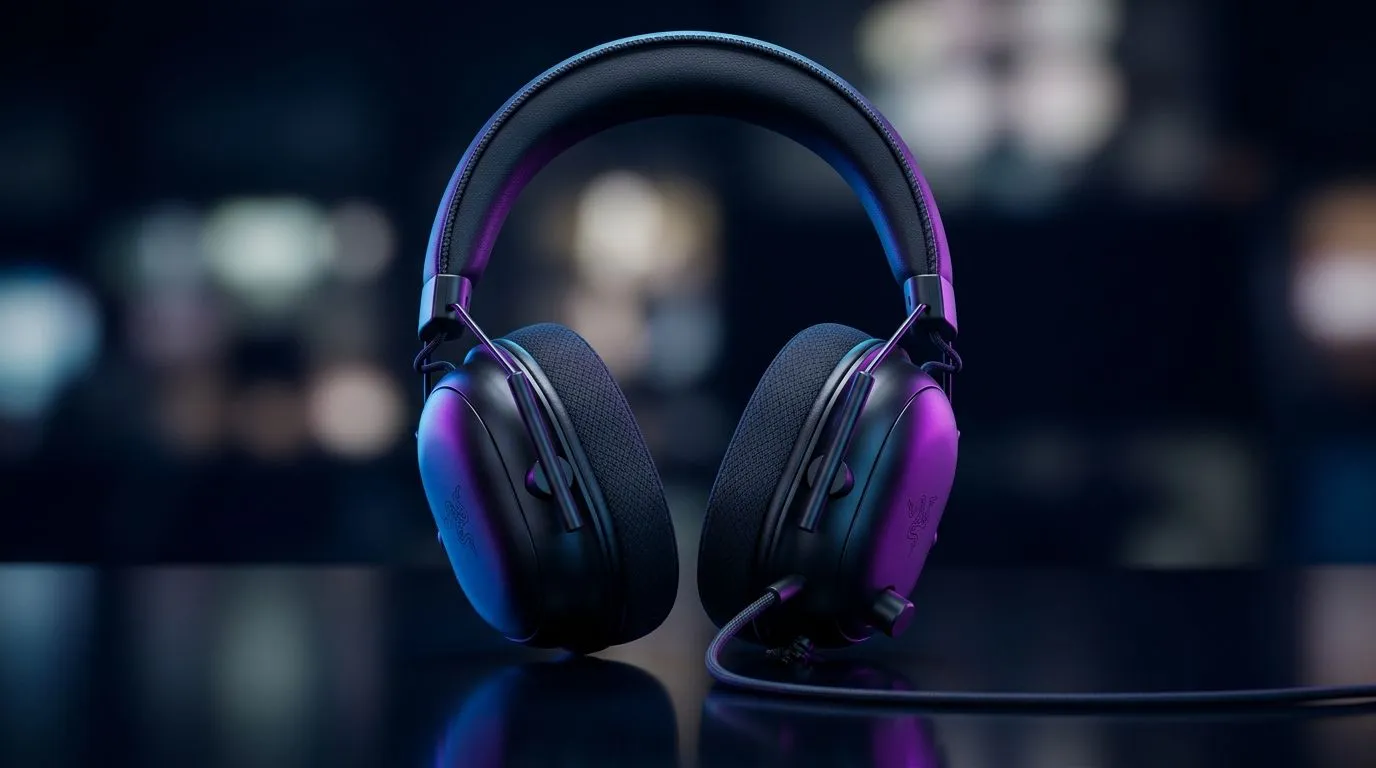
Competitive audio starts with tuning (Razer BlackShark V2 X Audio Tuning for Competitive Gaming)
South African gamers know the moment… footsteps behind you, a reload you can’t afford to miss, a grenade cooked in the dark. Audio is often the difference between “I saw it” and “I heard it in time.” 🎧
If you’ve got the Razer BlackShark V2 X and you want cleaner positional cues for ranked play, this guide is for you. We’ll keep it practical, explain why each step works, and help you set levels that feel consistent across matches.
Razer BlackShark V2 X Audio Tuning for Competitive Gaming: start with the basics
Before we touch EQ, lock in your foundation. Competitive audio tuning is less about “louder” and more about “clearer”.
Set your Windows output correctly
Make sure Windows is sending stereo to the headset if you’re playing competitive shooters. Switching output modes mid-season can make mixes sound oddly boosted or hollow.
Calibrate volume, not just bass
Turn the volume down until you can hear footsteps clearly without maxing the mix. Then raise it only until voice chat is comfortable. This avoids the classic problem: bass masking detail.
Pro Tuning Tip 🔧
On Windows, start with volume at a level where explosions don’t distort. Then do short tests (footsteps in an empty match, a gunfire burst, then voice chat). If you can’t clearly pick the “step” sound within two seconds, reduce bass and raise clarity instead of cranking overall volume.
EQ that helps you hear steps: a simple approach
Most gamers over-EQ. Instead, aim for small corrections.
Use a “cut the mud, boost the cues” mindset
In competitive headsets, problems usually fall into two buckets:
- Mud (too much low-mid): footsteps lose definition.
- Harshness (too much high-mid): distant shots become tiring and less accurate.
A safe starting move is reducing heavy low frequencies slightly, then nudging the presence region up a touch. Keep changes small so voice chat stays natural.
Why positional audio feels better after tuning
When low frequencies and mid-bass are controlled, the rest of the spectrum has room. That “space” is what makes directional cues pop. It’s the same reason a clean monitor image helps aim… your brain needs clarity to react fast. 🚀
Mic and chat mix: tune for teamwork
Even perfect game audio fails if teammates sound buried or aggressive.
Balance game vs voice
If your squad is using voice comms, reduce game volume until you can understand every callout. You should not need to “strain” to hear directions. ✨
Keep an eye on streaming overlays
If you use Discord and OBS, check whether any audio processing is doubling effects. That can cause peaks you’ll chase with EQ. Fix the pipeline first, then tune.
Finding the right headset for your setup (and your budget in ZAR)
If you’re still deciding on your next upgrade, browse Evetech’s headphone and headset range and match it to your play style. For example, wireless options can be great for casual sessions, while tight wired tuning often wins in competitive focus.
You might like:
- the Razer Barracuda X Chroma if you want a wireless direction with style and convenience: Razer Barracuda X Chroma Wireless Headset (Phantom White)
- the wider Razer headphones and headsets lineup for more tuning and fit options: Explore Razer Headphones & Headsets at Evetech
- Evetech’s full headphone headset selection to compare drivers and features quickly: Headphone Headsets Collection
- if you’re gaming with surround-style preferences, check 7.1 options here: Headphone Headsets (7.1)
- or stick to classic stereo for competitive clarity: Headphone Headsets (Stereo)
Ready to dial it in for your next match
Try tuning in this order:
- correct output mode, 2) stable volume, 3) small EQ cuts for mud, 4) light presence boosts for cues, 5) voice balance. Then repeat the same test every day. Consistency beats chasing “perfect” once. ⚡
Ready to Find Your Perfect Match? The Mac vs Windows debate is complex, but for maximum power, choice, and value in South Africa, Windows is hard to beat. Explore our massive range of laptop specials and find the perfect machine to conquer your world.











