

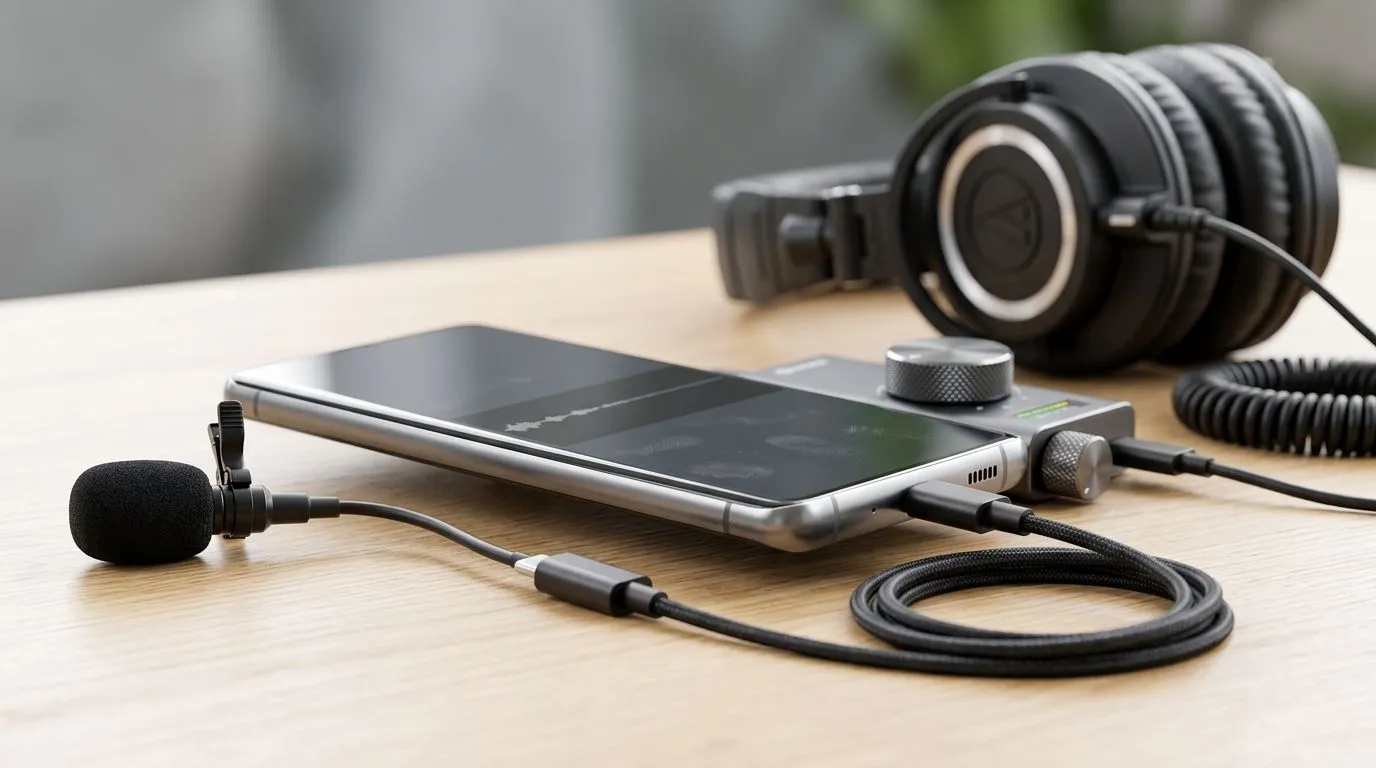
How to record podcasts on Android: essential prep 🎙️
Recording podcasts on Android is easier than many South Africans think. With a good app, the right mic and a tidy workflow you can sound crisp from Cape Town to Pretoria. This guide covers practical steps, kit choices and quick fixes to avoid common pitfalls when you record podcasts on Android.
Kit choices: microphones, interfaces and lighting
Start with a mic that suits mobile use. Evetech’s streaming essentials page lists microphones and audio interfaces that work well with Android USB‑OTG or USB‑C adapters — a handy place to compare options before you buy. For CORSAIR fans, Evetech also organises CORSAIR streaming gear so you can match mics with sturdy stands and USB mixers. See the streaming collection here: Streaming essentials at Evetech.
Accessories that improve recordings fast
Small extras make big audio differences. A foam windscreen, a shock mount and a decent stand cut room noise and handling thumps. If you like atmosphere, RGB lighting can help set a relaxed tone during video podcasts; Evetech stocks Cololight options to add subtle ambience. Check their Cololight range here: Cololight products. Lighting doesn’t fix audio, but it boosts confidence on camera.
Apps and setup: practical workflow on Android
Choose an app that saves in WAV or high‑bitrate MP3 and supports external mics. Record locally, then back up to a cloud folder. Keep tracks separate when interviewing over VoIP; this makes editing simpler. If you record video too, a reliable webcam is essential — Evetech has a focused selection: Webcams at Evetech. Use headphones to avoid bleed and check levels before you hit record.
Podcasting Pro Tip ✨
a 2‑minute pre‑roll: speak for 120 seconds at your normal recording level before the real take. This warms up your voice, reveals background noise and gives an editing buffer.
Recording tips and common fixes
- Monitor levels: keep peaks under clipping.
- Use a pop shield for plosives.
- Reduce echo with soft furnishings or a portable isolation shield.
- When interviewing remotely, ask guests to use headphones and a quiet room.
If you need hardware suggestions or a compact rig for mobility, Evetech’s CORSAIR collection can fit many budgets and use cases. Explore CORSAIR streaming gear here: CORSAIR streaming gear.
Final checklist before you publish
- Two backups: local and cloud.
- One clean take and one backup take.
- Metadata filled: episode title, description, cover art.
- Loudness normalised to industry norms during mastering.
Ready to Find Your Perfect Match? The Mac vs Windows debate is complex, but for maximum power, choice, and value in South Africa, Windows is hard to beat. Explore our massive range of laptop specials and find the perfect machine to conquer your world.











