

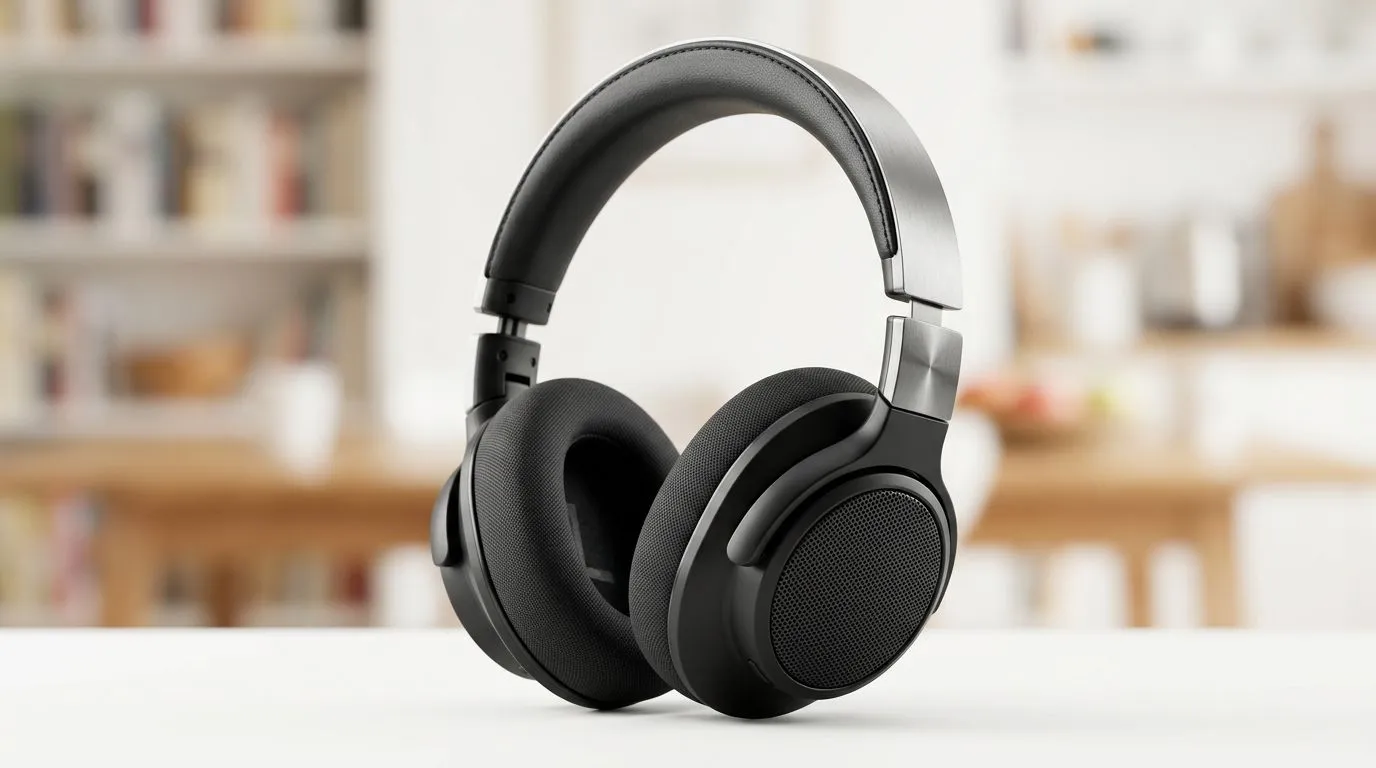
Reduce background noise at home — quick wins for SA gamers 🎧
If your stream or Zoom call sounds like Cape Town traffic, you’re not alone. South African gamers and remote workers can learn how to reduce background noise at home fast — with budget fixes and clever setup tweaks. Start by identifying the biggest offenders: HVAC, street noise, pets or a noisy keyboard. Small changes often make the biggest audible difference.
Reduce background noise at home — quick hardware swaps 🔧
A focused microphone and a simple stand mount can cut room noise radically. For a one‑stop equipment check, browse Evetech’s streaming essentials collection to compare mics, booms and pop filters. If you prefer brand-specific kits, check CORSAIR streaming gear options for mic bundles and accessories. For low‑light ambient distraction, add accent lighting like Cololight to keep your setup deliberate and less echo‑prone.
Reduce background noise at home — mic technique and placement
Placement matters more than price. Aim for a cardioid mic pattern facing your mouth; keep the mic 10–20cm away and slightly off-axis to reduce plosives. Use foam or a pop filter and mute when you’re not talking. If you use a webcam microphone, consider upgrading — Evetech’s webcams range includes models with better built‑in mics, but dedicated microphones still outperform webcams for clear audio.
Reduce background noise at home — room treatment and workflow ✨
Treat reflective surfaces: rugs, curtains and bookcases lower reverb. Create an "audio corner" by positioning soft furnishings behind the mic and facing the speaker away from windows. For noisy houses, schedule critical streams or calls during quieter times and use push‑to‑talk when needed. Little rituals help: open doors to move pets to another room, or drop your mic’s gain and raise output volume instead of amplifying background noise.
Practical Pro Tip ⚡
Use a simple blanket or thick curtain behind your mic to absorb early reflections. It’s one of the cheapest and most effective ways to reduce room echo without permanent changes to the space.
Reduce background noise at home — final checklist before going live
- Check levels and mute hotkeys.
- Use directional mic placement and a pop filter.
- Add soft furnishings or temporary treatments for echo.
- Consider hardware upgrades from the streaming essentials page if you still hear noise.
- Test with friends or a short recording before a live stream.
Need a quick hardware refresh? If you want starters or bundles, explore Evetech’s streaming essentials, compare CORSAIR brand bundles, or add mood lighting with Cololight. And if you’re assessing webcam audio vs dedicated mics, take a look at Evetech’s webcams range to decide what to upgrade next.
Ready to Find Your Perfect Match? The Mac vs Windows debate is complex, but for maximum power, choice, and value in South Africa, Windows is hard to beat. Explore our massive range of laptop specials and find the perfect machine to conquer your world.











