

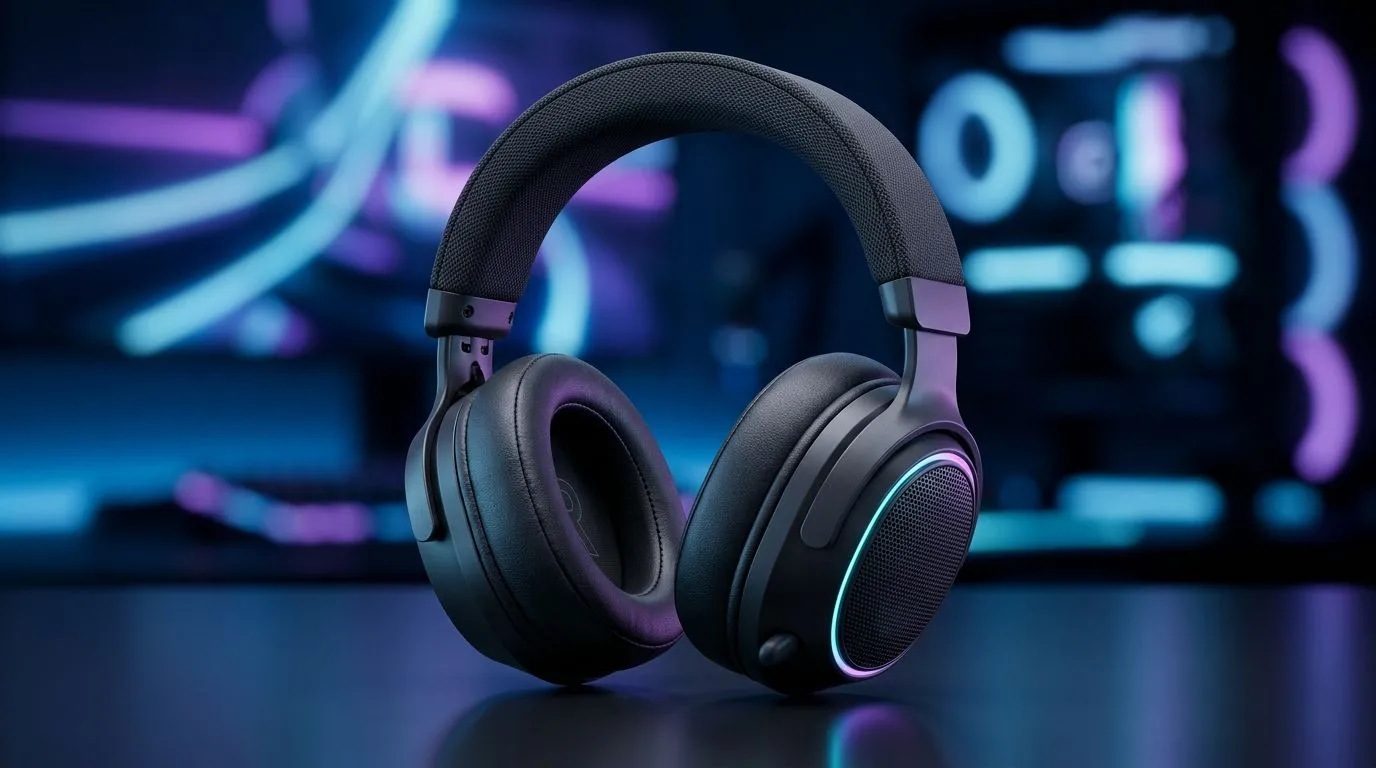
Reduce Headset Discomfort and Ear Fatigue in Gaming: why it happens (and how to fix it)
Ever notice how your headset feels fine for 30 minutes… then suddenly your ears are hot, sore, or “full”? In South African gaming sessions, that’s not just annoying. It can push you to turn the volume up, or quit early when you want to rank up. 🎧✨ The good news? Most discomfort comes from fit, pressure, and sound settings you can adjust right now. Let’s get you gaming comfortably again.
Reduce Headset Discomfort and Ear Fatigue in Gaming: quick setup wins 🔧
Start with fit. A headset that clamps too hard will fatigue you even at low volume. First, set the band height so the earcups sit flat, not tilted. If your headset uses a rigid headband, move it slightly up or down until the seal feels snug, not painful.
Then tackle volume and time:
- Keep an eye on average volume. If you’re hearing background noise, don’t just crank it. Fix the seal or EQ instead.
- Use short breaks. A 2–3 minute break every 45–60 minutes often helps.
If you’re shopping, comfort matters as much as specs. Evetech lists a wide range of gaming headsets in their dedicated headphone and headset sections, so you can compare styles based on how they’ll sit for long sessions.
Comfort Pro Tip 🔥
"Before a competitive match, do a 5-minute “comfort test”. Adjust the headband, rotate earcups for full contact, then switch audio sources (game + chat). If you still feel pressure within 5 minutes, it’s a fit issue, not your imagination."
Reduce Headset Discomfort and Ear Fatigue in Gaming: choose the right type (and the right audio mode) 🚀
Over-ear designs often reduce pressure because they can distribute weight across your head. On the other hand, some models trap heat, especially in warm rooms. If you’re in summer heat or you wear glasses, look for lighter weight and breathable ear pads.
Micro-story: I’ve seen friends in Johannesburg raids go from “my ears are burning” to “this feels fine” just by switching from a tight clamp fit to an over-ear, room-temperate setup with better pad coverage.
Audio mode can also change perceived fatigue. If your headset supports surround features, it can affect balance and how loud elements sound. For example, a stereo or 7.1 mode may feel better at the same volume depending on your game.
If you want a starting point, browse Evetech’s range of headphones and headsets here:
- 7.1 options: https://www.evetech.co.za/components/headphone-headsets-100?attributes-audio=7.1
- Stereo options: https://www.evetech.co.za/components/headphone-headsets-100?attributes-audio=Stereo
- General category overview: https://www.evetech.co.za/components/headphone-headsets-10
Reduce Headset Discomfort and Ear Fatigue in Gaming: a comfort-focused recommendation path ✨
If you’re chasing comfort without losing performance, look for models designed for long wear. One solid example is the Razer Barracuda X Chroma Wireless Headset from Evetech. You’ll find it here: https://www.evetech.co.za/razer-barracuda-x-chroma-wireless-headset-phantom-white/best-deal/24367
And if you want to compare a brand lineup, Evetech’s “Razer headphones and headsets” page is useful for narrowing your shortlist quickly: https://www.evetech.co.za/PC-Components/razer-headphones-headsets-105
Finally, if you’re budgeting, use the broader headset category to filter by comfort-oriented builds and audio needs before you buy: https://www.evetech.co.za/components/headphone-headsets-10
Reduce Headset Discomfort and Ear Fatigue in Gaming: settings that reduce strain (without losing clarity) ⚡
Once your fit is right, adjust sound to avoid fatigue:
- Lower volume slightly, then increase clarity with EQ (if supported).
- In competitive shooters, keep footsteps clear. If they feel too distant, adjust in-game settings rather than turning the master volume up.
- If your headset is wireless, check battery health habits. Low power can subtly affect output quality on some headsets.
Remember: comfort and audio clarity should move together, not fight each other.
Ready to Find Your Perfect Match? The Mac vs Windows debate is complex, but for maximum power, choice, and value in South Africa, Windows is hard to beat. Explore our massive range of laptop specials and find the perfect machine to conquer your world.











