

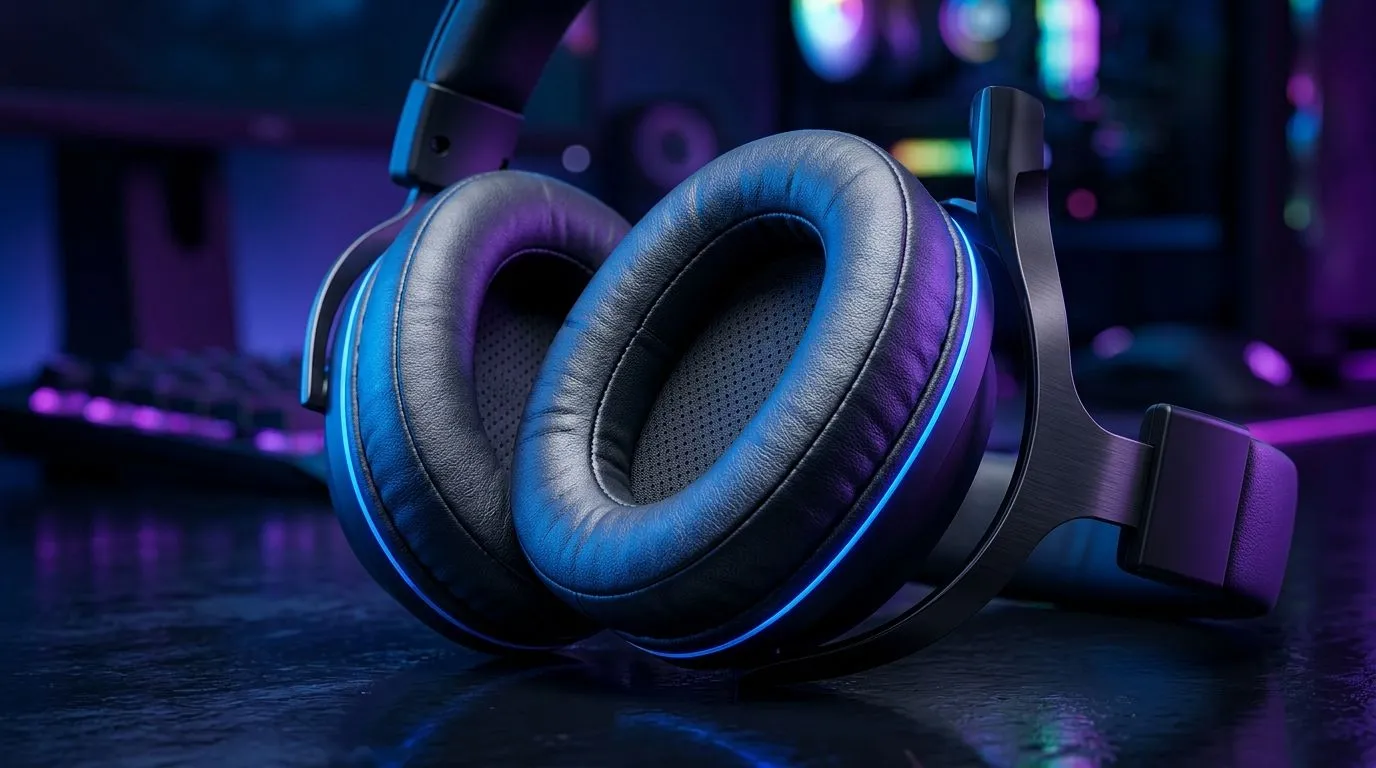
How to Reduce Heat Build-Up with Synthetic Leather Ear Cushions (and keep your sound crisp) 🎧
If your headset feels like it’s quietly roasting your ears after an hour, you’re not imagining it. In SA heat, synthetic leather can trap warmth faster than you’d expect… and that means sweat, discomfort, and sometimes even faster wear. The fix isn’t always “buy new”. Often it’s airflow, cleaning, and smart habits. Here’s how to reduce heat build-up with synthetic leather ear cushions, plus a few practical steps you can do today.
Why synthetic leather gets hot (and what to do about it) 🔥
Synthetic leather ear cushions are built to look and feel like leather, but they don’t breathe the same way. The surface can hold onto body heat, while sweat builds up between your skin and the cushion.
That heat can also affect how you perceive audio. When you’re uncomfortable, you’ll turn volume up to compensate for distractions… which can stress your ears and your headset drivers over time.
Start with a comfort baseline
Before you change anything, notice your real trigger:
- Does it happen at high volume?
- Is it worse after gaming sessions in summer?
- Do you notice a “sticky” feel on the cushion?
If it’s mostly sweat and stickiness, your best first move is cleaning and drying habits (below).
Productivity Pro Tip ✨
On hot days, rotate between two headsets or cushion sets if you have them. Even a short “cool-down” between sessions reduces heat soak and lets the pads dry fully, which helps keep your comfort consistent for longer gaming sessions.
Clean and dry correctly to reduce trapped heat 🧼
You don’t need harsh chemicals. In fact, aggressive cleaners can degrade synthetic leather faster.
Quick, safe cleaning routine
- Unplug and remove the ear cushions if your headset design allows it.
- Wipe with a slightly damp microfiber cloth. Use clean water first.
- Dry thoroughly with a dry cloth and allow air-drying for at least an hour (longer in humid weather).
- Avoid soaking the cushions. Excess liquid can damage padding materials.
Why this matters
When sweat and oils build up, you get more friction, more “cling”, and faster odour. Better cleaning means less sticky surface contact and less heat retention from trapped residue.
Add airflow without ruining comfort 🛠️
Sometimes the problem isn’t only the cushion material… it’s how your headset sits.
Try low-risk airflow tweaks
- Loosen the headband slightly during breaks.
- Keep your hair off the seal area when possible (it adds insulation).
- Use breathable headset covers only if they don’t interfere with the seal. A poor seal can reduce bass punch.
If you’re shopping for a better fit, Evetech carries options across headphone and headset lines. For example, you can compare cushion comfort and headset styles in the wider selection here: https://www.evetech.co.za/components/headphone-headsets-100
Match the right headset for long sessions (SA-ready) ⚡
If you’re tired of “hot pads” cutting your sessions short, consider headsets known for comfort over long play. The Razer Barracuda X Chroma Wireless is one option within Evetech’s headset range, and you can check current pricing here: https://www.evetech.co.za/razer-barracuda-x-chroma-wireless-headset-phantom-white/best-deal/24367
For a broader look at Razer headsets and related models, browse the category: https://www.evetech.co.za/PC-Components/razer-headphones-headsets-105
Buying tip (real talk): prioritise clamp force and pad thickness. Heat build-up is worse when the headset presses too hard. If a model feels “secure” but not tight, you’ll usually last longer before the warmth becomes unbearable.
When to replace cushions (and how to tell) 🚀
Cushions don’t last forever. Replace them when you see:
- Cracking or flaking on the surface
- Persistent odour after cleaning
- Noticeable loss of softness or uneven padding
If your headset still works great but comfort is failing, upgrading cushions is often cheaper than replacing the full headset.
Ready to keep gaming comfortably through summer? Choose a headset setup that actually fits your sessions, not just your desk.
Ready to Find Your Perfect Match? The Mac vs Windows debate is complex, but for maximum power, choice, and value in South Africa, Windows is hard to beat. Explore our massive range of laptop specials and find the perfect machine to conquer your world.











