

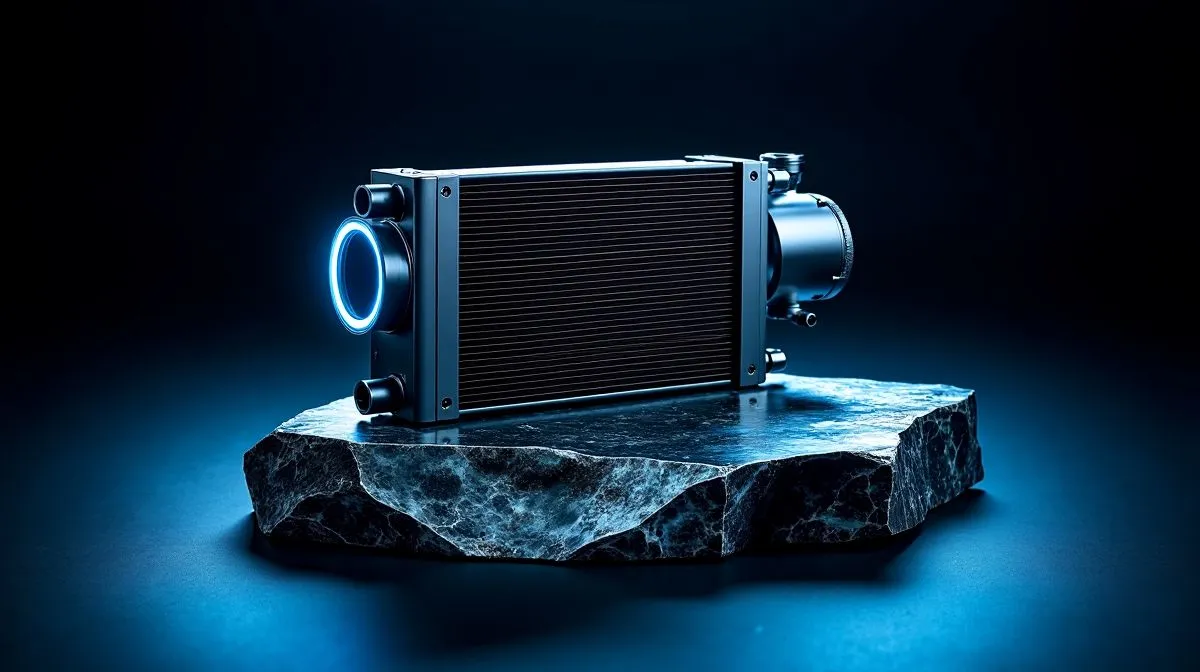
Reduce liquid cooling noise: instant reasons to care
South African gamers tuning their rigs know fans and pumps can shout over a clutch of big moments. If you want to Reduce Liquid Cooling Noise Without Losing Performance, this quick guide gives practical fixes you can apply tonight. No drama; just realistic tweaks for Johannesburg or Cape Town setups that keep temperatures low and noise down.
Cut liquid cooler noise without losing performance: practical fixes
Start by tuning fan curves and pump speeds in your BIOS or software. A shallow curve trims RPMs until temps rise, keeping acoustics calm during browsing and lights-out gaming. If you need new hardware, compare options on Evetech's CPU coolers page to match size and fan specs.
Choose the right AIO and radiator size
A larger radiator spreads heat and lets fans run slower; 360mm units are quieter under load than compact 240mm radiators for similar thermal budgets. Browse specific 360mm radiator options and 240mm radiator options to see which fits your case.
Fix pump whine and mounting noise
Pump whine often comes from vibration. Loosen or retighten the block evenly, use rubber washers, and isolate fans from the case with anti-vibration mounts. If it persists, check the AIO listings for different pump designs.
Airflow, fans and placement tips
Good airflow beats brute force. Configure intake at front, exhaust at top; use one fewer high-speed fan and upgrade to quality static-pressure models for radiators. See Corsair AIOs and Deepcool models to compare fan specs and acoustics.
Quick checklist to reduce noise without performance loss
Give these four checks: tune curves, mount carefully, choose bigger rads, swap to better fans.
Quiet Build Tip 🔧✨
On many AIOs, lowering pump speed by 200–400 RPM and switching to 120mm high‑static fans reduces noise with minimal temperature rise. Test with a stress tool and monitor temps for 10 minutes.
Small story: I swapped a noisy 240mm AIO for a 360mm unit and dropped fan RPMs by 500. The rig stayed cool and gaming sessions became far less distracting. Want the same peace?
Start small: test changes one at a time so you know what helped. Record idle and load temps with a monitor like HWInfo while running a 10‑minute stress test. If temps rise more than 5°C after a tweak, revert and try a different fan curve. For parts and upgrades, compare the radiator sizes, pump designs and included fans on Evetech to pick the best balance. Chrome or Spotify in the background can mask faint pump noise, but the goal is to tame it without sacrificing frame rates. If you prefer shopping by brand, start with Corsair or Deepcool AIO ranges and filter by radiator size to suit your case. A balanced build keeps FPS high while making late night raids much more pleasant.
Compare prices in ZAR, read specs, and order from Evetech for fast local shipping. Small tweaks deliver quiet performance; try one change tonight and hear the difference tomorrow. Still unsure? Chat with Evetech support for tailored recommendations. Happy quiet gaming✨.
Ready to Find Your Perfect Match? The Mac vs Windows debate is complex, but for maximum power, choice, and value in South Africa, Windows is hard to beat. Explore our massive range of laptop specials and find the perfect machine to conquer your world.











