

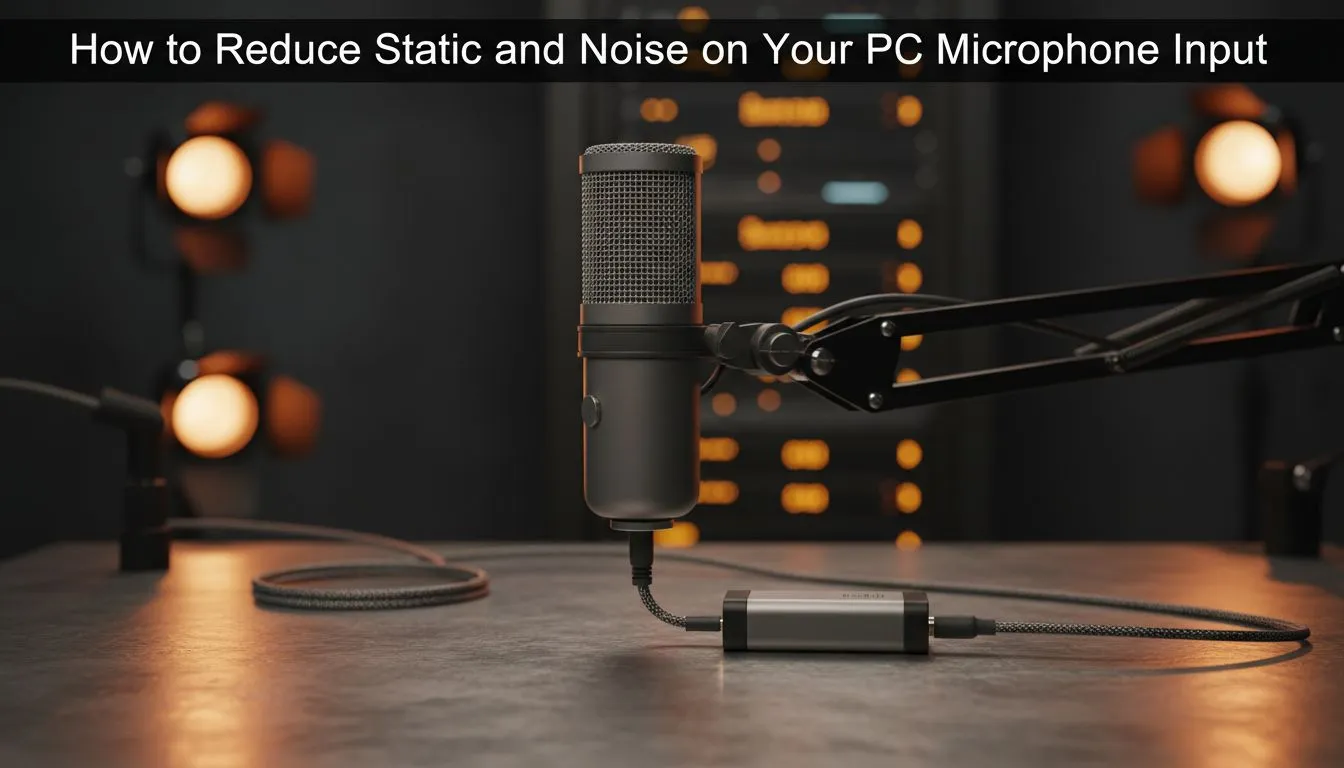
Nothing ruins a high-stakes match in Apex Legends or Warzone like your teammates shouting at you to mute your mic. That constant buzzing or high-pitched hiss is more than just annoying... it can mask vital enemy footsteps. If you want to reduce microphone noise and ensure your callouts are crystal clear, you need to address both software and hardware issues. Let's fix PC mic static fast before your next drop. 🔧
Quick Software Tweaks to Reduce Microphone Noise
Most static issues start within your Windows settings. Open your Sound Control Panel and navigate to the "Levels" tab for your recording device. If your Microphone Boost is set too high... typically anything above +10.0 dB... it can introduce significant electronic hiss. Lowering this boost while increasing the base volume is the first step to reduce microphone noise without spending a cent.
Another common culprit is the sampling rate. Ensure your microphone is set to "Studio Quality" in the Advanced tab. If your current headset or standalone mic is simply too old to handle modern noise suppression, you might want to look at new gaming accessories that feature better internal shielding. ⚡
Hardware Fixes to Eliminate Static
Sometimes the problem is physical interference. In South Africa, our power grids can be noisy... and cheap power strips often lack proper filtering. Ensure your microphone cable isn't tangled with power bricks or monitor cables, as these create electromagnetic interference. If you are using a 3.5mm jack, try switching to a USB adapter.
Crystal Clear Comms ⚡
If you have an NVIDIA RTX GPU, download the NVIDIA Broadcast app. Its AI-powered noise removal is incredible for South African gamers dealing with loud desk fans or street noise. It can effectively fix PC mic static fast by filtering out everything except your voice, even in a noisy room.
If the static persists regardless of the port you use, your hardware might be failing. You can often find high-quality gaming accessories deals that offer a significant upgrade over entry-level gear, providing much cleaner pre-amps and better noise floors for your recordings. 🚀
Environmental Factors and Professional Upgrades
South African summers are brutal... and those loud oscillating fans are a necessity for any gaming setup. However, they are a nightmare for audio. If your mic picks up every gust of wind, a simple foam pop filter or a "dead cat" cover can work wonders.
For those looking for a professional-grade solution that bypasses the noisy integrated audio chip on your motherboard, browsing the full Gaming Accessories category is your best bet. Look for USB condenser microphones or headsets with built-in ENC (Environmental Noise Cancellation) technology. These devices convert your voice to a digital signal outside the "noisy" environment of your PC case, resulting in a much cleaner output for your friends and followers. ✨
Ready to Silence the Static? Don't let poor audio quality ruin your gaming reputation or your stream. For the best audio clarity and hardware deals in South Africa, we have you covered. Explore our massive range of gaming accessories and find the perfect mic to keep your comms crystal clear.











