

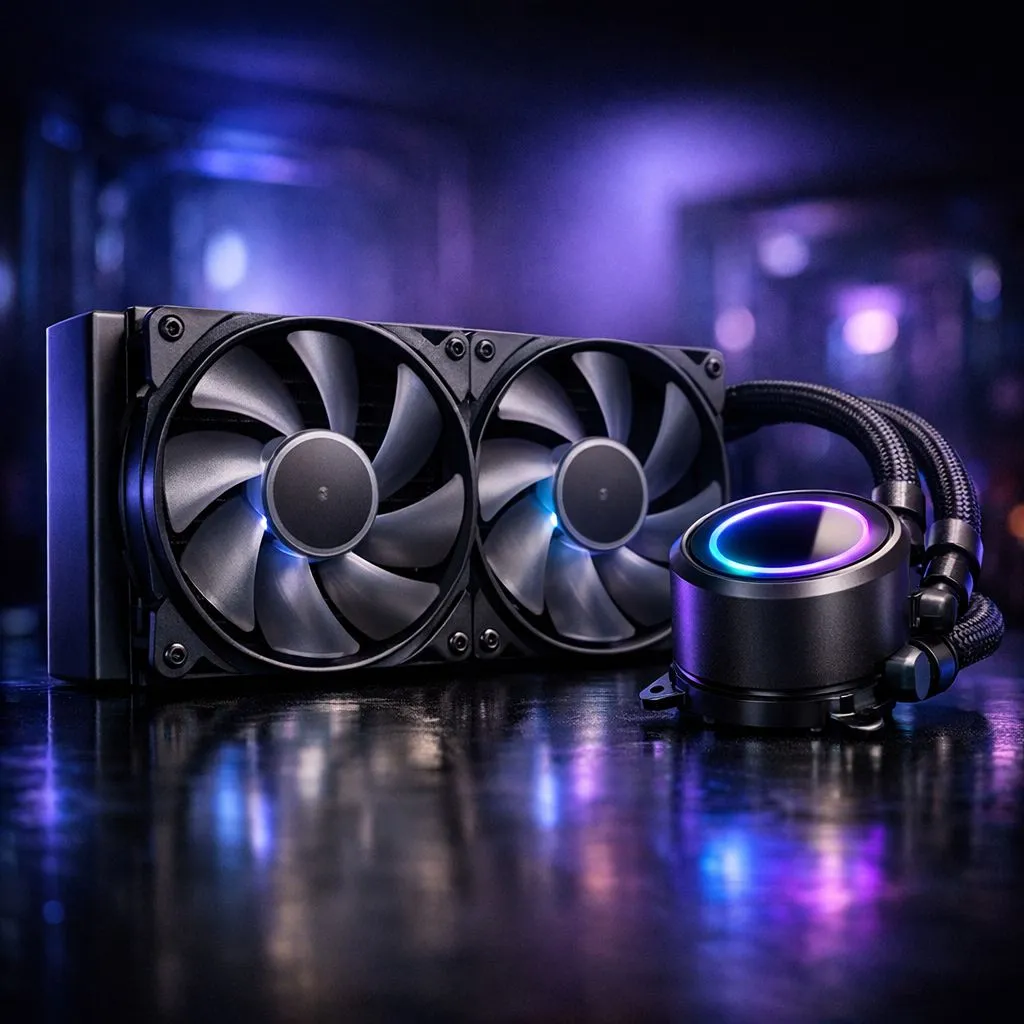
Lower AIO noise without losing cooling performance
Night raids, long render jobs and LANs in Joburg all demand silence as much as cold temps. If your compact liquid cooler sounds like a swarm of angry beetles, you can quiet it without sacrificing thermals. This guide gives practical, South African‑ready fixes that respect small cases and budget builds 🔧✨
Why compact AIOs get noisy
Compact liquid coolers often use smaller radiators and higher‑RPM fans or pumps to move heat. That equals more turbulence and mechanical whine. Start by identifying whether the noise is from the pump, fans, or vibration. Swap the case panels and listen; fans sound different from pump whine.
Check stock fan options before you buy replacements—Evetech lists common case fans you can compare by size and noise spec. https://www.evetech.co.za/PC-Components/case-fans-97.aspx
Replace or upgrade fans smartly
A simple swap to better blades reduces RPM at the same airflow. If your AIO uses 120mm fans, consider high‑quality 120mm replacements with fluid dynamic bearings. Evetech’s 120mm selection makes matching connectors and airflow easy. https://www.evetech.co.za/PC-Components/case-fans-97.aspx?attributes-size=120mm
If your cooler supports 140mm, the larger swept area can lower RPM and noise while keeping cooling capacity—see 140mm options. https://www.evetech.co.za/PC-Components/case-fans-97.aspx?attributes-size=140mm
For brand picks, Corsair and Deepcool offer proven low‑noise fan lines compatible with many compact AIOs. Browse Corsair fans and compare speeds. https://www.evetech.co.za/PC-Components/case-fans-97.aspx?brands=CORSAIR Or check Deepcool for quiet‑focused models. https://www.evetech.co.za/PC-Components/case-fans-97.aspx?brands=Deepcool
Keep aesthetics, lose the noise
Like RGB but hate the whirr? You can have both. Swap to RGB fans with good acoustic profiles, or pick non‑lit options that prioritise silence. Compare colours and noise levels here. https://www.evetech.co.za/PC-Components/case-fans-97.aspx?attributes-lightingeffects=RGB If you prefer a cleaner look, non‑RGB silent fans are also available. https://www.evetech.co.za/PC-Components/case-fans-97.aspx?attributes-lightingeffects=None
Cooling Quiet Pro Tip ⚡
When testing, stop the fans briefly (with the system off and unplugged) and feel the pump casing while the system is on. If vibration transfers to mounts, add silicone grommets or foam pads. Small decouplers cut a surprising amount of noise.
Tuning: software and hardware nudges
Lower fan curves slightly; modern AIOs can hold safe temps with fans at lower RPM under light loads. Use BIOS fan profiles or motherboard software to create a gentle ramp. If the pump is loud even at low RPM, check for air in the loop or loose mounting. Re‑seating the pump with even pressure often calms it down.
Rubber washers and anti‑vibration mounts reduce chassis resonance. In cramped cases, moving fans a few millimetres or swapping to a thicker gasket can stop blade‑to‑radiator buzz. If noise persists, replacing stock fans with premium 120mm or 140mm models usually gives the best trade‑off between silence and thermal performance.
Quick checklist before buying
- Confirm radiator fan size and connector type.
- Try a slow fan curve first; monitor temps.
- Use anti‑vibration mounts for pump and fans.
- Consider brand swaps if stock fans are the problem.
Ready to Find Your Perfect Match? The Mac vs Windows debate is complex, but for maximum power, choice, and value in South Africa, Windows is hard to beat. Explore our massive range of laptop specials and find the perfect machine to conquer your world.











