

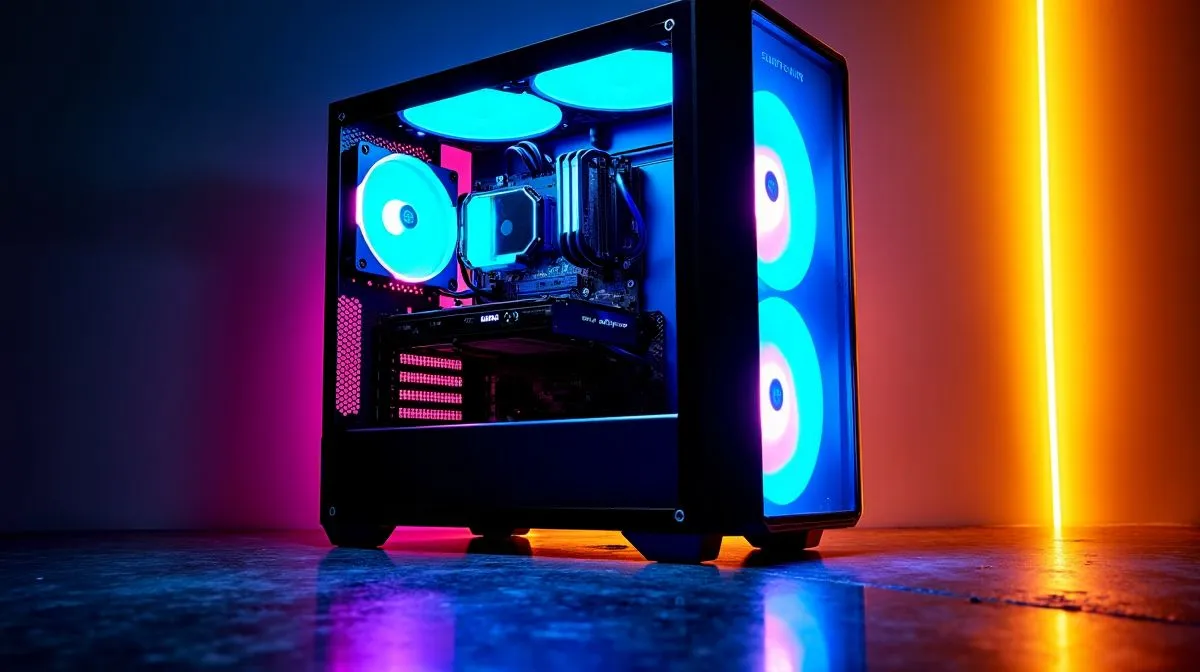
South African gamers know the sound. A PC at full tilt can drown out headset audio, shake a desk, and make a late-night raid feel far less relaxed. The good news? You do not need to choose between silence and strong cooling. With the right case, smarter airflow, and a few small tweaks, you can cut noise without cooking your components 🔧
How to Reduce Noise in Gaming PCs Without Losing Cooling
Noise usually comes from three places: fans spinning too fast, vibration travelling through the case, and turbulent airflow. The fix is not “make everything slower”. It is “make everything work efficiently”. That means better fan curves, cleaner airflow paths, and a case that does not fight your cooling setup.
Start with the case, not just the fans
A well-designed chassis gives your fans and cooler an easier job. If a case has blocked front intake, thin panels, or poor cable clearance, fans need to spin harder to move the same air. That creates more noise.
If you are comparing options, look at airflow-focused designs and build quality first. A useful place to start is Evetech’s range of computer cases, where you can compare layouts and features before you buy. For buyers who like a cleaner, more premium look, Fractal Design PC cases are worth checking because they often prioritise restrained acoustics and sensible airflow. ⚡
Match fan speed to real temperature needs
Many gaming PCs run louder than necessary because the fan curve is too aggressive. In BIOS or motherboard software, set fans to ramp up gradually. You want smooth changes, not constant surging.
A simple rule helps: CPU and GPU fans should respond to load, not every tiny temperature spike. If your system is idling in the 30s or low 40s Celsius, it does not need to sound like a jet preparing for take-off. Keep the curve calm, then test with a demanding game or benchmark.
Quiet PC Tip 🔧
Fine-tune your fan curve in small steps. A 5% to 10% drop at mid-load can reduce noise noticeably without hurting temperatures, especially in a case with good front intake.
Don’t ignore case fans and airflow direction
Front-to-back airflow is still the easiest setup to manage. Fresh air should enter from the front or bottom, then leave through the rear and top. If you mix too many fan directions, air can churn inside the case and create extra noise.
Also, more fans is not always better. Four well-placed fans often beat six poorly placed ones. The goal is steady airflow, not maximum RPM. If you are building on a budget, Gamdias gaming cases can offer practical layouts for South African buyers who want a decent balance of style, space, and price.
Choose value without sacrificing sanity
If you are trying to keep the build cost under control, there are still decent airflow options that do not demand a premium price. Filtering by budget can help you find a case with the right basics, such as mesh intake, fan support, and enough room for a proper cooler. This Gamdias gaming cases under R1500 selection is a good example of how to narrow the search without overpaying.
Small changes that make a big difference
Use rubber mounts if your case supports them. Tighten loose panels. Route cables away from the main airflow path. Clean dust filters every few weeks, especially in warmer South African weather. Dust raises temperatures, and higher temperatures usually mean louder fans.
If you are using an aftermarket CPU cooler or GPU undervolting, you can often lower fan speed even further. Just test carefully and keep temperatures within safe limits.
How to Reduce Noise in Gaming PCs Without Losing Cooling: the practical takeaway
The quietest gaming PC is not the weakest one. It is the one built with airflow in mind. Start with the case, tame the fan curves, and keep the inside clean. That combination usually gives you the best balance of comfort, performance, and long-term reliability.
Ready to Find Your Perfect Match? The Mac vs Windows debate is complex, but for maximum power, choice, and value in South Africa, Windows is hard to beat. Explore our massive range of laptop specials and find the perfect machine to conquer your world.











