

Reduce PC Noise Without Sacrificing Cooling Performance
Your PC should sound focused, not frantic. If your rig is roaring during a late-night Apex session or a long workday, you do not need to choose between silence and safe temperatures. You just need the right mix of airflow, case design, fan tuning, and patience. For South African gamers, that balance matters even more when summer heat and load shedding already push systems harder 🔧
Reduce PC Noise Without Sacrificing Cooling Performance with smarter airflow
Most noisy PCs are not “bad” PCs. They are usually overworked PCs. Dust buildup, blocked intakes, and aggressive fan curves can make a decent build sound like a small vacuum. Start with the basics: clean filters, check cable clutter, and make sure fans can actually pull air through the case.
A well-ventilated chassis matters more than people think. If you are shopping for a better foundation, browse these computer cases for South African builds and compare airflow-friendly layouts before you buy. Cases with mesh fronts and sensible fan mounting points often let you run fans slower, which usually means less noise without sacrificing cooling performance.
Reduce PC Noise Without Sacrificing Cooling Performance by choosing the right case style
Not all cases are built the same. Some prioritise clean looks and tempered glass. Others focus on air movement. If low noise is the goal, look for cases with room for larger fans, dust filters, and space behind the motherboard tray for tidy cable routing.
Fractal Design is well known for restrained styling and practical airflow options, so it is worth checking the Fractal Design PC case range if you want a quieter, more refined build. If you are building on a tighter budget, the Gamdias gaming case selection gives you more options to compare aesthetics, airflow, and price. You can also filter for value-focused picks under R1,500, which is useful if you want to upgrade the enclosure without blowing the rest of your budget.
A small tweak that makes a big difference
Fan curves are often ignored. That is a mistake. Set your case fans to ramp up gradually instead of jumping straight to full speed. Most motherboard software lets you adjust this in minutes. Keep idle speeds low, then let them rise only when CPU or GPU temperatures climb.
Quiet PC Tip 🔧
A slightly larger fan spinning slower usually moves air more quietly than a smaller fan spinning fast. If your case supports 140 mm fans, they are often a smart choice for low-noise airflow. Pair them with a clean dust filter and a sensible fan curve for best results.
Reduce PC Noise Without Sacrificing Cooling Performance with sensible cooling choices
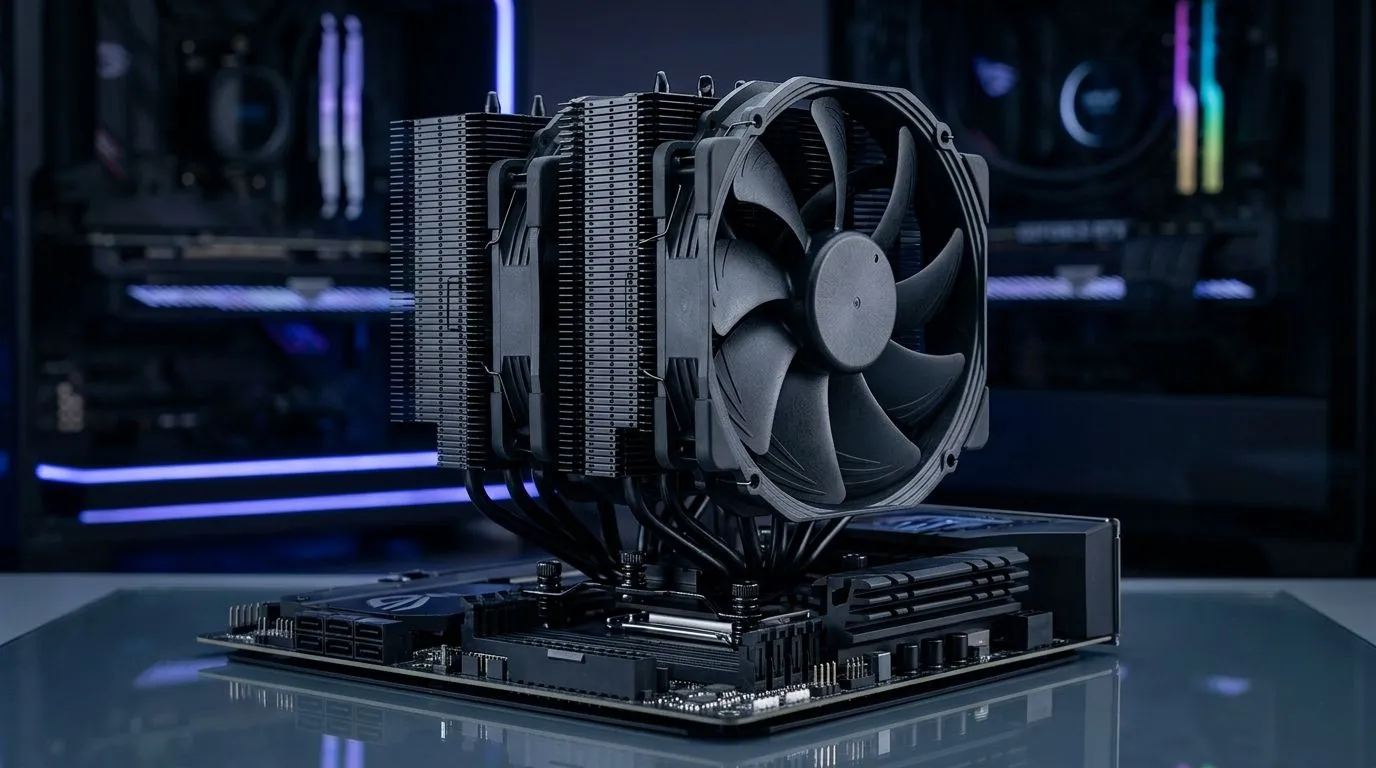
CPU coolers and graphics cards also influence sound. A tower air cooler with a larger heatsink can be quieter than a small stock-style cooler, because it does not need to spin as aggressively. The same logic applies to GPUs... better cooling headroom often means lower fan noise under load.
You do not need to chase the loudest specs on paper. Instead, think about your actual usage. If you mostly game at 1080p, browse, and stream occasionally, you may not need extreme cooling. If you run long gaming sessions or creative workloads, a slightly better case and airflow setup can pay off in comfort every single day.
Reduce PC Noise Without Sacrificing Cooling Performance the practical way
Here is the simple checklist:
- Clean dust filters every few weeks.
- Keep front intake unobstructed.
- Use fewer, better fans instead of many cheap ones.
- Tune fan curves for real-world temperatures.
- Choose a case with good airflow from the start.
Small improvements add up. The quietest rigs are rarely the most expensive. They are usually the most considered. And if you are planning a new build or a case upgrade, it makes sense to start with a chassis that supports your cooling goals from day one ✨
Ready to Find Your Perfect Match? The Mac vs Windows debate is complex, but for maximum power, choice, and value in South Africa, Windows is hard to beat. Explore our massive range of laptop specials and find the perfect machine to conquer your world.











