

Reduce Power Consumption During Loadshedding for Large Displays — Start smart ⚡
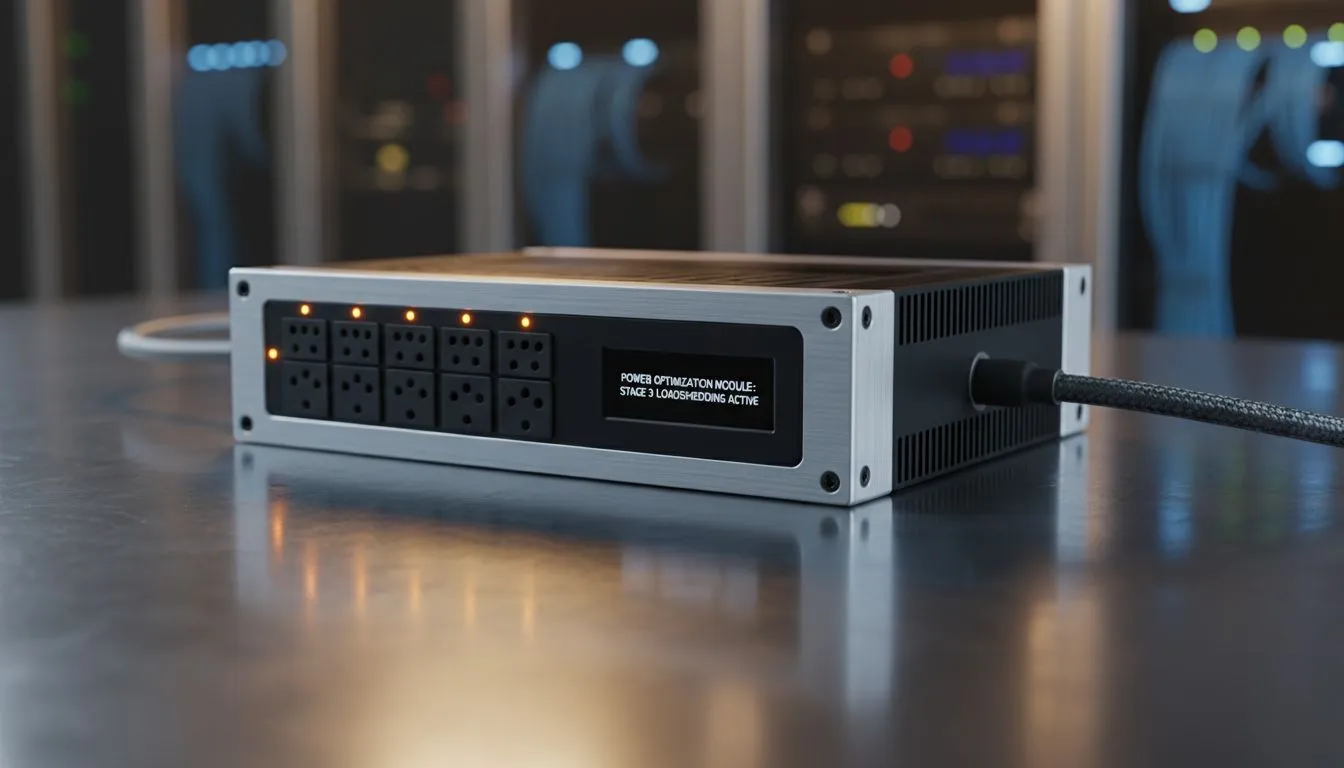
If a long Netflix session or late-night climb in Warframe meets loadshedding, your big-screen setup can guzzle backup power fast. Reduce Power Consumption During Loadshedding for Large Displays with quick, practical steps that save wattage and keep your essentials alive. Read on for settings, hardware swaps, and local tips tailored to South African gamers and creators. 🚀
Reduce Power Consumption During Loadshedding for Large Displays — Settings that cut watts
Lower brightness first; it’s the fastest win. Most modern panels reduce energy use dramatically when you drop screen output from 100% to 50%. If you need adaptive refresh for competitive play, pick options that balance performance and power — for example, consider monitors with FreeSync when you want smooth gameplay without unnecessary overhead: FreeSync monitors at Evetech. For a broad view of available sizes and features, browse Evetech’s general monitor range here: PC monitors at Evetech.
Use lower refresh rates for single-player or video work. Switch from 144Hz to 60–75Hz when you’re on battery or a small UPS; that reduces the panel’s drive workload and saves power. If you want adaptive sync without a constant high refresh, check adaptive-sync options: Adaptive Sync monitors.
Reduce Power Consumption During Loadshedding for Large Displays — Hardware choices that matter
Panel type and screen curvature affect power draw. Generally, IPS panels offer better colour at moderate power; if accurate colour is important for your work during brownouts, an IPS option can be the sensible middle ground: IPS panels at Evetech. Flat screens sometimes use slightly less backlight than large curved ultrawides; compare flat and curved choices here: Flat monitors and Curved monitors. For gamers who want Nvidia-certified sync, these are listed here: G-Sync monitors.
A smaller, efficient secondary monitor can be a lifesaver during loadshedding. Keep a compact 24–27" screen for chat, guides, or Discord, and shut the main display when you don’t need it. Small swaps mean lower ZAR spend and measurable power savings.
Power-Saver Tip ✨
Reduce screen refresh and enable automatic dimming. Set your display to switch off after a short idle time and use a smaller secondary monitor for non-essential tasks.
Reduce Power Consumption During Loadshedding for Large Displays — Practical routines and SA context
Prepare a simple checklist for scheduled loadshedding: dim or power down non-essential displays, switch to battery-friendly refresh rates, and close GPU-heavy background apps. If you use a UPS, test runtime with your actual monitor and PC load so you know how long you’ll last. Evetech’s monitor pages are a good reference when comparing panels and features before you buy.
Want a quick purchase route? Browse Evetech’s monitor categories above to compare IPS, FreeSync, G-Sync, curved and flat options that suit both power budgets and play style. ⚡
Ready to Find Your Perfect Match? The Mac vs Windows debate is complex, but for maximum power, choice, and value in South Africa, Windows is hard to beat. Explore our massive range of laptop specials and find the perfect machine to conquer your world.











