

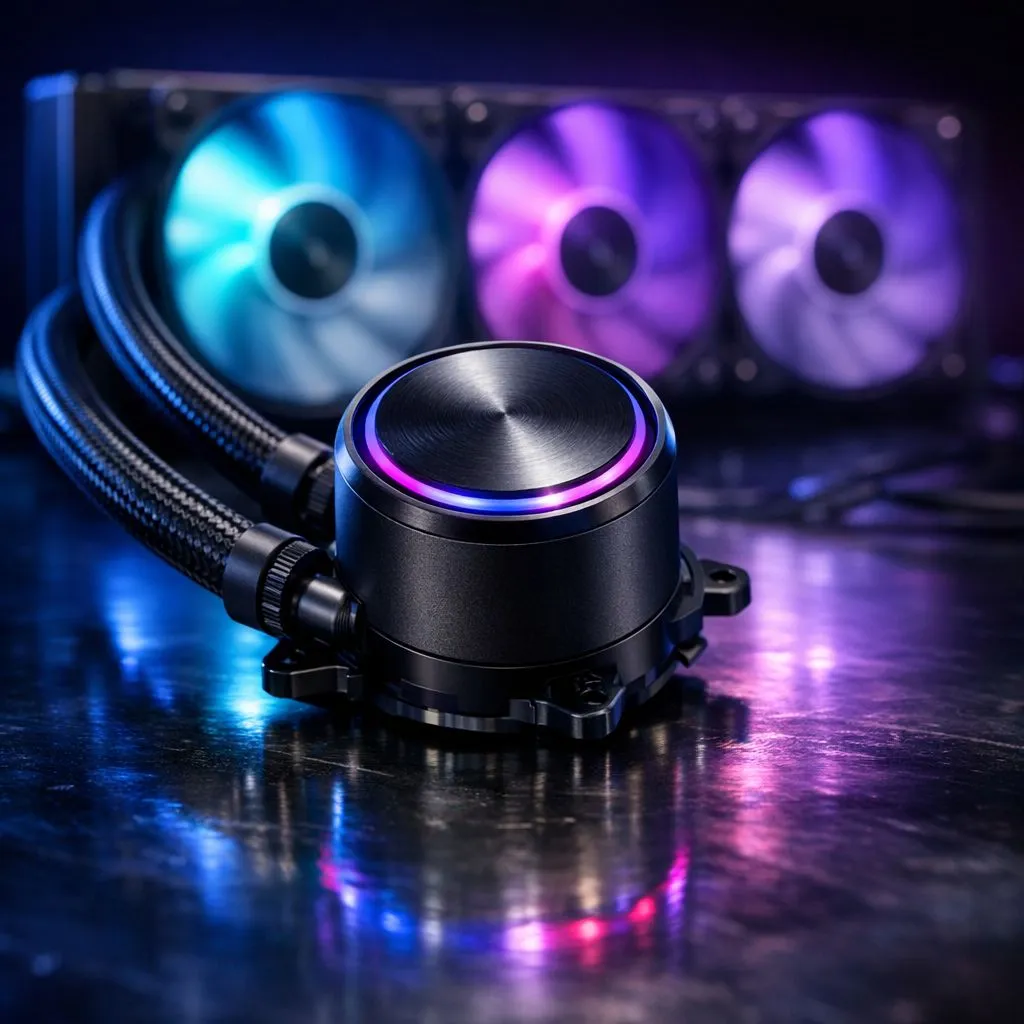
Why Pump Noise on Closed-Loop Liquid Coolers Can Ruin Your Gaming Flow 🚀
Nothing grinds a South African gamer’s gears faster than hearing an annoying pump noise in the middle of intense gameplay. Closed-loop liquid coolers promise silent, efficient cooling but pump noise can spoil the experience. Whether your rig hums or whines, it’s distracting and takes you out of the zone. Luckily, reducing pump noise on closed-loop liquid coolers is doable with a few expert tweaks and insights.
Understanding Closed-Loop Liquid Cooler Pump Noise
Pump noise comes from the vibration and speed of the coolant pump inside the sealed loop. Unlike air coolers, liquid coolers rely on a pump to move the fluid and dissipate heat efficiently. If your cooler is loud, it could be due to:
- Incorrect pump RPM settings
- Improper mounting adding strain or vibration
- Air bubbles trapped in the loop
- Low-quality pump or worn bearings
Choosing from quality options like the latest Corsair liquid coolers or Deepcool AIOs can make a real difference in noise control, so your money works harder for a quieter setup.
Optimal Pump Settings for Quieter Performance ⚡
Most closed-loop coolers allow you to control pump speed through your motherboard BIOS or dedicated software. Running the pump at maximum RPM isn’t always necessary and increases noise. Try this approach:
- Set pump speed to a more moderate RPM (usually 35–50%)
- Monitor CPU temps to ensure cooling stays effective under load
- Adjust fan curves in tandem with pump RPM for balanced airflow and noise
Hardware enthusiasts swear by using the 240mm radiator liquid coolers for smooth cooling with less pump stress. These help maintain optimal fluid flow with less power and sound.
Pro Tip for Noise Reduction
Lower your pump speed slightly and pair it with fan speed optimisation… you can get quieter performance without sacrificing your CPU’s thermals.
Installation Tips to Reduce Pump Noise
How you mount your closed-loop cooler can hugely impact pump vibrations:
- Use quality thermal paste and tighten screws evenly—not too tight, not too loose
- Ensure the backplate and mounting hardware sit flush on your CPU socket
- Avoid kinking or twisting the tubes—this causes strain and pocket noise
- Fill and bleed the cooler properly to remove trapped air bubbles that create gurgling sounds
If you want the absolute quietest rig, consider a larger size like the 360mm radiator liquid coolers. Larger radiators allow better heat dissipation at lower pump speeds.
Picking Your Next Quiet Liquid Cooler 🔧
If noise is a dealbreaker—Evetech's range offers a variety of AIO liquid coolers tailored for efficiency and silent operation. Browse our full CPU cooler selection to compare specs and find one matching your noise tolerance and cooling needs.
Ready to cut down on pump noise and enjoy immersive gaming? Check out the liquid cooler (AIO) range for units engineered to run quietly even under heavy loads.
Upgrade Your Cooling, Silently Don't let pump noise steal your focus—Shop now at Evetech for closed-loop liquid coolers that deliver powerful cooling with whisper-quiet performance.











