

You’ve just wrapped up a marathon gaming session. The victory screen fades, but the fuzzy headache and dry, scratchy feeling behind your eyes are just getting started. Sound familiar? For many South African gamers, digital eye strain is the unofficial final boss of every playthrough. But what if the secret to beating it isn't just about taking breaks, but about the screen you're staring at? The connection between your monitor's refresh rate for eye strain is one of the most critical factors.
Understanding Refresh Rate and Its Impact on Eye Strain
So, what exactly is a refresh rate? Measured in Hertz (Hz), it’s simply how many times your monitor updates the image on screen every second. A standard 60Hz monitor redraws the picture 60 times per second. A 144Hz gaming monitor does it 144 times.
Why does this matter for your eyes? A lower refresh rate can produce almost invisible flicker and motion blur, especially in fast-paced games. Your eyes and brain work overtime to process this choppy information, constantly refocusing to make sense of the movement. This extra workload is a direct cause of fatigue, headaches, and that all-too-familiar gritty feeling. Improving your monitor's refresh rate for eye strain is about giving your eyes a smoother, more natural image to follow, reducing the subconscious effort needed to track targets or enjoy cinematic scenes. It's a fundamental upgrade across all types of PC monitors.
The Sweet Spot: Finding the Best Refresh Rate to Reduce Eye Strain
For years, 60Hz was the standard. It’s… fine. But for gaming, it’s like driving a car with slightly square wheels. You’ll get there, but it won’t be a comfortable ride. The leap to 120Hz or 144Hz is where you feel the real difference. Suddenly, motion is liquid-smooth. Panning your view in Apex Legends or scrolling through a webpage becomes effortless for your eyes to track.
Is there a perfect number? For most gamers, 144Hz to 165Hz is the sweet spot, offering a massive improvement in comfort and performance without the premium price of 240Hz+ panels. This higher refresh rate for eye strain reduction means the on-screen action moves more like it would in the real world, demanding less corrective work from your eye muscles. It’s a core feature you'll find in most modern specialised gaming monitors for this very reason.
Don't Forget to Activate It! ⚡
Buying a 144Hz monitor is only half the battle. By default, Windows often sets it to 60Hz. Right-click your desktop, go to 'Display settings', scroll down to 'Advanced display', and choose the highest available refresh rate from the dropdown menu. You have to tell your PC to use the power you paid for!
It's Not Just About Hertz: Other Specs That Help Your Eyes
A high refresh rate is a huge piece of the puzzle, but it works best as part of a team. When looking for a monitor that’s kind to your eyes, keep these features in mind:
- Flicker-Free Technology: Many budget monitors use a technique called Pulse Width Modulation (PWM) to control brightness, which is essentially high-speed flickering. Flicker-Free screens use DC Dimming, providing consistent brightness that significantly reduces eye fatigue.
- Low Blue Light Mode: Blue light can interfere with sleep patterns and cause strain. Most gaming monitors now include adjustable modes to filter out blue light, making those late-night sessions much more comfortable. 👀
- Resolution and Clarity: A blurry or pixelated image forces you to squint. Stepping up to one of the crisp 4K monitors available today means text and in-game details are razor-sharp, allowing your eyes to relax.
- Curvature and Panel Type: Technologies like IPS panels offer better colour accuracy, reducing visual strain. Furthermore, many gamers find that curved monitors help by keeping the entire screen at a more uniform distance from their eyes. You can even find these eye-care features in even portable monitors for a comfortable on-the-go setup.
Your Quick Checklist for Eye-Friendly Gaming Sessions
Upgrading your hardware is the best long-term solution, but good habits can provide immediate relief. Combine a great monitor with these simple practices for the ultimate eye-safe setup:
- Follow the 20-20-20 Rule: Every 20 minutes, look at something 20 feet (about 6 metres) away for at least 20 seconds. It helps your eye muscles relax.
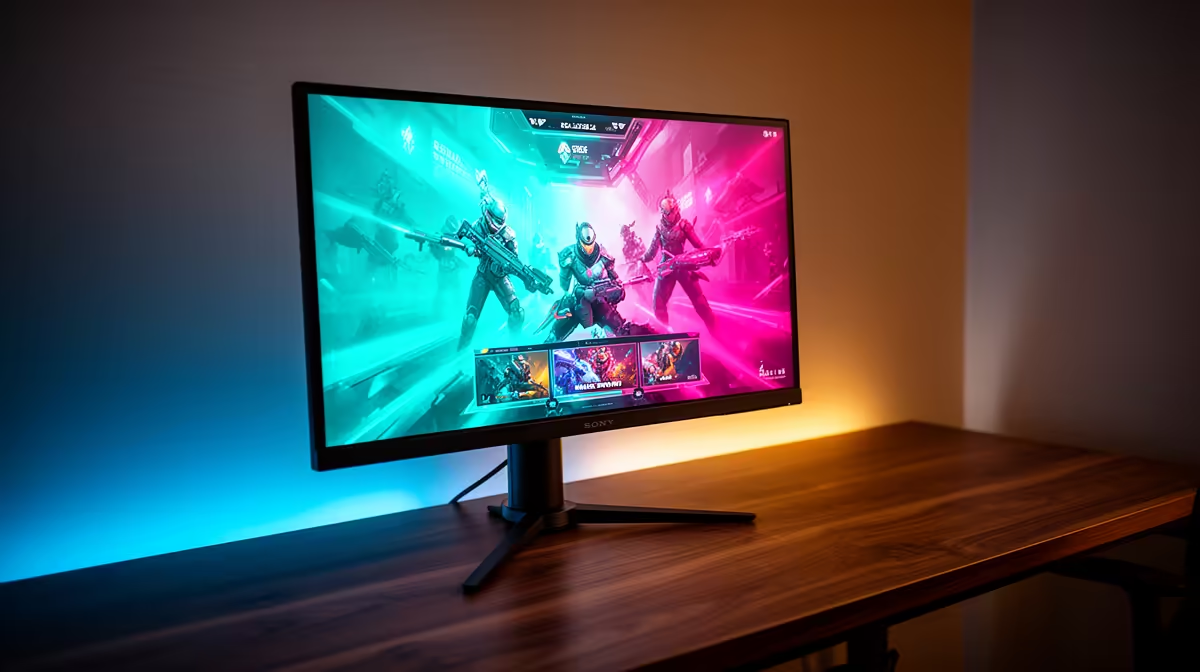
- Optimise Your Room Lighting: Avoid gaming in a completely dark room. A soft, ambient light behind your monitor (known as bias lighting) can dramatically reduce the harsh contrast and subsequent eye strain.
- Position Your Monitor Correctly: The top of your screen should be at or slightly below eye level, and about an arm's length away. This prevents you from straining your neck and eyes. 👍
- Remember to Blink! When we focus intently on a screen, our blink rate can drop by more than half, leading to dry eyes. Make a conscious effort to blink fully and often.
If you've tried these tips and still feel the fatigue, your monitor might be the bottleneck. It could be the perfect time to check out the latest monitor deals and invest in your comfort.
Ready for a Strain-Free Gaming Experience? A high refresh rate monitor isn't just a competitive edge; it's an investment in your comfort and eye health. Stop letting screen fatigue cut your sessions short. Explore our incredible range of high-refresh-rate gaming monitors and find the perfect display for your eyes.











