

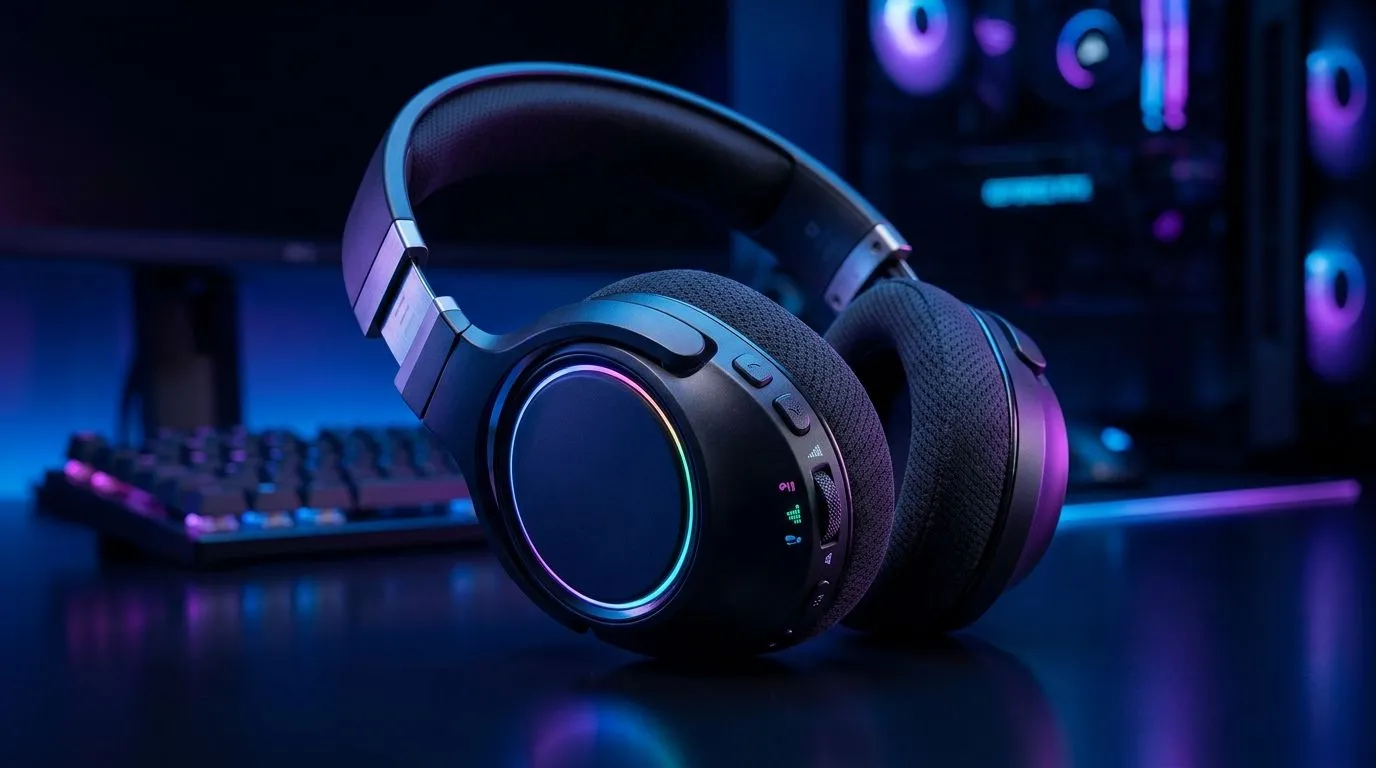
Remappable Controls: Faster In-Game Reactions Guide for South African gamers
Ever feel like your aim is fine… but your fingers are late? In competitive shooters, that tiny delay can decide a round. On PC and console, remappable controls help you match the way you play. You can move jump to a comfortable button, reduce wrist strain, and tighten your reaction window. 🔧
In this guide, you’ll learn how to set up remappable controls for faster in-game reactions, with practical steps and real-world SA-friendly gear considerations.
Remappable Controls: Faster In-Game Reactions Guide starts with the right mapping
The goal is simple: reduce travel distance and keep your most-used actions on the most accessible inputs. Start with these priorities:
- Movement (WASD or stick) stays stable.
- Aim + fire are protected from accidental presses.
- Critical reactions (jump, crouch, reload, grenade) should sit where your hand already rests.
If you play with a keyboard, consider remapping crouch and jump to keys that don’t force you to leave WASD. For controller, map jump/crouch to the paddles or buttons you can press without changing grip. ⚡
Build a “reaction map” in 10 minutes
Pick one game and list the actions you do under pressure:
- Sprint or dodge
- Jump or mantle
- Reload
- Grenade
- Melee or interact
Now test two layouts for 30 minutes each. Don’t overthink it. The best scheme is the one you can repeat under stress.
Productivity Pro Tip 🔧
On Windows, use the PowerToys FancyZones utility to create custom snap layouts for your windows. It's a lifesaver for managing multiple apps on an ultrawide monitor, letting you organise your timeline, preview window, and asset folders perfectly for video editing. "
Remappable Controls: Faster In-Game Reactions Guide plus your setup (audio matters)
Fast reactions aren’t only about buttons. If sound cues are delayed or unclear, your timing suffers. A solid headset helps you hear footsteps and reload timing more consistently.
If you want a wireless option, consider the Razer Barracuda X Chroma in Phantom White from Evetech. Check the deal page for local pricing in ZAR: See the Razer Barracuda X Chroma Wireless Headset (Phantom White) deal here
Prefer wired or a more focused range selection? Browse Evetech’s headset lineup and pick something that fits your budget and comfort needs: Explore Razer headphones and headsets on Evetech Or view the broader category: Shop all headphone headsets on Evetech
Micro-story: why I changed jump first
I once remapped jump last. Big mistake. I kept missing timing because my hand had to travel farther. When I moved jump to a nearer key, my “panic presses” reduced immediately… and my movement stopped feeling clunky. The best fix was the one that matched my hand position.
Remappable Controls: Faster In-Game Reactions Guide checklist before you queue
Before you play seriously, do this quick QA:
- Test in a training range for 10 minutes.
- Confirm no conflicting binds (reload vs interact, jump vs melee).
- Use a consistent reset/confirm muscle memory.
- Turn off “hold to” for actions you need instantly, unless the game rewards it.
- Save multiple profiles if the game supports it (ranked vs practice). 🚀
If you’re struggling, tweak one thing at a time. Faster reactions come from consistency, not a perfect layout on day one.
Ready to Find Your Perfect Match? The Mac vs Windows debate is complex, but for maximum power, choice, and value in South Africa, Windows is hard to beat. Explore our massive range of laptop specials and find the perfect machine to conquer your world.











