

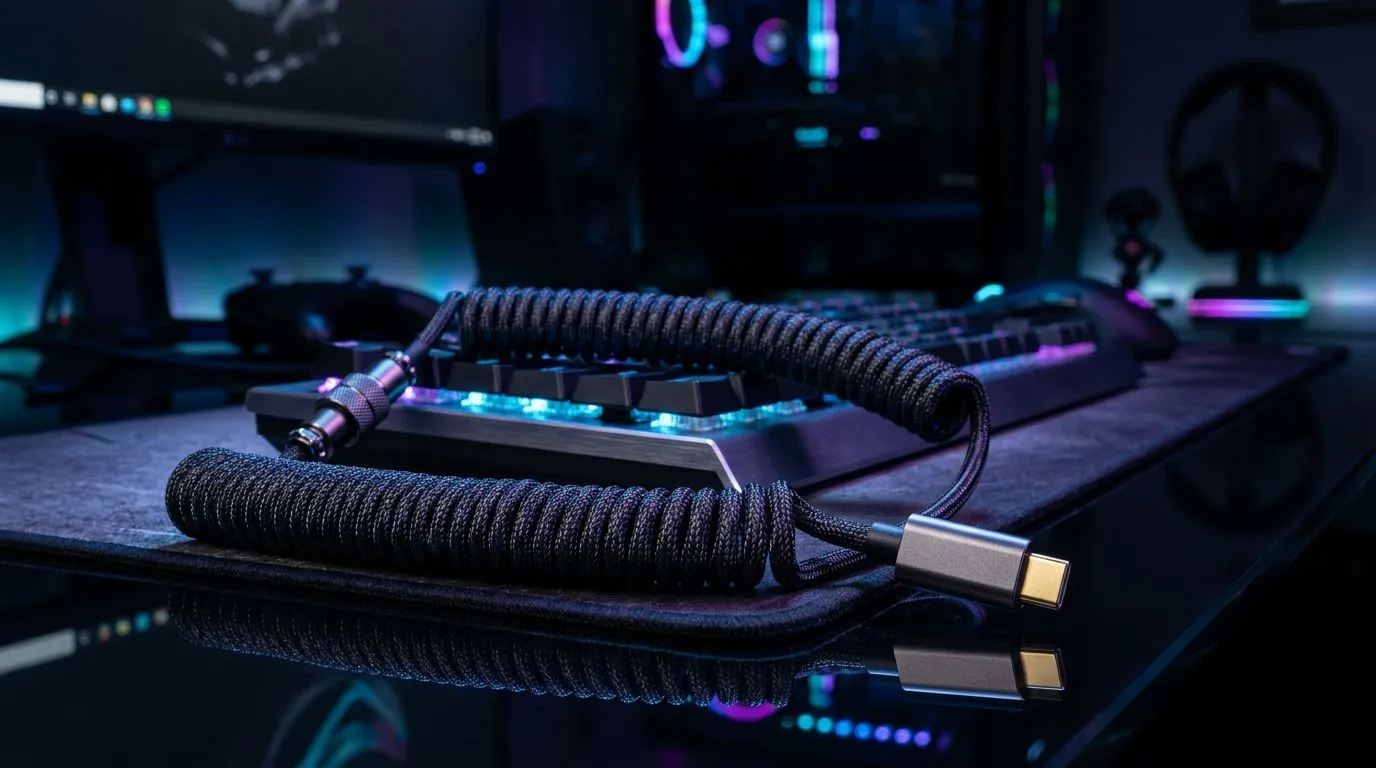
Removable USB-C Coiled Cables for Gaming Keyboards: the tidy upgrade your desk has been begging for 🔧
If your keyboard cable is forever snagging on your chair, desk mat, or headphone stand… you’re not alone. South African gamers love clean setups, especially when you’re streaming, editing, or gaming on a tight desk. A Removable USB-C Coiled Cables for Gaming Keyboards setup can solve two common problems at once: less clutter, and fewer cable “yanks” when you adjust your rig.
Let’s break down what to look for, how coiled cables behave in real use, and which combos are worth your money in ZAR. 🚀
Why coiled USB-C cables matter for gaming keyboards (and not just aesthetics) ✨
A coiled cable keeps tension under control. Instead of a long straight run that drags across your desk, it “gives” with movement. That means:
- Less strain on the keyboard’s USB-C port
- A more predictable cable length during quick repositioning
- A cleaner look (big win for streamers and LAN nights)
And because the cables are removable, you can replace only the cable if it gets damaged, rather than swapping the whole keyboard. That’s smart value, especially when you’re building around a favourite board.
Important note: product availability and exact spec can vary by model. For buying options, it helps to browse the categories below and match your keyboard connection type.
What to check before you buy removable coiled USB-C cables ⚡
Before you add a cable to your setup, confirm these points:
1) Compatibility with your keyboard’s connection
Most modern boards use USB-C for removable cables, but not all. Check whether your keyboard is wired over USB (typical) and uses USB-C on the keyboard end.
2) Connection type: Wired vs Wireless ecosystems
Even if you’re thinking about USB-C specifically, your keyboard and dongle setup matters. Wired USB keyboards generally rely on the cable directly for data and power. Wireless boards rely on a dongle or Bluetooth for data.
If you’re shopping in a broad “keyboard” space, filter by connectivity so you don’t waste money.
3) Cable length and coil behaviour
A coiled cable’s usable stretch is usually shorter than it looks. If you have a deep desk or a tall monitor arm, you’ll want enough reach without pulling.
4) Build quality where it counts
Look for strain relief (reinforced ends) so the cable doesn’t fail at the connector. That’s where damage usually happens.
Smart buying: pair your keyboard with the right cable ecosystem (South Africa) ✅
If you’re upgrading your keyboard setup, consider building in a “matched system” mindset. That means choosing a keyboard you love first, then buying accessories that fit your connectivity needs.
Start with keyboard deals and selections from Evetech, then narrow based on your connectivity preference:
- Wired keyboard options worth browsing: find wired keyboard choices here
- Wireless keyboard options worth browsing: explore wireless keyboard choices here
- If you want to keep your shopping simple, check this curated keyboard deal page
And if you’re also thinking about desk setup cohesion, a combo can be easier to plan around than piecemeal upgrades:
- Consider a matched keyboard-and-mouse route: buy a keyboard and mouse combo here
- Or use this general keyboard list as a baseline, then filter further: see the cheapest keyboard picks here
Productivity Pro Tip for a cleaner gaming desk 🔧
Productivity Pro Tip ⚡
On Windows, use the PowerToys FancyZones utility to create custom snap layouts for your windows. It's a lifesaver for managing multiple apps on an ultrawide monitor, letting you organise your timeline, preview window, and asset folders perfectly for video editing.
A coiled cable helps your physical clutter… but your digital layout matters too. Less chaos in both places means you actually enjoy your setup when matches get intense.
Removable USB-C Coiled Cables for Gaming Keyboards: installation & day-to-day care 🚀
Here’s the practical part… so you don’t get surprised after the purchase:
Installation checklist
- Power off your PC (optional, but helps avoid rare connection glitches).
- Plug the coiled USB-C cable into the keyboard first.
- Connect to your PC via a USB port you trust (preferably a stable front or rear port).
- Test in a game and in a text field to confirm reliable input.
Day-to-day care
- Avoid twisting the coil aggressively. A coil should flex, not twist.
- Don’t yank the cable. If your keyboard position changes often, move the keyboard, not the cable.
- If the cable gets scuffed, inspect the strain relief points. Early damage is easier to prevent than to fix.
Quick decision guide: when coiled removable cables are worth it ✨
Choose removable coiled USB-C cables if you:
- Want a cleaner desk (and a calmer cable).
- Reposition your keyboard often.
- Hate when long cables catch on anything.
Skip the upgrade for now if your keyboard already has a short, tidy cable and you rarely move your setup. In that case, you might get more value by putting your budget into a keyboard upgrade instead.
Ready to Find Your Perfect Match?
Ready to Find Your Perfect Match? The Mac vs Windows debate is complex, but for maximum power, choice, and value in South Africa, Windows is hard to beat. Explore our massive range of laptop specials and find the perfect machine to conquer your world.











