

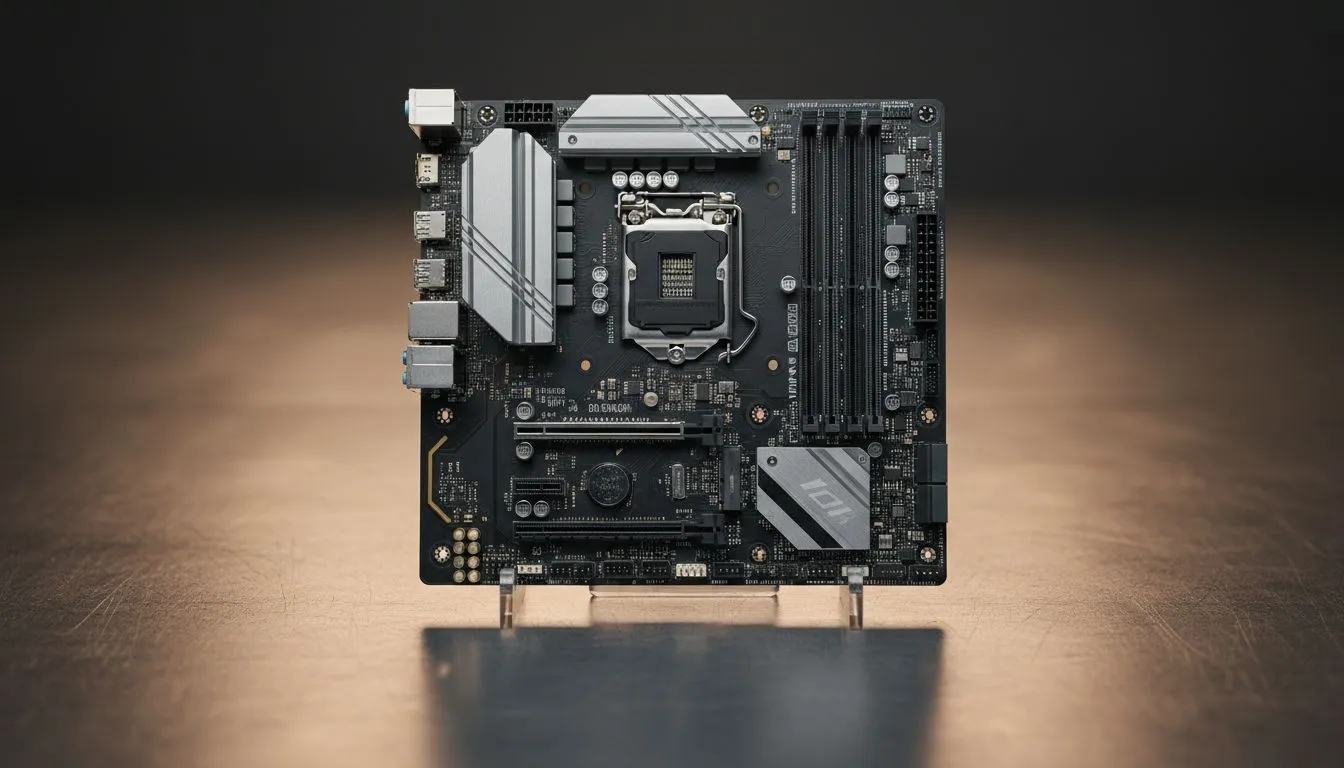
What a reverse connection motherboard actually is
Reverse Connection Motherboard is a layout choice where the I/O and expansion slots are flipped, putting motherboard ports on the opposite side of the case. South African builders and gamers notice the difference in airflow, GPU orientation and cable routing almost immediately. If you build custom rigs in Cape Town or Joburg, this layout can improve GPU thermals and make display outputs easier to reach without contorting cables 🚀.
Why builders care about a reverse connection motherboard
A reversed layout changes where fans and radiators sit relative to the GPU. That matters for high-TDP cards and overclocking. Instead of guessing, check case compatibility: many modern enclosures support reverse-mounted motherboards. For example, browse Evetech's selection of computer cases to see which designs favour unconventional layouts and better side-panel accessibility. These case pages list mount configurations and internal space guidelines.
Practical benefits and trade-offs for gamers
Flip the board and you can:
- Improve direct front-to-back airflow across the GPU.
- Reduce cable clutter along the GPU bracket, making side-panel viewing cleaner.
- Mount custom loops or AIO rads with fewer hose bends.
Trade-offs include motherboard I/O alignment with case cutouts and potentially longer display cable runs. Always verify rear-I/O alignment with the case manufacturer or product listing. If you prefer minimalist looks, check models from Fractal Design on Evetech — many of their cases accommodate unconventional layouts and prioritise airflow ✨.
Choosing the right case and components
Not every chassis supports reverse motherboard mounting. Some compact gaming cases do; others don’t. For more aggressive aesthetics and RGB-ready front panels, explore Gamdias gaming cases on Evetech — they often expose alternative mounting options that suit reversed boards. If you're on a budget but want that reversed-panel look, Gamdias’ filtered range under R1500 can offer lightweight, stylistic options without breaking the bank.
Productivity Pro Tip ⚡
On Windows, use the PowerToys FancyZones utility to create custom snap layouts for your windows. It's a lifesaver for managing multiple apps on an ultrawide monitor, letting you organise your timeline, preview window, and asset folders perfectly for video editing.
How to plan a reverse-mount build — step by step
- Pick a case with explicit support for reverse motherboard or removable I/O shields. Evetech's case listings often state supported motherboard orientations.
- Confirm GPU bracket and riser compatibility. Many reversed builds use a PCIe riser cable; pick a quality, shielded cable.
- Plan airflow: intake, exhaust and where radiators mount. Reversed layout may favour front-to-back exhaust to pull air across long GPUs.
- Test-fit components before cable-tying. Small adjustments early save hours later.
Final thoughts for South African builders
Reversed boards are not a gimmick; they’re a design choice that can solve cooling and cable-routing headaches for high-performance rigs. If you’re shopping local, compare case specs carefully and visualise port orientation before buying. Need inspiration? Browse Fractal Design PC cases for premium, airflow-first chassis and check Gamdias ranges for budget and mid-tier style options across Evetech.
Ready to Find Your Perfect Match? The Mac vs Windows debate is complex, but for maximum power, choice, and value in South Africa, Windows is hard to beat. Explore our massive range of laptop specials and find the perfect machine to conquer your world.











