

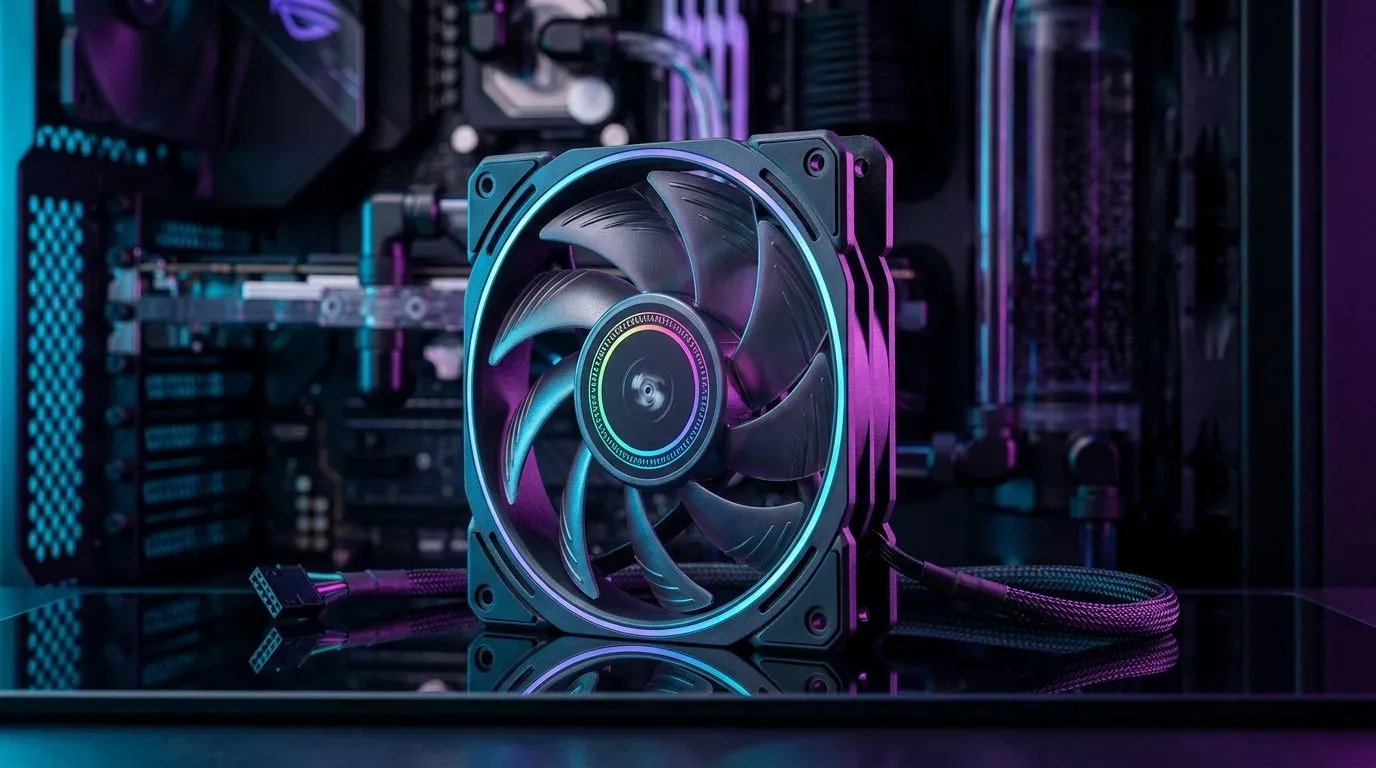
Reversible Blade ARGB Fans: a smart option for compact PCs? (and why)
If you’re building a compact PC in South Africa, space is king. You want strong airflow, quiet operation, and lighting that doesn’t look like a Christmas tree disaster… but you also need flexibility because cases vary. Reversible blade ARGB fans promise exactly that: the same fan can push air in one direction now, then pull it later when you reconfigure your build. 🔧
So, reversible blade ARGB fans: are they worth it for compact PCs? Let’s break it down like you’re tuning a co-op rig before raid night… practical, not hype.
What reversible blade ARGB fans actually do (in plain terms)
Reversible blade fans use a fan design that allows the blades to rotate in a way that supports changing airflow direction. Instead of buying a “push” fan now and a “pull” fan later, you can run the same fan setup both ways during upgrades or case layout changes.
For compact PCs, this helps because:
- You often have fewer mounting points, so airflow design must be exact.
- You may swap hardware later (bigger GPU, AIO relocation, different PSU shroud).
- You’re likely working around tight cable runs and radiator clearance.
The ARGB part? RGB (including ARGB) is usually about lighting control rather than cooling performance. The practical win is visual consistency across your build. If your goal is “clean and coordinated,” ARGB can help, as long as you set it up properly in your system.
Fan selection matters more than the blades alone
Even the best reversible design can’t fix poor intake/exhaust balance. In a compact case, one wrong fan orientation can trap warm air around the GPU.
Build-Intake Check 🔧
a compact PC, aim for a simple airflow rule: keep at least one clear front or bottom intake, and one dedicated exhaust path (rear or top). If you’re unsure, run a quick test with the side panel on, then swap fan direction and compare GPU temps in the same game session.
Are reversible blade ARGB fans worth it for compact PCs? (real-world decision guide)
Here’s a quick “should you buy” checklist for South African builders:
Yes, they’re worth it if you…
- Expect to reconfigure your build (common with mATX and smaller cases)
- Want easier fan planning when you’re not 100% sure about airflow paths yet
- Are pairing fans with RGB lighting across multiple spots and prefer a consistent look
- Are upgrading over time, not building once and forgetting
Think twice if you…
- Hate tinkering… because you’ll likely keep adjusting fan layouts while you dial in thermals
- Need the quietest possible setup, since any fan at higher RPM will still sound like a fan
- Are already confident in your push-pull layout and don’t plan to change it
Ultimately, reversible blade ARGB fans are a convenience and adaptability play. Cooling performance still depends on airflow path, fan size, RPM capability, and whether your filters are clean.
Fan sizes and RGB options for tight builds
Compact cases usually mean you’ll choose 120mm or 140mm mounts more often. Larger fans can move air with lower noise, but only if your case supports them.
If you’re shopping around, here are Evetech’s fan categories to help you narrow your options:
- Browse a wide selection of case fans here: Evetech case fans
- Want a specific brand vibe? Compare models from CORSAIR fans
- Prefer Deepcool’s approach to cooling and value? Check Deepcool fans
- If you want lighting, filter for RGB lighting effects
- Or keep it understated with fans that focus on cooling, not colour: No lighting effects
- Built for 120mm mounts? Search 120mm fans
- Need more breathing room? Look at 140mm fans
Pricing reality check: what “worth it” means in ZAR
In South Africa, “worth it” usually comes down to total cost of the build. A reversible fan can reduce the need to buy separate fan types later. That can be meaningful when you’re deciding between upgrades like a better GPU, faster SSD, or additional case cooling.
A smart approach is to choose:
- The right fan size for your case
- A lighting setup you’ll actually enjoy daily
- A layout you can test and tweak in one evening
Quick setup workflow for compact airflow (so you don’t guess) ✨
- Install fans with your best guess airflow (intake in front/bottom, exhaust at rear/top).
- Clean dust filters (compact cases trap dust faster).
- Boot into a stress test or play a demanding match for 10 to 15 minutes.
- Check GPU hotspot and system temps (use the same scenario each time).
- Flip fan direction on one spot and repeat.
This turns “should I buy reversible fans?” into “I measured it”… and that’s the best kind of decision.
Ready to Find Your Perfect Match? The Mac vs Windows debate is complex, but for maximum power, choice, and value in South Africa, Windows is hard to beat. Explore our massive range of laptop specials and find the perfect machine to conquer your world.











