

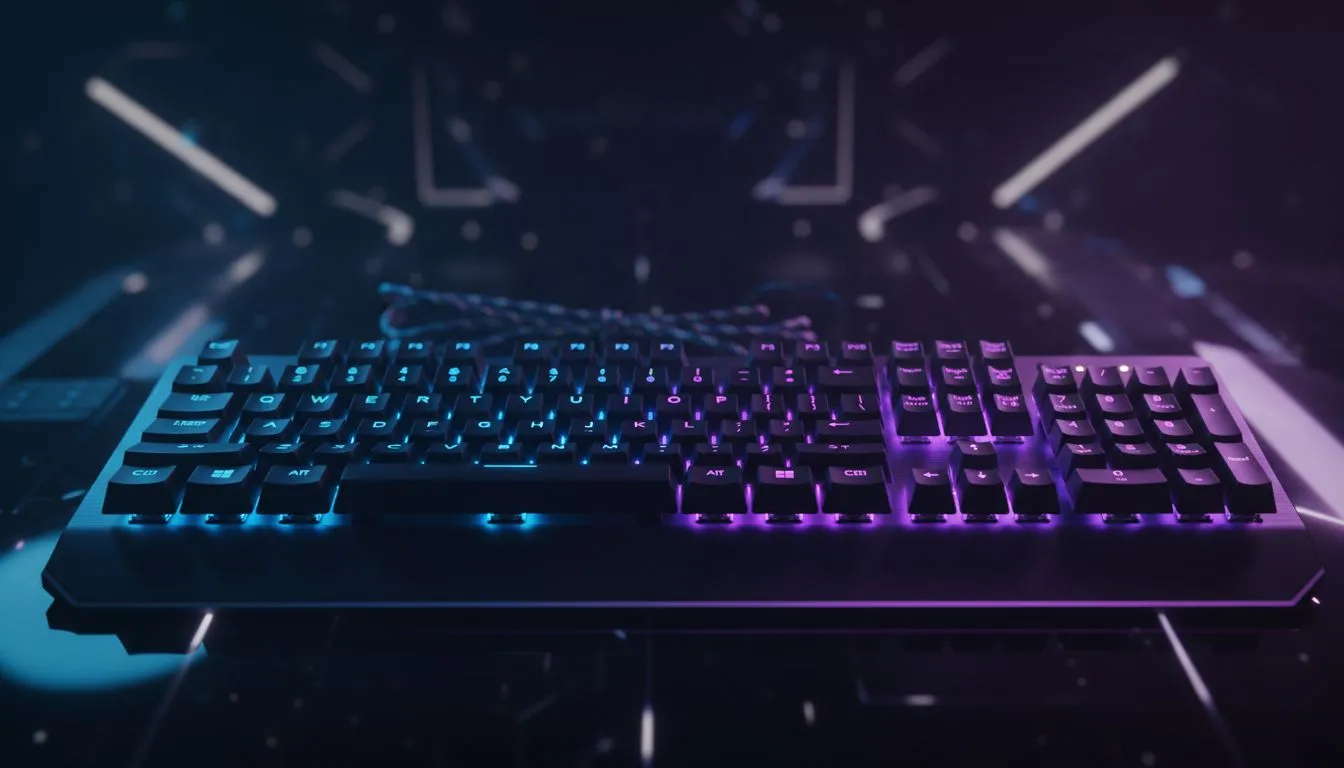
It's 2 AM in Jozi. You’ve just clutched a final-circle win, but your eyes feel like you’ve been staring into the sun. That epic RGB keyboard, pulsing with the colours of the cosmos, might be the culprit. The good news? You don’t have to switch off the glow to save your sight. Understanding and managing RGB backlighting eye strain is key to conquering late-night gaming fatigue without sacrificing your rig’s aesthetic. ✨
Understanding RGB Backlighting and Eye Strain
So, why does your keyboard’s beautiful light show sometimes feel like a visual assault? It’s not just in your head. The primary cause of RGB backlighting eye strain comes down to a few key factors:
- High Contrast: In a dark room, the intense light from your keys against the dark backdrop forces your pupils to constantly adjust. This repeated muscle work is tiring for your eyes.
- Blue Light: The vibrant blues, purples, and cool whites in many RGB profiles contain high-energy blue light, which studies suggest can disrupt sleep patterns and contribute to digital eye strain.
- Brightness Overload: Cranking your RGB to 100% brightness is the fastest way to induce fatigue. It’s like having dozens of tiny, colourful torches pointed directly at your face.
Tackling this issue isn't about ditching your gear; it's about optimising it for comfort.
Smart Fixes to Reduce Late-Night Gaming Fatigue
Ready to reclaim your late-night sessions? These practical tips will help you dial in your settings to significantly reduce eye strain from your RGB backlighting.
### Dial Down the Brightness
This is the single most effective change you can make. Most gaming peripheral software (like Corsair's iCUE or Razer's Synapse) has a simple brightness slider. In a dimly lit room, you rarely need more than 20-30% brightness for the effect to look amazing. Lowering it reduces the harsh contrast, giving your eyes a much-needed break. If you're looking to upgrade, you can find some of the best gaming keyboard deals right here in SA with advanced software controls.
### Choose Warmer Colours for Your Palette 🎨
Not all colours are created equal. To combat eye fatigue, lean into a warmer colour palette for your late-night profile.
- Best Bets: Reds, deep oranges, and warm yellows are much gentler on the eyes than intense blues, cyans, or bright whites.
- Try This: Create a "Night Mode" profile with a static, dim red or a slow-breathing orange effect. The difference in comfort is immediate.
Sometimes, a full peripheral refresh with one of our keyboard and mouse combos can make a world of difference, ensuring your entire setup is synchronised for comfort.
Pro Tip: Automate Your Comfort 💡
Use your keyboard's software to link profiles to specific games or even the time of day. You can set up a vibrant, bright profile for daytime use that automatically switches to a warm, dim "Night Owl" profile when you launch your favourite game after 8 PM. It's a set-and-forget solution for reducing eye strain.
### Ditch the Disco: Static vs. Animated Effects
Rapidly flashing or strobing rainbow effects might look cool on a stream, but they are murder on your eyes. The constant motion and colour shifting force your eyes into overdrive.
For long sessions, switch to a static colour or a very slow-breathing or colour-cycle effect. This provides the aesthetic vibe you want without the visual distraction and fatigue. This simple change can be a massive help in preventing RGB backlighting eye strain.
Your Gear and Your Environment Matter 🔧
Finally, consider your hardware and your room's lighting. A keyboard with per-key RGB allows for granular control, letting you light up only the WASD keys, for example. The gold standard for competitive play remains reliable wired keyboards due to their zero-latency connection, while modern clutter-free wireless models offer incredible freedom for a clean desk setup.
Also, try to have some form of soft, ambient light in the room (a lamp or monitor light bar). This reduces the overall contrast between your screen, your keyboard, and your surroundings, creating a much more comfortable viewing environment. If your current keyboard lacks the customisation to implement these tips, it might be time for an upgrade.
Ready to Find Your Perfect Match? Don't let eye strain cut your gaming sessions short. A modern keyboard with granular software control is the best defence against late-night fatigue. Browse our full range of gaming keyboards in South Africa and find the perfect gear to play longer and more comfortably.











