

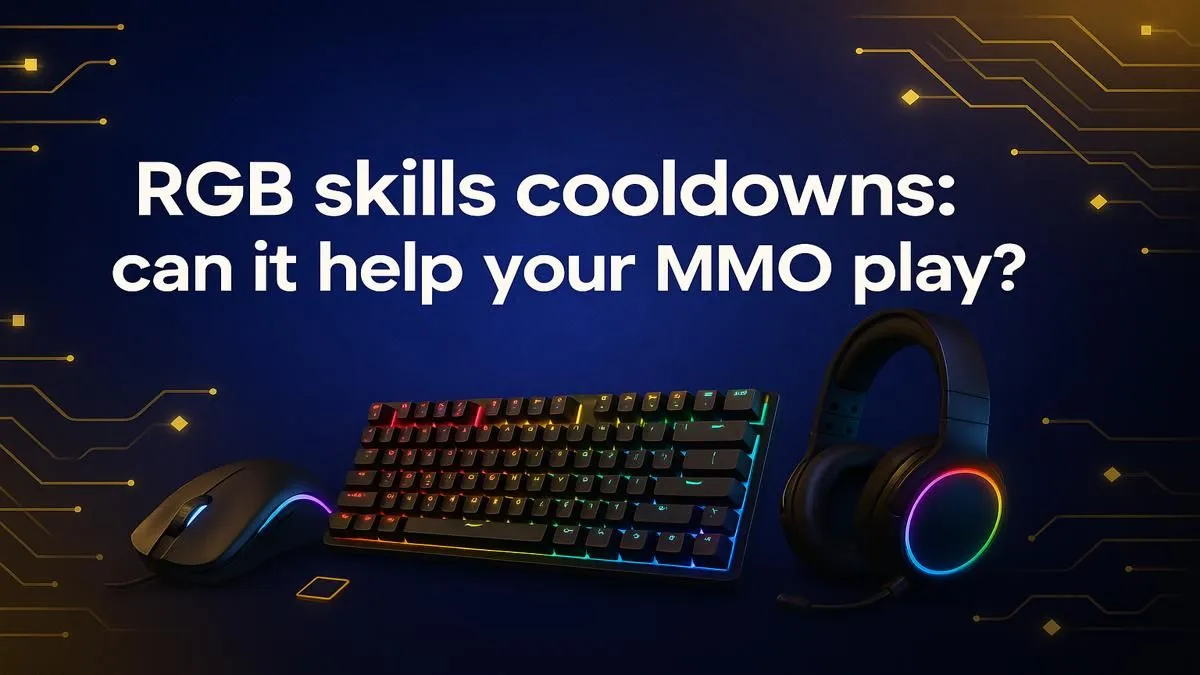
You’re in the final phase of a brutal raid. The boss is at 5%. Your healer yells for a defensive cooldown, but in the chaos of flashing spell effects and frantic key presses, you fumble. Wipe. Sound familiar? That vibrant glow from your keyboard is more than just a pretty light show. Smart RGB keyboard customization is a powerful tool that can sharpen your reaction times, clean up your rotations, and give you a genuine competitive edge in MMOs.
Beyond Aesthetics: How RGB Customization Boosts Gameplay
Think of your keyboard’s lighting not as decoration, but as data. Your brain processes colour much faster than it reads text. By assigning specific colours to key groups, you offload the mental work of finding the right key, allowing you to focus purely on the game. This is where strategic RGB keyboard customization transforms from a cosmetic feature into a functional performance enhancer.
It’s about building muscle memory reinforced by visual cues. Is your interrupt key always glowing cyan? You’ll hit it instinctively without ever looking down. This simple trick can be the difference between a successful boss kill and a frustrating repair bill.
Practical RGB Setups for MMO Dominance ⚔️
Getting started is easier than you think. Most gaming keyboard software allows you to create profiles that automatically activate when you launch a specific game. Here’s a simple, effective layout to try.
Colour-Code Your Cooldowns
Group your abilities by function and assign a unique colour to each. This creates an instant visual map of your available tools.
- Main DPS Rotation: Bright White or Gold
- Major Offensive Cooldowns: Aggressive Red
- Defensive & Survival Skills: Calming Blue or Green
- Crowd Control & Interrupts: Urgent Purple or Cyan
Of course, a fast reaction on the keyboard needs to be paired with an equally responsive click. A quality wired gaming mouse ensures zero-latency input when every millisecond counts.
Pro Tip: Use Ripple Effects
Set your keys to send out a colour ripple on press. This provides instant visual feedback that your command was registered, which is incredibly satisfying and useful for confirming you’ve hit a crucial long-cooldown ability.
Creating a Unified, Distraction-Free Battlestation
While optimising your keyboard is a great first step, a truly immersive setup is about harmony. Mismatched, flashing peripherals can be more distracting than helpful. Syncing the lighting across your entire desk—keyboard, mouse, and even headset—creates a cohesive and focused gaming environment. 🚀
The freedom of a top-tier wireless mouse can also declutter your desk, removing physical and visual noise so you can focus on the screen. Don't forget the foundation of precision, either; the right mouse accessories, like a large mousepad, provide the smooth surface needed for flawless tracking. Ultimately, every part of your setup, from the keyboard to the individual gaming mouse components, works together to give you the upper hand.
Complete Your Command Centre Your keyboard is primed for victory, so don't let a slow mouse hold you back. Check out the best gaming mouse deals in South Africa and ensure your entire arsenal is ready for the next raid.











